Port Scan Response: Containment, Recovery, and Prevention Steps
Port scans often trigger automated defenses that alert attackers to your detection capabilities, forcing you to change your response strategy before containment.
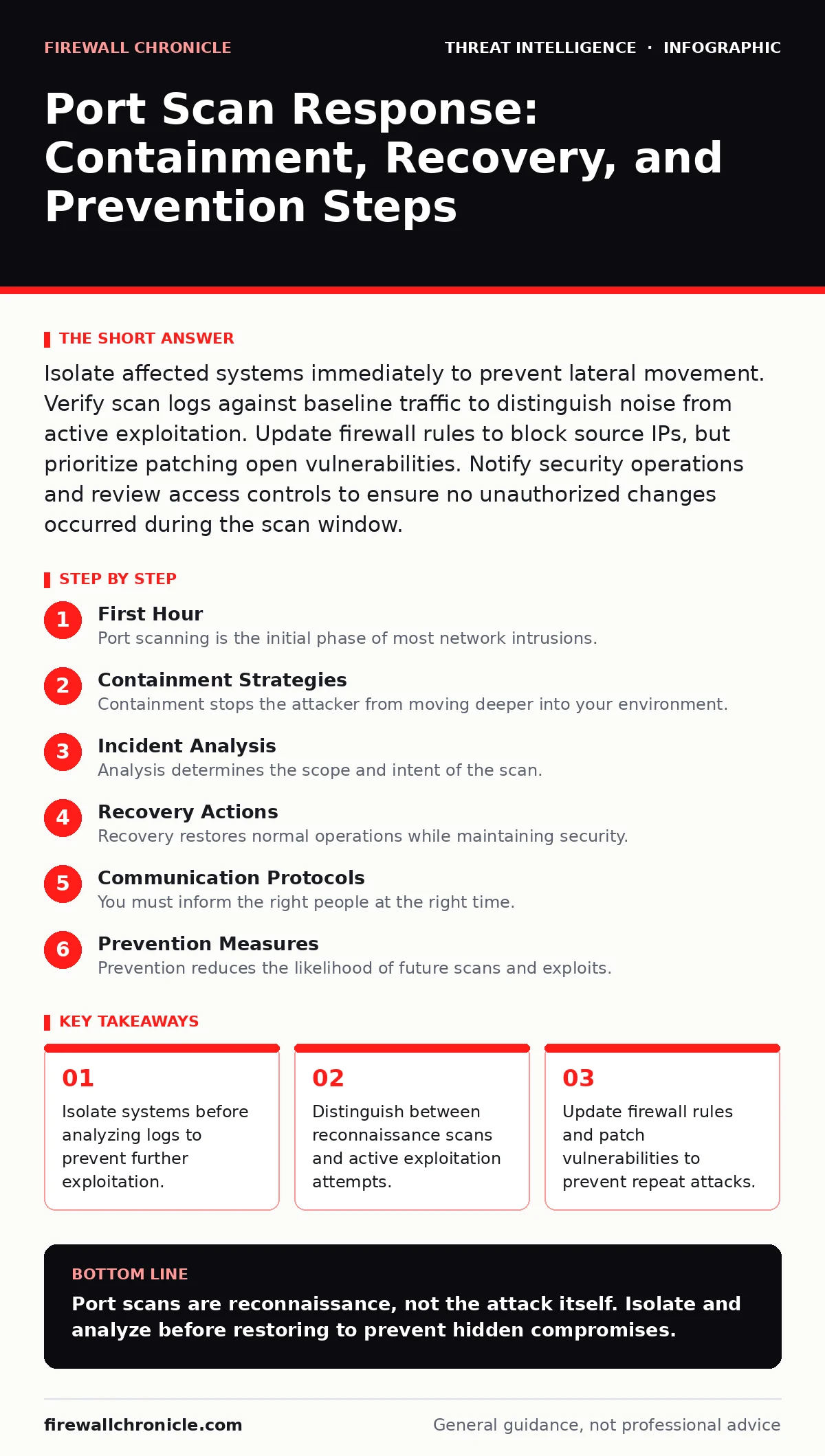
Isolate affected systems immediately to prevent lateral movement. Verify scan logs against baseline traffic to distinguish noise from active exploitation. Update firewall rules to block source IPs, but prioritize patching open vulnerabilities. Notify security operations and review access controls to ensure no unauthorized changes occurred during the scan window.
First Hour
Port scanning is the initial phase of most network intrusions. Attackers map your external and internal interfaces to find open ports and running services. You must assume the scan is a precursor to exploitation. The first hour determines whether the attacker gains a foothold or bounces off your defenses. Speed matters more than depth in this phase.
- Isolate any system that shows signs of active exploitation, not just scanning.
- Capture current network traffic for forensic analysis before altering configurations.
- Verify that your intrusion detection systems are logging all scan attempts.
- Disable any external-facing services that are not strictly necessary for business operations.
- Check for unauthorized changes to firewall rules or access control lists.
Containment Strategies
Containment stops the attacker from moving deeper into your environment. Port scans often reveal services running with default credentials or known vulnerabilities. If the scanner finds an open port, the next step is usually exploitation. You must treat every open port as a potential entry point until proven otherwise.
Lateral movement becomes possible once an attacker compromises a single host. They use the scanned information to pivot to other systems. Segment your network to limit this spread. Place critical assets in isolated zones with strict access controls. Monitor traffic between segments for unusual patterns that indicate pivoting.
Imagine an attacker scans your web server and finds an outdated application. They exploit it and gain access to the internal database. If your network is flat, they can reach every other system. Segmentation prevents this by creating barriers that require additional credentials to cross. This adds friction to the attack path.
Incident Analysis
Analysis determines the scope and intent of the scan. Not all scans are malicious. Some are accidental or part of legitimate maintenance. You must distinguish between noise and threat. Review your log management systems to identify the source IPs and the ports targeted.
Cross-reference the scan data with your asset inventory. Unknown devices responding to scans are high-risk. They may be rogue systems or compromised hosts. Check for services running on unexpected ports. Attackers often change default ports to evade detection. This technique is called port hopping.
SIEM tools aggregate logs from multiple sources. Use them to correlate scan events with other security alerts. Look for patterns that indicate automated scanning tools. These tools often leave specific signatures in the packet headers. Identifying these signatures helps you tune your detection rules for future incidents.
Recovery Actions
Recovery restores normal operations while maintaining security. You cannot simply revert to the pre-incident state. The attacker may have left backdoors or modified configurations. You must verify the integrity of all affected systems before bringing them back online.
Patch any vulnerabilities that the scan exposed. Update service versions to the latest stable releases. Disable unnecessary services to reduce the attack surface. Review firewall rules to ensure they block the source IPs of the scan. Do not rely on blocking alone. Attackers can rotate through new IPs.
Change credentials for any service that was exposed. This includes administrative accounts and service accounts. Rotate API keys and certificates. Ensure that multi-factor authentication is enabled for all remote access methods. This prevents attackers from using stolen credentials to regain access.
Communication Protocols
You must inform the right people at the right time. Delayed communication can lead to regulatory penalties and reputational damage. Notify your security operations team immediately. They coordinate the technical response and monitor for further activity.
Inform management about the incident and the potential impact. They need to make decisions about resource allocation and public communication. Prepare a brief report for legal and compliance teams. They assess regulatory obligations and liability.
Threat intelligence reports can provide context for the attack. They may reveal if the scan is part of a broader campaign. Use this information to adjust your defenses. Share relevant indicators of compromise with industry partners. This helps the broader community defend against similar threats.
See also: VPN Gateway and ADC Vulnerabilities: The Hidden Risks in Network Perimeters · Difference Between ARP Spoofing and ARP Poisoning Explained
Prevention Measures
Prevention reduces the likelihood of future scans and exploits. Implement network segmentation to limit the blast radius. Use host-based firewalls to control traffic at the endpoint. Configure services to listen only on required interfaces. This reduces the visibility of your services to external scanners.
Regularly scan your own network. Identify open ports and misconfigurations before attackers do. Automate this process with scheduled tasks. Integrate scan results with your security metrics. Track trends over time to measure the effectiveness of your controls.
STIX and TAXII standards allow you to share threat data with other organizations. Subscribe to feeds that provide indicators of compromise. Use this data to update your firewall rules and intrusion detection signatures. Proactive defense requires constant adaptation to new threats.
Long-Term Resilience
Resilience ensures your organization can withstand and recover from attacks. Build a culture of security awareness. Train employees to recognize suspicious activity. Encourage reporting of potential incidents without fear of blame. This improves detection times and reduces impact.
Review your security architecture regularly. Identify single points of failure and address them. Implement zero-trust principles. Verify every request as if it originates from an untrusted network. This minimizes the risk of lateral movement and privilege escalation.
Golden ticket attacks rely on compromised domain controllers. Protect these critical assets with additional layers of security. Monitor for unusual authentication patterns. Detect and respond to anomalies quickly. Resilience is not a product. It is a process of continuous improvement.
Key takeaways
- Isolate systems before analyzing logs to prevent further exploitation.
- Distinguish between reconnaissance scans and active exploitation attempts.
- Update firewall rules and patch vulnerabilities to prevent repeat attacks.
Port scans are reconnaissance, not the attack itself. Isolate and analyze before restoring to prevent hidden compromises.
Frequently asked questions
How do I know if a port scan led to a breach?
Check for successful login attempts on scanned ports. Look for unusual outbound traffic or new processes. Verify file integrity on critical systems.
Should I block all scanning traffic at the firewall?
Blocking all scans is difficult due to IP rotation. Focus on blocking known malicious IPs. Use rate limiting to slow down aggressive scanners.
What is the difference between a scan and an exploit?
A scan maps open ports and services. An exploit attempts to gain unauthorized access using vulnerabilities in those services. Scans are passive; exploits are active.
How often should I scan my own network?
Scan your network regularly, ideally weekly or after major changes. Automate the process to ensure consistency. Integrate results with your security operations.
How this guide was produced: written by the Firewall Chronicle editorial team with AI assistance, checked against the public references listed below, and reviewed when the facts change. See our editorial policy or report an error.