
Detect Lateral Movement: Log Signals, Blind Spots and Detection Logic
Most lateral movement hides in plain sight within legitimate administrative tools, making behavioral context more valuable than simple alert volume for security teams.
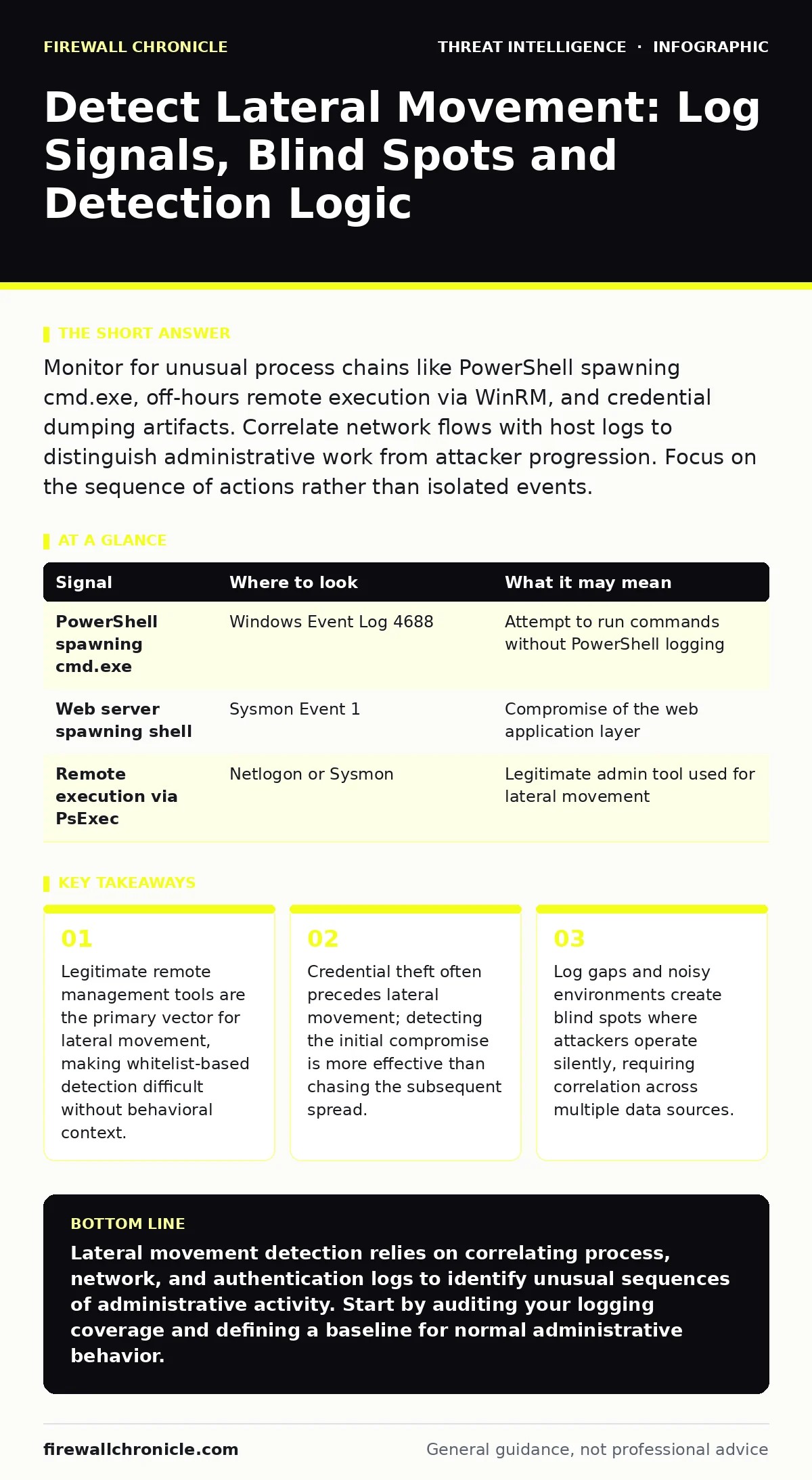
Monitor for unusual process chains like PowerShell spawning cmd.exe, off-hours remote execution via WinRM, and credential dumping artifacts. Correlate network flows with host logs to distinguish administrative work from attacker progression. Focus on the sequence of actions rather than isolated events.
The Anatomy of Lateral Movement
Lateral movement occurs when an attacker moves from one compromised system to another within a network. The goal is to access high-value targets or establish persistence. Attackers rarely jump randomly. They follow paths of least resistance, often targeting systems with higher privileges or sensitive data.
You must understand that lateral movement is not a single event. It is a sequence of actions. The attacker gains initial access, steals credentials, enumerates the network, and then uses those credentials to authenticate to other systems. Each step leaves traces, but those traces often look like normal administrative activity.
Process Execution Chains
The first place to look is in process creation logs. Attackers often use living-off-the-land binaries, which are legitimate system tools repurposed for malicious activity. These tools are signed by Microsoft, so they bypass many signature-based detections.
Look for unusual parent-child process relationships. For example, a web server process spawning a command shell is highly suspicious. Similarly, PowerShell starting a command prompt or vice versa can indicate an attempt to execute commands without leaving a clear audit trail.
| Signal | Where to look | What it may mean |
|---|---|---|
| PowerShell spawning cmd.exe | Windows Event Log 4688 | Attempt to run commands without PowerShell logging |
| Web server spawning shell | Sysmon Event 1 | Compromise of the web application layer |
| Remote execution via PsExec | Netlogon or Sysmon | Legitimate admin tool used for lateral movement |
Remote Protocol Abuse
Attackers use remote management protocols to move between systems. Windows Remote Management (WinRM) and Server Message Block (SMB) are common targets. These protocols are necessary for system administration, so blocking them is not an option.
You must monitor for unusual usage patterns. For instance, WinRM connections from non-administrative workstations to domain controllers are rare. Similarly, SMB connections to the admin share from unexpected source IPs can indicate lateral movement.
Correlate these network connections with authentication logs. If a user account authenticates to multiple systems in a short period, especially across different subnets, it may indicate automated lateral movement.
Credential Theft and Replay
Before moving laterally, attackers often steal credentials. This allows them to bypass multi-factor authentication if they can replay tokens or if the target system does not require MFA.
Look for signs of credential dumping. Tools like Mimikatz read memory to extract plaintext passwords or hashes. This activity often triggers security software, but not always.
Check for the use of Pass-the-Hash or Pass-the-Ticket attacks. These techniques allow attackers to authenticate using stolen hashes or Kerberos tickets without knowing the plaintext password. This bypasses password complexity requirements.
Network Enumeration
Attackers need to know where to go next. They perform network enumeration to map out the environment. This involves scanning for open ports, identifying services, and discovering user accounts.
Look for spikes in DNS queries. Attackers often query internal domain names to identify systems. Similarly, ARP scans can reveal active hosts on a local network segment.
Network flow data can show this activity. A single host communicating with many other hosts on common administrative ports is a strong indicator of enumeration.
See also: Threat Intelligence for Small Teams: Practical Application · Open-Source Intelligence Benefits and Trade-Offs
Common Blind Spots
Many detection efforts fail because of blind spots. These are areas where logging is incomplete, noisy, or ignored.
One major blind spot is encrypted traffic. If you do not decrypt and inspect TLS traffic, you cannot see the content of remote management sessions. However, decryption raises privacy concerns and requires careful policy management.
Another blind spot is cloud environments. Traditional on-premises logging tools may not capture activity in cloud instances. You must ensure your log management strategy covers hybrid environments.
Integrating Detection Logic
Effective detection requires correlating data from multiple sources. A single log entry is rarely enough to confirm lateral movement. You need to see the sequence.
Start with an anomaly in process execution. Then check for corresponding network connections. Finally, verify if authentication events match the timeline. This multi-layered approach reduces false positives.
Use breach and attack simulation tools to test your detection logic. These tools simulate real attacker behavior, allowing you to verify that your sensors and rules are working as expected.
Practical Next Steps
Begin by auditing your logging configuration. Ensure that process creation, network connections, and authentication events are being captured on all critical systems.
Next, define your baseline for normal administrative activity. This allows you to identify deviations. Document which systems should talk to which other systems and on which ports.
Finally, integrate your data sources. Centralize logs in a security information and event management system. This allows you to search and correlate events across the entire environment.
Refer to guides on Windows event log monitoring and log management to ensure your data collection is robust. Understanding attacker reconnaissance and network enumeration helps you anticipate where the evidence will appear.
Key takeaways
- Legitimate remote management tools are the primary vector for lateral movement, making whitelist-based detection difficult without behavioral context.
- Credential theft often precedes lateral movement; detecting the initial compromise is more effective than chasing the subsequent spread.
- Log gaps and noisy environments create blind spots where attackers operate silently, requiring correlation across multiple data sources.
Lateral movement detection relies on correlating process, network, and authentication logs to identify unusual sequences of administrative activity. Start by auditing your logging coverage and defining a baseline for normal administrative behavior.
Frequently asked questions
How do I distinguish between an admin and an attacker using PsExec?
Focus on the user context and timing. Admins usually run these tools during business hours from known management stations. Attackers often run them from compromised user accounts or at unusual times.
Can I detect lateral movement without EDR?
Yes, but it is harder. You must rely heavily on Windows Event Logs, Sysmon, and network flow data. Correlation becomes manual and slower without endpoint telemetry.
What is the role of AS-REP roasting in lateral movement?
AS-REP roasting is a technique to obtain credentials for accounts that do not require Kerberos pre-authentication. It is often used in the initial compromise phase to obtain hashes for lateral movement.
Does MFA stop lateral movement?
MFA stops password-based lateral movement but not ticket-based or hash-based attacks. If an attacker steals a Kerberos ticket or hash, MFA does not protect the subsequent authentication.
How this guide was produced: written by the Firewall Chronicle editorial team with AI assistance, checked against the public references listed below, and reviewed when the facts change. See our editorial policy or report an error.