
The 3-2-1 Backup Rule: Mechanics, Limits, and Hidden Failure Points
The 3-2-1 rule prevents data loss by enforcing geographic and media diversity, but it fails completely if the verification step is skipped during the restoration process.
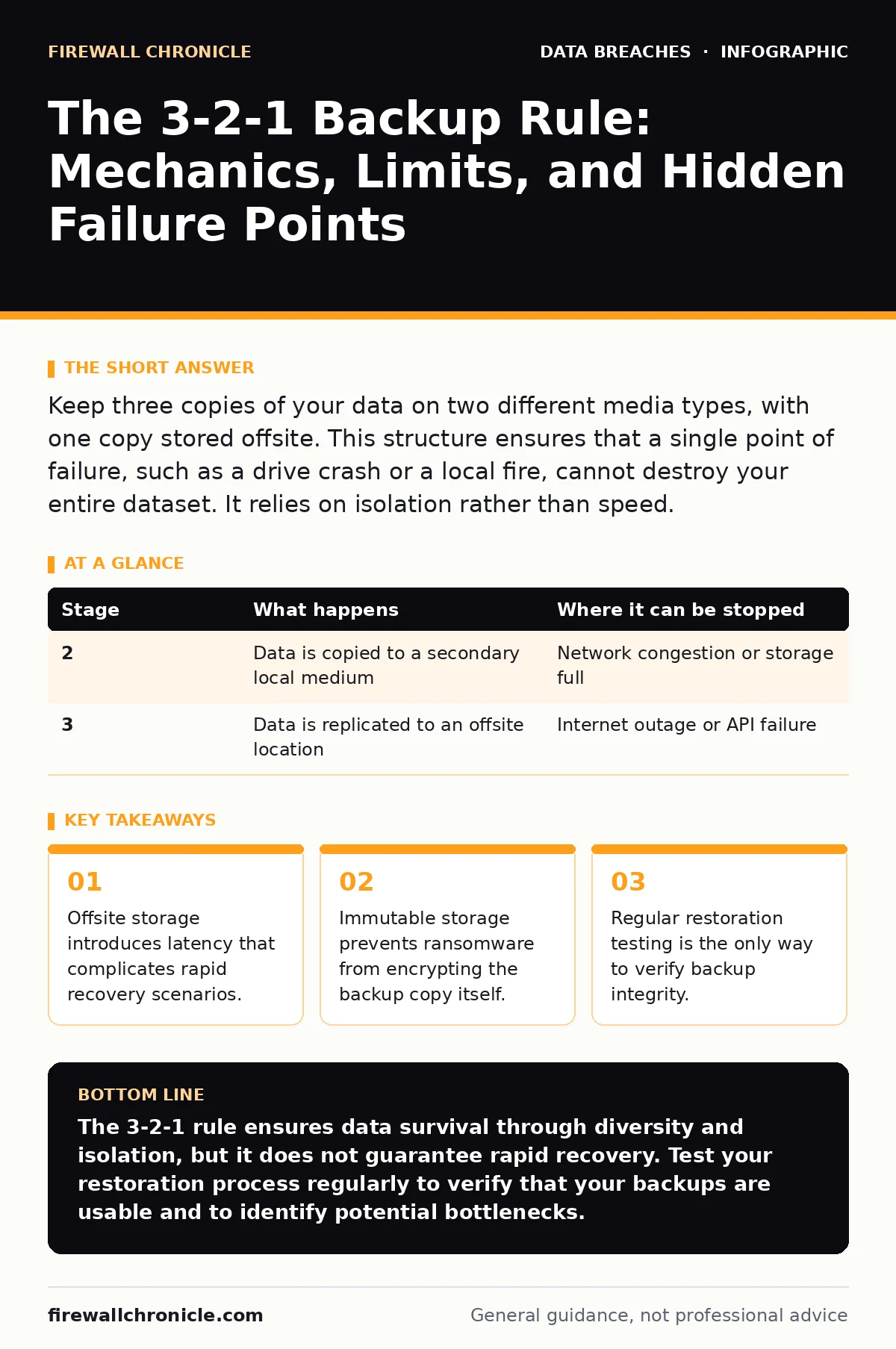
Keep three copies of your data on two different media types, with one copy stored offsite. This structure ensures that a single point of failure, such as a drive crash or a local fire, cannot destroy your entire dataset. It relies on isolation rather than speed.
The Architecture of Redundancy
Data loss rarely happens in isolation. A single hardware failure is manageable, but a combination of software corruption, hardware degradation, and physical damage creates a perfect storm. The 3-2-1 backup rule is not a software solution; it is an architectural constraint. It forces you to distribute risk across different vectors.
You must maintain three total copies of your data. One is the primary working copy. The other two are backups. This ensures that if one copy is lost or corrupted, two remain. It also allows for comparison during recovery.
You must store these copies on two different types of media. Hard drives, solid-state drives, and tape all have different failure modes. If a firmware bug affects one type of drive, the other type remains safe. This diversity prevents correlated failures.
One copy must be offsite. This means physically separated from the primary environment. A fire, flood, or theft can destroy everything in a single location. Offsite storage ensures that local disasters do not result in total data loss.
Stage 1: Primary Data Creation
The first stage involves the creation of the primary dataset. This is the active data used by applications and users. It resides on the primary storage medium, often a high-performance drive or network-attached storage.
This data is volatile. It changes constantly. Every write operation introduces a small risk of corruption. You must assume that the primary copy is already compromised or will be soon.
The goal here is not protection but availability. The primary system must be fast and responsive. You sacrifice durability for speed. This trade-off is inherent in the design.
Stage 2: Local Backup Execution
The second stage creates the first backup copy. This copy resides on a different medium than the primary. For example, if the primary data is on a solid-state drive, the backup might go to a mechanical hard drive or tape.
This separation is critical. Different media have different failure characteristics. A controller failure on one type of drive does not affect the other. This prevents a single hardware defect from wiping both copies.
The backup process must be automated. Manual backups are inconsistent. Automation ensures that the backup occurs at regular intervals, regardless of user activity. It also reduces the human error factor.
Stage 3: Offsite Replication
The third stage moves one copy of the data to an offsite location. This could be a physical drive taken to a safe deposit box or a cloud storage bucket in a different region.
The key here is air-gapping or logical separation. The offsite copy must not be continuously connected to the primary network. If it is connected, ransomware can encrypt it before you notice the attack.
Cloud storage is convenient but requires careful configuration. You must ensure that the cloud provider offers immutable storage options. This prevents the deletion or modification of the backup data for a set period.
| Stage | What happens | Where it can be stopped |
|---|---|---|
| 2 | Data is copied to a secondary local medium | Network congestion or storage full |
| 3 | Data is replicated to an offsite location | Internet outage or API failure |
The Hidden Cost of Availability
The 3-2-1 rule prioritizes durability over availability. When your primary system fails, you cannot simply switch to the backup. You must restore the data. This process takes time.
The offsite copy is the slowest to retrieve. If you are using cloud storage, the bandwidth limits of your internet connection will dictate the recovery time. A terabyte of data may take days to download.
You must define your recovery point objective and recovery time objective. These metrics determine how much data you can afford to lose and how long your systems can be down. The 3-2-1 rule does not optimize for speed; it optimizes for survival.
Imagine a scenario where your primary database is corrupted. You initiate a restore from the local backup. The restore fails due to a hidden corruption in the backup file. You then attempt to restore from the offsite copy. The download speed is limited by your internet connection. Your business is down for hours.
See also: Encrypting Data at Rest for Small Teams: Practical Steps · Data Encryption in Transit: Protecting Moving Information
Limits of the Rule
The 3-2-1 rule does not protect against logical errors. If you accidentally delete a file and that deletion is synced to the backup, the file is gone. You need versioning to protect against this.
It also does not protect against insider threats. If a malicious employee has access to both the primary and backup systems, they can destroy both. Role-based access control is necessary to limit who can modify or delete backups.
The rule assumes that the backup media is reliable. However, backup media can degrade over time. Tape can rot. Hard drives can develop bad sectors. You must test your backups regularly to ensure they are readable.
Integration with Security Controls
Backups are part of a broader security strategy. You must integrate them with other controls to ensure comprehensive protection. File integrity monitoring can detect changes to backup files, alerting you to potential tampering.
Identity theft is a risk if backup credentials are compromised. Use strong, unique passwords and multi-factor authentication for backup accounts. Vendor risk management is also important if you use cloud backup providers.
Customer breach notification letters may be required if a backup contains personal data that is exposed. You must classify your data and apply appropriate encryption to backups. Email encryption can protect data in transit if you are sending backups over email, though this is generally not recommended.
| Stage | What happens | Where it can be stopped |
|---|---|---|
| 4 | Backup integrity is verified | Corrupted checksum or missing files |
| 5 | Access controls are applied | Misconfigured permissions |
The Verification Imperative
The most critical step in the 3-2-1 rule is verification. A backup that cannot be restored is useless. You must regularly test the restoration process.
This involves restoring data to a test environment and verifying its integrity. It also involves checking the performance of the restore process. You need to know how long it takes to recover.
Without verification, you are assuming that your backups work. This is a dangerous assumption. Hardware failures, software updates, and configuration changes can all break the backup process.
Conclusion of the Architecture
The 3-2-1 backup rule is a foundational principle of data protection. It provides a baseline level of resilience against common failure modes. However, it is not a silver bullet.
You must adapt it to your specific needs. Consider the volume of your data, the speed of your internet connection, and the criticality of your applications. You may need additional copies or more frequent backups.
Remember that backups are only as good as your ability to restore them. Regular testing is the only way to ensure that your data is safe. Do not rely on the 3-2-1 rule alone; integrate it with other security controls.
Final Thoughts on Data Resilience
Data loss is inevitable. The question is how quickly you can recover. The 3-2-1 rule gives you the tools to survive a disaster. But you must use them correctly.
Printed document leaks are a different issue, but they highlight the importance of data classification. Not all data needs the same level of protection. Focus your efforts on the most critical assets.
Employee data breaches can occur if backup systems are not properly secured. Ensure that only authorized personnel have access to backup data. This reduces the risk of insider threats.
Key takeaways
- Offsite storage introduces latency that complicates rapid recovery scenarios.
- Immutable storage prevents ransomware from encrypting the backup copy itself.
- Regular restoration testing is the only way to verify backup integrity.
The 3-2-1 rule ensures data survival through diversity and isolation, but it does not guarantee rapid recovery. Test your restoration process regularly to verify that your backups are usable and to identify potential bottlenecks.
Frequently asked questions
Does the 3-2-1 rule protect against ransomware?
It provides protection if the offsite copy is immutable and air-gapped. If the backup is continuously connected to the network, ransomware can encrypt it.
How often should I test my backups?
You should test them regularly, ideally after any significant change to the system or backup configuration. Monthly testing is a common baseline.
Can I use cloud storage for the offsite copy?
Yes, but you must ensure that the cloud provider offers immutable storage and that the data is encrypted in transit and at rest.
What is the difference between a backup and a snapshot?
A snapshot is a point-in-time copy of a system, often stored on the same hardware. A backup is a separate copy stored on different media, providing better isolation.
How this guide was produced: written by the Firewall Chronicle editorial team with AI assistance, checked against the public references listed below, and reviewed when the facts change. See our editorial policy or report an error.