
Encrypting Data at Rest for Small Teams: Practical Steps
Encryption at rest transforms readable files into unreadable blocks, ensuring that stolen hardware or leaked backups remain useless to attackers without the cryptographic keys.
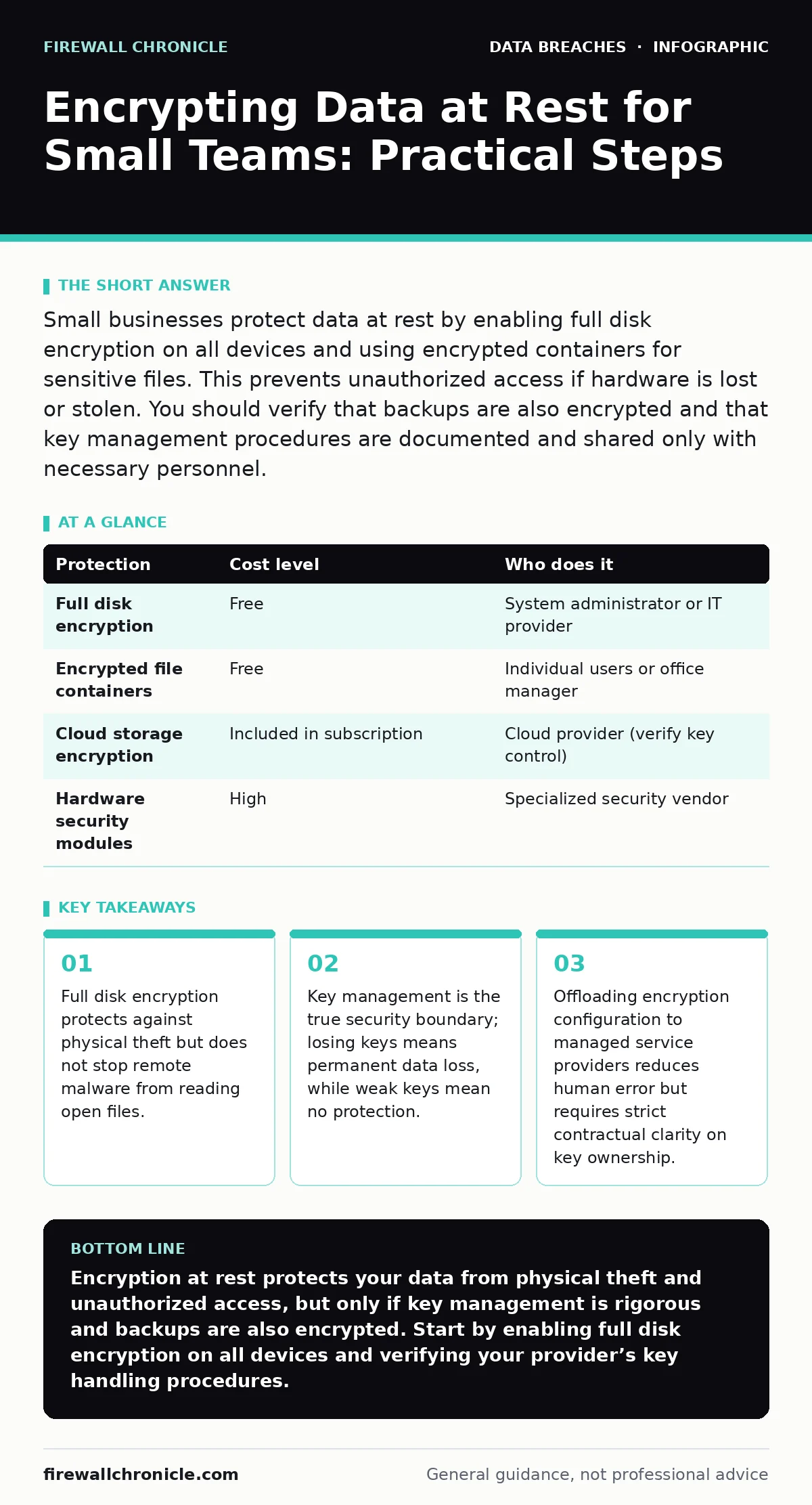
Small businesses protect data at rest by enabling full disk encryption on all devices and using encrypted containers for sensitive files. This prevents unauthorized access if hardware is lost or stolen. You should verify that backups are also encrypted and that key management procedures are documented and shared only with necessary personnel.
Why Encryption at Rest Matters for Small Teams
Small organizations often assume that low visibility makes them safe from targeted attacks. This assumption fails when physical security is breached. Encryption at rest scrambles data on storage media so that it cannot be read without a decryption key. It protects against theft, loss, and unauthorized physical access. It does not protect against insider threats who have legitimate access, nor does it stop malware that runs on an active system.
The primary value lies in defense in depth. If your perimeter defenses fail, encryption ensures that the data itself remains secure. For small teams, this means that a single lost device does not become a catastrophic data breach. You must treat encryption as a baseline requirement, not an optional enhancement. It transforms a physical security incident into a manageable IT ticket rather than a legal nightmare.
Affordable Implementation Strategies
You do not need expensive hardware appliances to implement strong encryption. Modern operating systems include built-in tools that use industry-standard algorithms. Windows BitLocker and Apple FileVault provide full disk encryption at no additional cost. Linux systems use LUKS for similar protection. These tools encrypt the entire drive, including swap files and hibernation data.
For files that need to move between systems, use encrypted container formats. TrueCrypt was discontinued, so use VeraCrypt, which is open source and widely audited. This allows you to create a virtual disk that sits inside a regular file. You mount this container with a password, and it appears as a normal drive. When you unmount it, the data is scrambled again. This method works well for sensitive documents that are not accessed frequently.
Cloud storage providers often encrypt data at rest by default. Verify this in their documentation. You must ensure that you control the encryption keys, or at least that the provider has a strong key management policy. Shared responsibility models mean you are liable for misconfigurations, even if the provider handles the underlying infrastructure.
| Protection | Cost level | Who does it |
|---|---|---|
| Full disk encryption | Free | System administrator or IT provider |
| Encrypted file containers | Free | Individual users or office manager |
| Cloud storage encryption | Included in subscription | Cloud provider (verify key control) |
| Hardware security modules | High | Specialized security vendor |
The Hidden Cost of Key Management
Encryption is only as strong as the key management process. Many small businesses fail here by storing keys in insecure locations. Writing a password on a sticky note defeats the purpose of encryption. Using a single password for all encrypted volumes creates a single point of failure. If that password is compromised, every protected asset is exposed.
You must separate the key from the data. Store keys in a password manager that supports multi-factor authentication. For organizational keys, consider a dedicated key management service. These services provide audit trails and automated rotation. The trade-off is complexity and cost. Small teams must balance security with usability. If the process is too difficult, users will bypass it.
Imagine a scenario where the only person who knows the master key leaves the company. Without a recovery plan, the data is permanently locked. This is a common failure mode. Establish a split-knowledge protocol where multiple people hold parts of the recovery key. This prevents a single insider from accessing all data and protects against staff turnover.
What to Delegate to IT Providers
Small teams often lack the expertise to manage complex encryption policies. Delegating this to a managed service provider can reduce risk. However, you must define the scope clearly. The provider should handle configuration, monitoring, and updates. You retain ownership of the data and the keys.
Do not delegate the decision of what data needs encryption. This requires business context that an external provider lacks. You must identify sensitive data and classify it. The provider then implements the technical controls. This separation of duties ensures that security measures align with business needs.
Ask your provider about their incident response procedures. If a key is compromised, how quickly can they rotate it? Do they have a backup process for key material? These questions reveal their maturity. A provider that cannot answer these questions is not ready to manage your encryption infrastructure.
Questions to Ask Your IT Provider
Before handing over encryption management, verify their capabilities. Use this checklist to assess their readiness.
- Do you use automated tools to ensure all devices are encrypted?
- How do you handle key rotation and recovery?
- Can you provide an audit log of encryption status changes?
- What is your procedure if an encryption key is suspected to be compromised?
- Do you support hardware-based encryption for faster performance?
- How do you integrate encryption with your backup strategy?
- What training do you provide to users on handling encrypted data?
These questions help you understand their operational rigor. A provider that uses manual checks is prone to human error. Automated enforcement is far more reliable. Ensure that their tools can report on non-compliant devices in real time. This allows you to address issues before they become incidents.
See also: Tamper Protection for Small Business: Stop Malware from Disabling Defenses · Log Retention for Small Teams: Keep Evidence Without Breaking Budget
Integrating with Backup and Access Controls
Encryption at rest must work in tandem with your backup strategy. Backups must also be encrypted. If your primary system is encrypted but your backups are not, you have a significant vulnerability. Attackers often target backups because they are less protected. Use the same encryption standards for backups as for live data.
Refer to our guide on the 3-2-1 backup rule for details on maintaining multiple copies of your data. This rule ensures that you have offline copies that are immune to ransomware. Combine this with encryption to ensure that even if an offline copy is stolen, it remains unreadable.
Access controls determine who can decrypt the data. Implement role-based access control to limit decryption rights to those who need them. This reduces the blast radius of a compromised account. If a user’s account is hacked, the attacker cannot decrypt data that the user is not authorized to view. This layer of control is critical for protecting sensitive information.
Common Misconceptions and Pitfalls
Many believe that encryption solves all security problems. It does not. It protects data at rest, but not data in transit or data in use. You must also encrypt network traffic and secure endpoints. A holistic approach is necessary.
Another misconception is that encryption slows down systems significantly. Modern hardware includes instructions that accelerate cryptographic operations. The performance impact is negligible for most workloads. Do not let performance fears prevent you from implementing encryption. The risk of data exposure far outweighs the minor latency increase.
Maintaining Long-Term Security
Encryption is not a set-and-forget solution. You must regularly review your encryption policies. As technology evolves, new vulnerabilities may emerge. Keep your software updated to patch any issues in the encryption implementation. Monitor for changes in regulatory requirements that may affect your data handling practices.
Conduct periodic audits to ensure that all devices are compliant. Check for devices that have been decommissioned but still contain data. Securely wipe these devices before disposal. This prevents data recovery by malicious actors.
Refer to our guide on vendor risk management to ensure that third parties handling your data also encrypt it. Your security is only as strong as your weakest partner. By integrating encryption into your broader security strategy, you create a resilient defense against data breaches.
Key takeaways
- Full disk encryption protects against physical theft but does not stop remote malware from reading open files.
- Key management is the true security boundary; losing keys means permanent data loss, while weak keys mean no protection.
- Offloading encryption configuration to managed service providers reduces human error but requires strict contractual clarity on key ownership.
Encryption at rest protects your data from physical theft and unauthorized access, but only if key management is rigorous and backups are also encrypted. Start by enabling full disk encryption on all devices and verifying your provider’s key handling procedures.
Frequently asked questions
Does encryption protect against ransomware?
No, encryption at rest does not stop ransomware from encrypting live files. It only protects data that is stored on disk when the system is off or inaccessible. You need backups and endpoint protection to defend against ransomware.
Can I decrypt data if I lose my password?
Only if you have a secure recovery mechanism in place. Without a backup of your encryption keys or a recovery agent, the data is permanently lost. This is why key management is critical.
Is cloud storage automatically secure?
Most cloud providers encrypt data at rest by default, but you must verify that you control the keys. If the provider manages the keys, they can access your data. Check their documentation to understand their key management policy.
How often should I rotate encryption keys?
Rotate keys periodically or whenever a security incident occurs. There is no fixed schedule, but annual rotation is a common practice. Automated key management services can handle this process with minimal disruption.
How this guide was produced: written by the Firewall Chronicle editorial team with AI assistance, checked against the public references listed below, and reviewed when the facts change. See our editorial policy or report an error.