
Log Retention for Small Teams: Keep Evidence Without Breaking Budget
Proper log retention creates a searchable history of system changes that helps you reconstruct events after an incident, even when no one is watching.
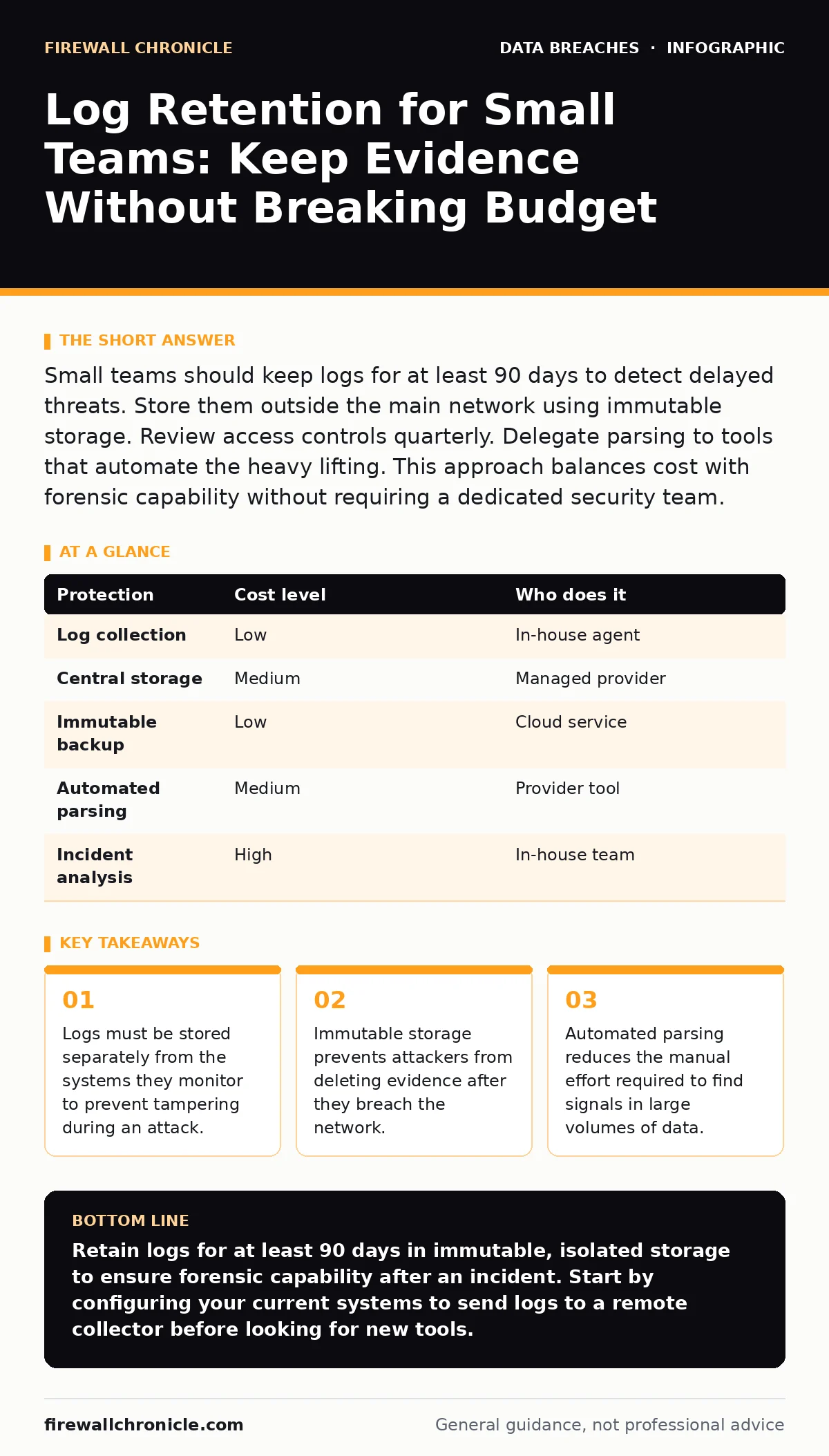
Small teams should keep logs for at least 90 days to detect delayed threats. Store them outside the main network using immutable storage. Review access controls quarterly. Delegate parsing to tools that automate the heavy lifting. This approach balances cost with forensic capability without requiring a dedicated security team.
The Hidden Cost of Missing Context
Logs provide the chronological context needed to understand system behavior. They record who accessed what, when, and how. For small organizations, the primary value of logs is not real-time alerting. It is historical reconstruction. An attacker may remain dormant for weeks. They often wait for a maintenance window or a holiday. If you delete logs after 7 days, you erase the only record of their initial entry. This loss of context turns a contained incident into a full compromise. You lose the ability to determine the scope of damage. You also lose the evidence needed for legal or insurance claims. The cost of storage is low compared to the cost of an unknown breach.
Storage Isolation Prevents Evidence Destruction
Attackers know that logs contain their tracks. Their first step after gaining access is often to clear logs. They use standard commands to truncate files or delete directories. If your logs reside on the same server as the application, the attacker can erase the evidence. You must separate log storage from log generation. Send logs to a remote server or a cloud service. This separation ensures that a compromise of one system does not destroy the records of that compromise. This principle applies to all systems, from web servers to database clusters.
Use immutable storage for long-term retention. Immutable storage means that once a log entry is written, it cannot be changed or deleted for a set period. This prevents an attacker with administrative rights from modifying the history. Even if they gain root access to the log server, they cannot alter the past. This feature is available in many cloud object storage services. It adds a small layer of complexity but provides a critical safeguard. It ensures the integrity of your forensic data.
Affordable Retention Strategies for Limited Budgets
Small teams often assume that log management requires expensive commercial tools. This is not true. Open-source solutions offer powerful features at no licensing cost. You can use lightweight agents to collect logs from various sources. These agents send data to a central collector. The collector normalizes the format and stores the data. This architecture is scalable and cost-effective. You pay only for the storage and compute resources you use.
Define a tiered retention strategy. Keep recent logs in fast, expensive storage for quick analysis. Move older logs to cheaper, slower storage after 30 days. Delete logs after the required retention period. This approach balances performance with cost. It ensures that you can quickly investigate recent incidents while maintaining a historical record for long-term trends. Do not keep everything forever. Storage costs will grow exponentially. Define clear policies for what to keep and for how long.
Parsing Efficiency Reduces Manual Effort
Raw logs are difficult to read. They contain timestamps, IP addresses, and cryptic codes. Reading them manually is slow and error-prone. You need a way to parse and query them. Use a tool that supports structured query languages. This allows you to filter logs by specific criteria. For example, you can search for all failed login attempts from a specific IP range. This reduces the time spent investigating false positives.
Automate the parsing process. Configure your logging tools to extract key fields automatically. This includes user IDs, source IPs, and action types. Structured data is easier to analyze than unstructured text. It also enables correlation across different systems. You can link a failed login on a web server to a successful login on a database server. This correlation reveals patterns that single logs hide. It helps you identify multi-stage attacks that span multiple systems.
Delegation and Provider Verification
You cannot do everything in-house. Small teams lack the bandwidth to monitor logs 24/7. Delegate the collection and storage to a managed service provider. Choose a provider that specializes in log management. They handle the infrastructure, updates, and scaling. You focus on the analysis and response. This division of labor is efficient and effective.
Verify the provider's security posture. Ask about their encryption methods. Ensure that logs are encrypted in transit and at rest. Reference our guide on encryption at rest to understand the best practices for protecting stored data. Ask about their access controls. Ensure that only authorized personnel can access your logs. Reference role-based access control to see how permissions should be structured. Do not trust a provider blindly. Verify their claims with technical questions.
| Protection | Cost level | Who does it |
|---|---|---|
| Log collection | Low | In-house agent |
| Central storage | Medium | Managed provider |
| Immutable backup | Low | Cloud service |
| Automated parsing | Medium | Provider tool |
| Incident analysis | High | In-house team |
See also: Threat Intelligence for Small Teams: Practical Application · File Integrity Monitoring: How Hashing Detects Silent Changes
Questions for Your IT Provider
When selecting a provider, ask these specific questions. Do not accept generic answers.
- What is the minimum retention period you support for immutable storage?
- How do you handle log tampering attempts from compromised endpoints?
- Can you provide an audit trail of who accessed my logs and when?
- What is your process for deleting logs after the retention period expires?
- How do you ensure the integrity of logs during transmission and storage?
These questions reveal the provider's technical depth. They show whether the provider understands the forensic requirements. They also highlight potential gaps in their service. Use the answers to compare providers. Choose the one that offers the best balance of security and transparency.
Integrating Logs with Other Security Controls
Logs do not exist in a vacuum. They work with other security controls to provide a complete picture. Integrate your log management with your identity management system. This allows you to correlate user actions with identity changes. It helps you detect privilege escalation attacks. Integrate with your network monitoring tools. This allows you to correlate network traffic with application logs. It helps you identify data exfiltration attempts.
Reference our guide on file integrity monitoring to see how log data complements file change detection. Logs show who made the change. File integrity monitoring shows that a change occurred. Together, they provide a complete record. Reference email encryption to understand how to protect sensitive data that might be logged. Ensure that sensitive data is not stored in plain text in logs. This prevents leakage even if the logs are compromised.
Key takeaways
- Logs must be stored separately from the systems they monitor to prevent tampering during an attack.
- Immutable storage prevents attackers from deleting evidence after they breach the network.
- Automated parsing reduces the manual effort required to find signals in large volumes of data.
Retain logs for at least 90 days in immutable, isolated storage to ensure forensic capability after an incident. Start by configuring your current systems to send logs to a remote collector before looking for new tools.
Frequently asked questions
How long should I keep logs for compliance?
Check your local regulations and industry standards. Many require 90 to 365 days. Some financial sectors require 7 years. Define your retention period based on the strictest requirement.
Can I use free tools for log management?
Yes, many open-source tools offer robust collection and storage. You pay for infrastructure but not licenses. Evaluate the operational overhead before choosing a free solution.
Do I need to log everything?
No, logging everything creates noise and high costs. Log authentication events, authorization changes, and system errors. Filter out verbose debug logs in production environments.
What if my logs are encrypted?
Ensure your logging agent can decrypt logs before sending them. Or send them encrypted to a secure collector. Verify that the collector can parse the decrypted content.
How this guide was produced: written by the Firewall Chronicle editorial team with AI assistance, checked against the public references listed below, and reviewed when the facts change. See our editorial policy or report an error.