
Hardware Security Key Best Practices for Secure Authentication
Hardware keys prevent credential theft by keeping cryptographic private keys physically isolated from the device network, neutralizing phishing and malware risks.
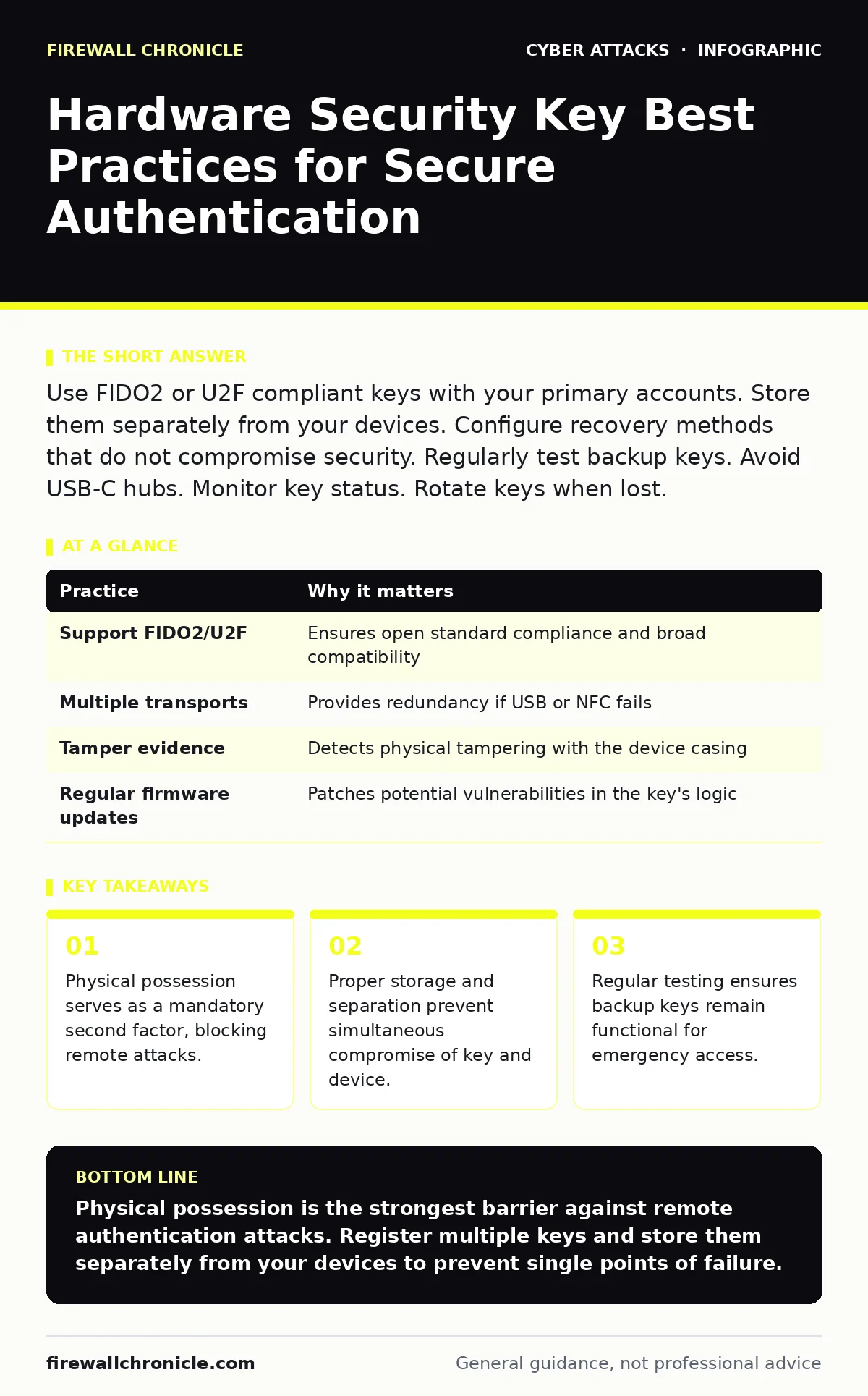
Use FIDO2 or U2F compliant keys with your primary accounts. Store them separately from your devices. Configure recovery methods that do not compromise security. Regularly test backup keys. Avoid USB-C hubs. Monitor key status. Rotate keys when lost.
The Physics of Possession
Software-based multi-factor authentication relies on something you know and something you have, but both often reside on the same compromised device. A hardware security key changes this dynamic by requiring physical presence. The key performs a cryptographic challenge-response operation internally. It never exposes the private key to the host computer or the network.
This separation breaks the chain of attack for remote threats. If malware steals your password and session cookies, it cannot replicate the physical signature generated by the key. The attacker would need to possess the physical device to complete the authentication. This mechanism renders most automated bot attacks and credential stuffing useless.
Choosing the Right Standard
Not all security keys are created equal. Look for devices supporting FIDO2 (Fast Identity Online 2) or U2F (Universal 2nd Factor). These are open standards that ensure compatibility across major platforms and services. Avoid proprietary protocols that lock you into a single vendor ecosystem.
Proprietary standards often lack independent security audits and may have hidden backdoors. Open standards allow for broader community scrutiny and interoperability. When purchasing, verify that the key supports multiple transport methods. USB, NFC, and Bluetooth connectivity provide redundancy if one interface fails.
| Practice | Why it matters |
|---|---|
| Support FIDO2/U2F | Ensures open standard compliance and broad compatibility |
| Multiple transports | Provides redundancy if USB or NFC fails |
| Tamper evidence | Detects physical tampering with the device casing |
| Regular firmware updates | Patches potential vulnerabilities in the key's logic |
Separation of Assets
A common mistake is storing the security key in the same bag or drawer as the laptop it protects. If an attacker steals both, the physical barrier is effectively nullified. The key’s value lies in its separation from the primary device.
Keep your primary key in a location the attacker cannot easily access along with your computer. A home safe, a locked desk drawer, or even a pocket when away from the office works. The goal is to ensure that losing one item does not grant access to the other. This simple physical separation adds a significant layer of defense against theft.
Managing Backup Keys
Relying on a single key creates a single point of failure. If you lose it, break it, or it fails, you may be locked out of critical accounts permanently. Always maintain at least one backup key. Store this backup in a secure, separate location from your primary key.
Test the backup key regularly. Authentication protocols can change, or the backup key may have a defective battery or NFC chip. Verify that the backup still works with your most important accounts every few months. This ensures that your emergency access route remains viable when you need it most.
Avoiding USB Hub Complications
Using a USB hub between your computer and the security key introduces a potential attack surface. Malicious hubs can intercept or modify the communication between the key and the host. This is a form of man-in-the-middle attacks where the attacker sits between two communicating parties.
Connect the security key directly to the computer’s native USB port whenever possible. If you must use a hub, ensure it is a trusted, high-quality device from a reputable manufacturer. Better yet, use the NFC capability if your phone or laptop supports it. This wireless method bypasses the USB controller entirely, reducing the risk of hardware-based interception.
See also: File Integrity Monitoring: How Hashing Detects Silent Changes · Remote Access Tool Abuse: How Attackers Bypass Security Controls
Monitoring Key Status
Your hardware key is not a set-and-forget device. Some keys allow you to check their status or counter values. An unexpected jump in the counter value can indicate that someone else is using the key. Regularly review the status of your registered keys in your account security settings.
Remove old or unused keys from your account settings. If you upgrade to a new key, deregister the old one to prevent its accidental or malicious use. This keeps your authentication list clean and reduces the attack surface. It also helps you quickly identify if a new, unauthorized key has been added to your account.
Handling Loss and Replacement
If you suspect your key is lost or stolen, act immediately. Revoke the key from all associated accounts. Generate a new key and register it. This process can be time-consuming, so having a clear plan helps.
Do not delay revoking the compromised key. Even if you cannot use the key yourself, an attacker might be able to use it if they gain physical access. Treat a lost key like a lost credit card. The speed of your response determines the window of opportunity for an attacker.
Integrating with Broader Security
Hardware keys are a powerful tool, but they are part of a larger security ecosystem. They do not protect against social engineering attacks where you are tricked into performing actions on your own device. Combining keys with awareness of phishing simulations helps you recognize when you are being manipulated.
Understanding the risks of angler phishing, where attackers pose as support staff on social media, is also valuable. They may try to trick you into revealing your key’s backup codes. Similarly, protecting your phone number from SIM swapping ensures that your account recovery methods remain secure. Network segmentation can further limit the damage if an attacker does manage to breach your local environment.
Testing and Maintenance
Regularly test your hardware keys to ensure they function correctly. Check the battery status if your key uses batteries. Replace batteries proactively to avoid failure during critical moments. Keep the key clean and free from debris that might interfere with the USB connector or NFC surface.
Update the key’s firmware if the manufacturer provides updates. These updates may patch security vulnerabilities or improve compatibility. Ignore firmware updates at your own risk. A compromised key firmware could theoretically leak keys or allow cloning, defeating the purpose of the device.
Key takeaways
- Physical possession serves as a mandatory second factor, blocking remote attacks.
- Proper storage and separation prevent simultaneous compromise of key and device.
- Regular testing ensures backup keys remain functional for emergency access.
Physical possession is the strongest barrier against remote authentication attacks. Register multiple keys and store them separately from your devices to prevent single points of failure.
Frequently asked questions
Can a hardware key be cloned?
True FIDO2/U2F keys cannot be cloned because the private key never leaves the device. However, cheaper or proprietary keys might have vulnerabilities.
What happens if the key battery dies?
Most FIDO2 keys do not use batteries for the cryptographic operation, but some do for NFC or status lights. Check your key’s specifications and replace batteries proactively.
Do I need a key for every account?
Prioritize your most sensitive accounts, such as email, banking, and primary work accounts. Use strong passwords and backup codes for less critical services.
Can I use a smartphone as a security key?
Yes, many smartphones support FIDO2 via NFC or USB-C. However, if the phone is compromised, the key is compromised. A dedicated hardware key is more secure.
How this guide was produced: written by the Firewall Chronicle editorial team with AI assistance, checked against the public references listed below, and reviewed when the facts change. See our editorial policy or report an error.