Remote Access Tool Abuse: How Attackers Bypass Security Controls
Remote access tools hide in plain sight by using legitimate administrative channels, making traditional signature-based detection largely ineffective against sophisticated intrusions.
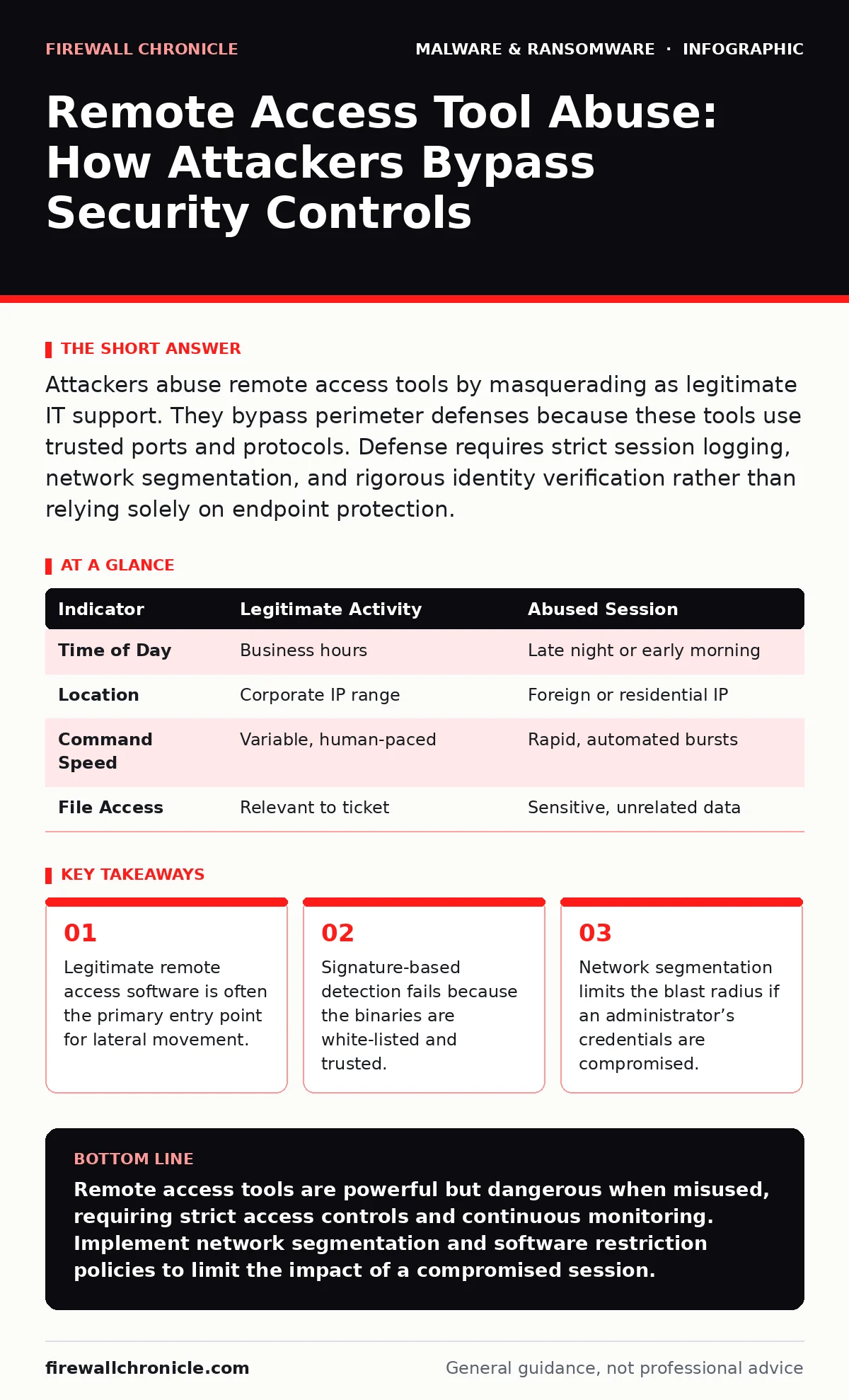
Attackers abuse remote access tools by masquerading as legitimate IT support. They bypass perimeter defenses because these tools use trusted ports and protocols. Defense requires strict session logging, network segmentation, and rigorous identity verification rather than relying solely on endpoint protection.
How do attackers turn legitimate remote access tools into malware delivery vehicles?
Attackers deploy known remote access software to establish persistent control over victim systems without triggering traditional security alerts. These tools are designed for IT support, so their network traffic looks identical to legitimate administrative activity. Security products often whitelist these executables, allowing them to run freely while they download additional payloads or exfiltrate data.
The mechanism relies on trust. When an organization installs remote access software for helpdesk use, that binary gains elevated privileges. An attacker who compromises a user account or intercepts a session can use that same binary to execute commands. This turns a productivity tool into a command-and-control channel.
Why does next-generation antivirus often fail to detect remote access tool abuse?
Next-generation antivirus solutions rely heavily on behavioral analysis and signature matching, both of which struggle with legitimate software. Because the remote access tool is signed by a reputable vendor and installed with user consent, it sits on the system’s allow list. The antivirus engine assumes the process is safe, even if an attacker is using it to execute malicious commands.
This creates a blind spot. The malware is not a separate executable; it is the legitimate tool being used in an unauthorized way. Behavioral heuristics might flag unusual network connections, but if the tool is communicating with its legitimate cloud infrastructure, the traffic appears normal. This limitation is why endpoint protection alone is insufficient for stopping this specific threat vector.
What is the difference between remote access tool abuse and spyware?
Spyware is typically installed covertly to monitor user activity, keystrokes, or camera feeds without the user’s knowledge. Remote access tool abuse involves the attacker actively controlling the system, often with the user’s initial consent or through social engineering that mimics legitimate support. The key distinction is interactivity. Spyware runs in the background; abused remote access tools allow real-time command execution.
Both threats compromise privacy and data integrity. However, spyware is usually a standalone payload, whereas remote access tools provide a broader interface for the attacker. This interface allows the adversary to install spyware, move laterally, or encrypt files. Understanding this difference helps in designing detection rules that look for interactive sessions rather than just hidden processes.
How does network segmentation limit the damage of a compromised remote session?
Network segmentation divides a corporate network into smaller, isolated zones with strict access controls between them. If an attacker gains control of a workstation via a remote access tool, segmentation prevents them from easily reaching critical servers or other departments. The attacker is confined to the local zone of the compromised host.
Without segmentation, a single compromised endpoint can serve as a springboard for lateral movement. The attacker can scan the entire network, exploit vulnerabilities, and escalate privileges. Segmentation forces the attacker to find new vulnerabilities to cross boundaries, increasing the time and effort required for the breach. This delay often allows security teams to detect and respond before significant damage occurs.
Can remote access tools be used for cryptojacking without detection?
Yes, attackers often use remote access tools to deploy cryptojacking scripts on compromised systems. Cryptojacking involves using the victim’s CPU or GPU resources to mine cryptocurrency, generating revenue for the attacker. Because remote access tools provide direct shell access, the attacker can inject mining scripts into running processes or schedule them to run during off-hours.
Detection is difficult because the mining activity may not trigger standard malware alerts. The system simply becomes slower or hotter. Resource monitoring tools can identify unusual spikes in CPU usage, but these are often dismissed as application bugs. Integrating resource monitoring with security information and event management platforms helps correlate high resource usage with remote access sessions.
See also: File Integrity Monitoring: How Hashing Detects Silent Changes · Hardware Security Key Best Practices for Secure Authentication
What role do software restriction policies play in preventing abuse?
Software restriction policies allow administrators to define which applications are allowed to run on a system and under what conditions. By implementing these policies, you can restrict remote access tools to specific service accounts or limit their ability to execute other programs. This prevents an attacker from using the remote access tool to launch a web browser, download additional malware, or execute scripts.
These policies add a layer of defense in depth. Even if an attacker gains a remote session, they cannot easily expand their capabilities. For example, a policy might prevent the remote access executable from calling system utilities like PowerShell or Command Prompt. This limits the attacker to the basic functions of the remote tool, reducing the potential for damage.
How does tamper protection help secure remote access environments?
Tamper protection prevents unauthorized changes to security settings, including those related to remote access configurations. Attackers often disable logging or modify firewall rules to hide their activities. With tamper protection enabled, these changes are blocked, ensuring that audit trails remain intact.
This feature is critical for forensic analysis. If tamper protection is disabled, an attacker can erase evidence of their presence, making it difficult to determine the scope of the breach. Keeping tamper protection active ensures that security controls remain consistent and that administrators can trust the integrity of their logs.
What are the signs that a remote access session is being abused?
Look for remote sessions originating from unusual geographic locations or at odd hours. Legitimate IT support typically occurs during business hours and from known corporate networks. Sessions from foreign IP addresses or personal devices should trigger immediate investigation. Additionally, monitor for rapid sequences of commands, which indicate automated exploitation rather than human troubleshooting.
Another sign is the use of remote access tools to access sensitive files or directories that are outside the scope of standard support tasks. If a helpdesk ticket involves a printer issue, but the remote session accesses financial databases, this is a clear anomaly. Implementing user and entity behavior analytics can help identify these deviations from normal patterns.
| Indicator | Legitimate Activity | Abused Session |
|---|---|---|
| Time of Day | Business hours | Late night or early morning |
| Location | Corporate IP range | Foreign or residential IP |
| Command Speed | Variable, human-paced | Rapid, automated bursts |
| File Access | Relevant to ticket | Sensitive, unrelated data |
How can organizations balance usability with security in remote access?
Strict security controls can hinder IT support efficiency, leading to resistance from staff. The goal is to implement least privilege access, where remote sessions have only the permissions necessary to resolve specific issues. Avoid using administrative accounts for routine support. Instead, use standard user accounts with temporary privilege elevation when required.
Regularly review and audit remote access logs to ensure compliance with security policies. Remove unused accounts and revoke access for employees who no longer require remote support capabilities. This reduces the attack surface and ensures that only authorized personnel can initiate sessions.
Key takeaways
- Legitimate remote access software is often the primary entry point for lateral movement.
- Signature-based detection fails because the binaries are white-listed and trusted.
- Network segmentation limits the blast radius if an administrator’s credentials are compromised.
Remote access tools are powerful but dangerous when misused, requiring strict access controls and continuous monitoring. Implement network segmentation and software restriction policies to limit the impact of a compromised session.
Frequently asked questions
Can I use a firewall to block remote access tool abuse?
A firewall can block unauthorized inbound connections, but it cannot stop abuse initiated from within the network or through legitimate outbound channels. You must combine firewall rules with endpoint controls and session monitoring.
Is open-source remote access software safer than commercial options?
Open-source tools are not inherently safer. They may lack built-in security features like encryption or logging. Commercial tools often include enhanced security controls, but both require proper configuration and monitoring to prevent abuse.
How do I detect if a remote access tool has been modified?
Use file integrity monitoring to detect changes to the remote access executable. Any modification to the binary’s hash value indicates potential tampering. Alert immediately if such changes are detected.
Can remote access tool abuse lead to ransomware?
Yes, attackers often use remote access tools to deploy ransomware. Once they have control, they can encrypt files and demand payment. Preventing initial access and limiting lateral movement are key defenses against this outcome.
How this guide was produced: written by the Firewall Chronicle editorial team with AI assistance, checked against the public references listed below, and reviewed when the facts change. See our editorial policy or report an error.