Windows Event Log Monitoring: Answers to 10 Common Questions
Default Windows logging misses stealthy fileless attacks and credential dumping, requiring custom channel configuration to catch modern threats.
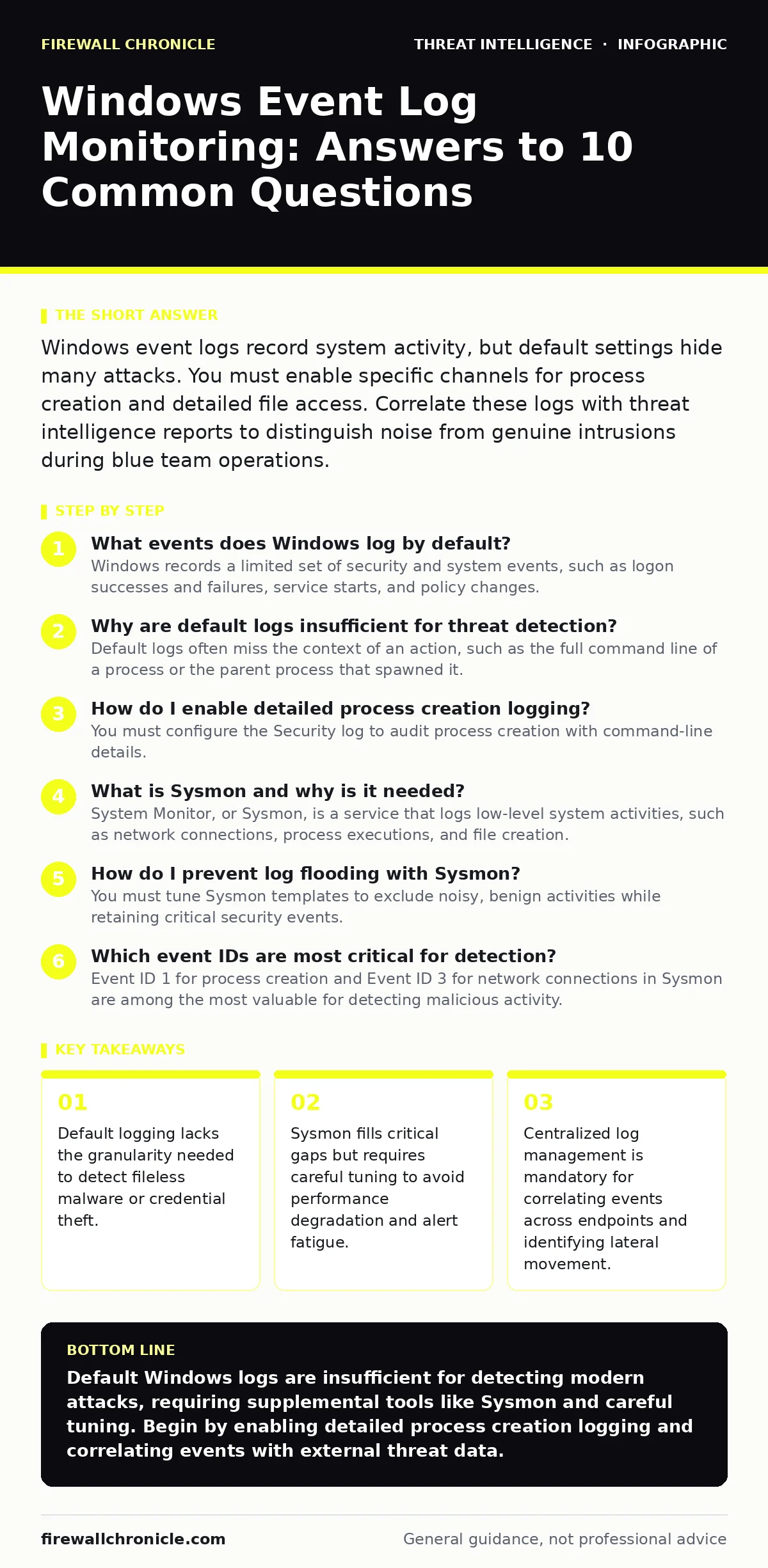
Windows event logs record system activity, but default settings hide many attacks. You must enable specific channels for process creation and detailed file access. Correlate these logs with threat intelligence reports to distinguish noise from genuine intrusions during blue team operations.
What events does Windows log by default?
Windows records a limited set of security and system events, such as logon successes and failures, service starts, and policy changes. These default logs provide a baseline view of system health but lack the detail required to detect sophisticated intrusions. Most advanced attacks, including those involving process injection or registry manipulation, leave no trace in these standard channels. You must assume that an attacker can operate silently within the bounds of default logging. This limitation is why many teams rely on external tools for deeper visibility.
Why are default logs insufficient for threat detection?
Default logs often miss the context of an action, such as the full command line of a process or the parent process that spawned it. An attacker can execute malicious code from memory, leaving no file on disk and generating only generic system events. Without knowing which process called another, you cannot reconstruct the attack chain. This gap allows adversaries to move laterally across a network without triggering standard alerts. Understanding these blind spots is the first step in effective attacker reconnaissance defense.
How do I enable detailed process creation logging?
You must configure the Security log to audit process creation with command-line details. This setting records the exact arguments passed to every new process, revealing suspicious commands like PowerShell scripts or remote execution tools. Enabling this increases log volume significantly, so you need adequate storage and processing power. It also requires careful filtering to avoid drowning in benign administrative tasks. This level of detail is often covered in deeper guides on security metrics and log management.
What is Sysmon and why is it needed?
System Monitor, or Sysmon, is a service that logs low-level system activities, such as network connections, process executions, and file creation. It captures events that Windows does not record by default, providing a richer dataset for analysis. Sysmon is highly configurable, allowing you to define exactly which events matter to your environment. However, it requires ongoing maintenance to adjust filters as your software landscape evolves. Without Sysmon, you are blind to many common persistence mechanisms.
How do I prevent log flooding with Sysmon?
You must tune Sysmon templates to exclude noisy, benign activities while retaining critical security events. A common mistake is disabling entire categories of events, which creates blind spots. Instead, use exclusion lists for known good processes, such as trusted application updates or background services. Regularly review your exclusion lists to ensure they have not become too broad. This balancing act is a core component of mature blue team operations.
See also: Sysmon Event ID 11: Decoding Process Access for Defense · Stop Network Enumeration: Hardening Measures That Actually Work
Which event IDs are most critical for detection?
Event ID 1 for process creation and Event ID 3 for network connections in Sysmon are among the most valuable for detecting malicious activity. These events allow you to see what ran and where it connected, helping you identify command-and-control traffic. In standard Windows logs, Event ID 4688 for process creation and 4624 for logon events are foundational. Combining these sources gives you a multi-layered view of system behavior. This approach supports more accurate breach and attack simulation results.
How do I correlate logs with threat intelligence?
You should map observed indicators, such as IP addresses or file hashes, against known threat feeds. This correlation helps you distinguish between normal administrative activity and genuine attacks. Automated systems can flag events that match known malicious patterns, reducing manual analysis time. However, false positives can occur if the threat intelligence is outdated or overly broad. Regular validation of your data sources ensures that your alerts remain relevant and actionable.
What are the performance costs of extensive logging?
Recording every system event consumes CPU, memory, and disk I/O, potentially slowing down endpoints. High-volume logging can also saturate network links if logs are forwarded in real time. You must balance visibility with system performance, especially on resource-constrained devices. Consider sampling strategies or edge processing to reduce the data volume sent to central servers. This trade-off is a key consideration in any log management architecture.
| Event Source | Key Event ID | Primary Use Case | Resource Impact |
|---|---|---|---|
| Windows Security | 4688 | Process creation tracking | Low to Medium |
| Sysmon | 1 | Detailed process lineage | Medium |
| Sysmon | 3 | Network connection logging | High |
| Windows System | 7045 | Service installation detection | Low |
How do I handle log retention and storage?
You must define a retention policy that balances compliance requirements with storage costs. Keeping logs indefinitely is rarely feasible due to volume and legal constraints. Compressing and archiving older logs to cold storage can reduce immediate storage needs. Ensure that archived logs remain accessible for forensic investigations if needed. This strategy is often discussed in broader guides on security metrics and data lifecycle management.
What common mistakes do teams make in log monitoring?
Many teams enable logging but fail to build detection rules that actually trigger on malicious behavior. Another error is ignoring log integrity, allowing tampering without alerting. Teams also often neglect to test their logging configuration against known attack techniques. Without regular validation, you may believe you are protected while remaining blind to specific threats. This gap is frequently exposed during network enumeration exercises.
Key takeaways
- Default logging lacks the granularity needed to detect fileless malware or credential theft.
- Sysmon fills critical gaps but requires careful tuning to avoid performance degradation and alert fatigue.
- Centralized log management is mandatory for correlating events across endpoints and identifying lateral movement.
Default Windows logs are insufficient for detecting modern attacks, requiring supplemental tools like Sysmon and careful tuning. Begin by enabling detailed process creation logging and correlating events with external threat data.
Frequently asked questions
Can I detect AS-REP roasting with Windows event logs?
Yes, by monitoring for Kerberos pre-authentication failures and specific ticket requests, though dedicated detection rules are required to distinguish this from normal activity.
How often should I review my log monitoring rules?
You should review and update rules regularly, especially after major software changes or when new threat intelligence reports highlight emerging techniques.
Is cloud storage secure for Windows event logs?
Cloud storage can be secure if encrypted in transit and at rest, but you must manage access controls carefully to prevent unauthorized viewing or deletion.
Do I need separate tools for log management?
While Windows built-in tools can view logs, centralized log management platforms are necessary for correlation, retention, and advanced search across multiple endpoints.
How this guide was produced: written by the Firewall Chronicle editorial team with AI assistance, checked against the public references listed below, and reviewed when the facts change. See our editorial policy or report an error.