
OpenSSH Vulnerability Prevention Checklist for Secure Remote Access
Hardening SSH requires shifting from default convenience settings to explicit cryptographic controls and strict access boundaries that survive software aging.
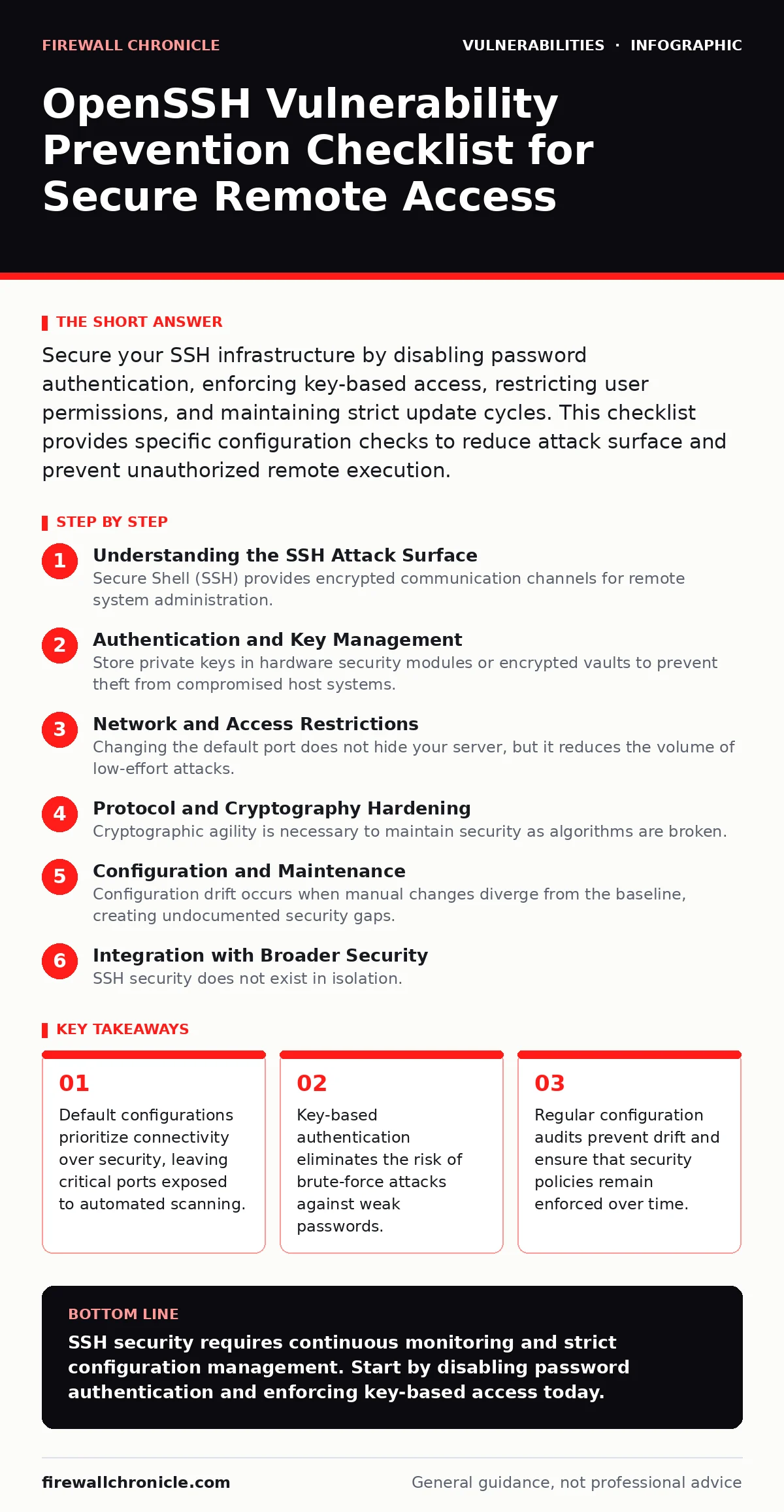
Secure your SSH infrastructure by disabling password authentication, enforcing key-based access, restricting user permissions, and maintaining strict update cycles. This checklist provides specific configuration checks to reduce attack surface and prevent unauthorized remote execution.
Understanding the SSH Attack Surface
Secure Shell (SSH) provides encrypted communication channels for remote system administration. While the protocol itself is secure, misconfigurations create entry points for attackers. You must treat every SSH server as a potential target for automated scanning and brute-force attempts. The goal is to reduce the attack surface by removing unnecessary features and enforcing strict access controls.
Imagine a server that accepts connections from any IP address. Attackers scan the internet for open ports. They find your server and begin testing common credentials. Without rate limiting or key-only authentication, this process succeeds quickly. You must assume that your server is visible to attackers at all times.
Authentication and Key Management
- Disable password authentication: Passwords are vulnerable to brute-force attacks and credential stuffing.
- Enforce key-based authentication: Public key cryptography provides stronger identity verification than shared secrets.
- Use Ed25519 keys: This algorithm offers better performance and security than older RSA implementations.
- Set key expiration dates: Long-lived keys increase the risk of undetected compromise.
- Remove unused authorized_keys: Stale keys allow former employees or contractors to retain access.
Password authentication relies on the secrecy of a shared secret. If that secret is weak or reused, the connection is compromised. Key-based authentication uses a public-private key pair. The private key never leaves your machine. This mechanism prevents remote guessing attacks entirely. You must ensure that private keys are protected with strong passphrases and stored securely.
Network and Access Restrictions
- Change the default port: Moving away from port 22 reduces noise from automated scanners.
- Restrict source IPs: Allow connections only from known management networks or VPNs.
- Disable root login: Prevent direct administrative access to force privilege escalation tracking.
- Limit concurrent sessions: Reduce the window for session hijacking and lateral movement.
- Implement fail2ban or similar: Automatically block IPs after repeated failed authentication attempts.
Changing the default port does not hide your server, but it reduces the volume of low-effort attacks. You must combine this with strict IP allow-listing. Only systems that need administrative access should be able to connect. Disabling direct root login forces attackers to first compromise a user account. This adds a layer of difficulty and creates audit trails for privilege escalation.
Protocol and Cryptography Hardening
- Disable SSHv1: The older protocol has known cryptographic weaknesses and is no longer supported.
- Enforce strong ciphers: Remove outdated algorithms like CBC mode ciphers.
- Update MAC algorithms: Use HMAC-SHA2 or stronger for message integrity verification.
- Disable X11 forwarding: Prevent graphical session hijacking unless explicitly required.
- Limit channel forwarding: Reduce the risk of tunneling unauthorized traffic through your server.
Cryptographic agility is necessary to maintain security as algorithms are broken. You must regularly review supported ciphers and MACs. Weak algorithms can be exploited to decrypt traffic or tamper with commands. X11 forwarding allows remote graphical applications to connect to your local display. If not needed, this feature should be disabled to prevent local session hijacking.
Configuration and Maintenance
- Automate configuration management: Use tools to enforce consistent SSH settings across all servers.
- Regularly review sshd_config: Check for unauthorized changes or deprecated options.
- Keep OpenSSH updated: Apply patches promptly to address known vulnerabilities.
- Monitor authentication logs: Detect and respond to suspicious login attempts in real-time.
- Implement secret scanning: Detect accidentally committed SSH keys in code repositories.
Manual configuration is error-prone and difficult to audit. Automation ensures that every server adheres to the same security baseline. You must treat configuration files as code. This includes version control and peer review. Regular updates are necessary to patch vulnerabilities in the SSH daemon. Delaying updates leaves systems exposed to known exploits.
Integration with Broader Security
SSH security does not exist in isolation. It interacts with other security controls. You must consider how SSH keys are managed in your development workflow. Accidentally committing keys to public repositories is a common mistake. Secret scanning tools can detect these leaks before they are exploited.
Imagine a developer who pushes code containing an SSH private key to a public repository. Attackers find the key and gain access to production servers. This scenario highlights the need for secret scanning in your CI/CD pipeline. You must also consider how SSH interacts with other systems. For example, security misconfigurations in firewall rules can expose SSH to the internet.
You must also consider the lifecycle of SSH keys. When employees leave, their keys must be revoked immediately. This is part of broader identity and access management. Refer to our guide on VEX documents for understanding vulnerability exposure in software components. Also, review our guide on dependency updates to ensure that SSH libraries are current.
Auditing and Compliance
- Conduct regular access reviews: Verify that all SSH users still require access.
- Implement logging and monitoring: Record all SSH connections and commands for forensic analysis.
- Test configuration changes: Validate that hardening measures do not break legitimate workflows.
- Document security policies: Ensure that all team members understand SSH security requirements.
- Perform penetration testing: Identify weaknesses in SSH configuration and access controls.
Auditing is not a one-time task. It requires ongoing effort. You must verify that access rights are still appropriate. Logging provides evidence of unauthorized access. However, logs must be protected from tampering. Send logs to a centralized, read-only server. This ensures that attackers cannot delete evidence of their presence.
Refer to our guide on cross-site scripting (XSS) for understanding how web applications can be used to steal SSH credentials. Also, review our guide on race condition vulnerabilities to understand timing attacks that can affect authentication processes.
Key takeaways
- Default configurations prioritize connectivity over security, leaving critical ports exposed to automated scanning.
- Key-based authentication eliminates the risk of brute-force attacks against weak passwords.
- Regular configuration audits prevent drift and ensure that security policies remain enforced over time.
SSH security requires continuous monitoring and strict configuration management. Start by disabling password authentication and enforcing key-based access today.
Frequently asked questions
Should I disable SSH entirely?
No, SSH is critical for remote administration. Instead, harden the configuration to reduce risk.
How often should I rotate SSH keys?
Rotate keys regularly, especially after personnel changes or suspected compromise.
Is changing the SSH port enough for security?
No, port changes only reduce noise. You must also enforce strong authentication and access controls.
What happens if I lose my SSH private key?
You will be locked out. Maintain a secure backup of your keys in a hardware security module or encrypted vault.
How this guide was produced: written by the Firewall Chronicle editorial team with AI assistance, checked against the public references listed below, and reviewed when the facts change. See our editorial policy or report an error.