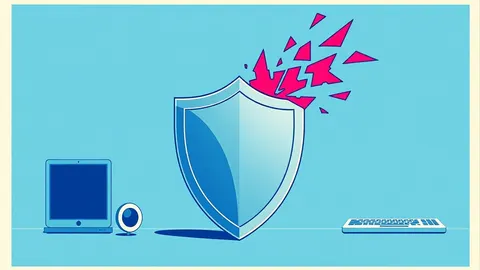
Next-Generation Antivirus Checklist for Modern Endpoints
Traditional signature scanning fails against fileless attacks, requiring behavioral analysis and kernel-level protections that most legacy solutions lack.
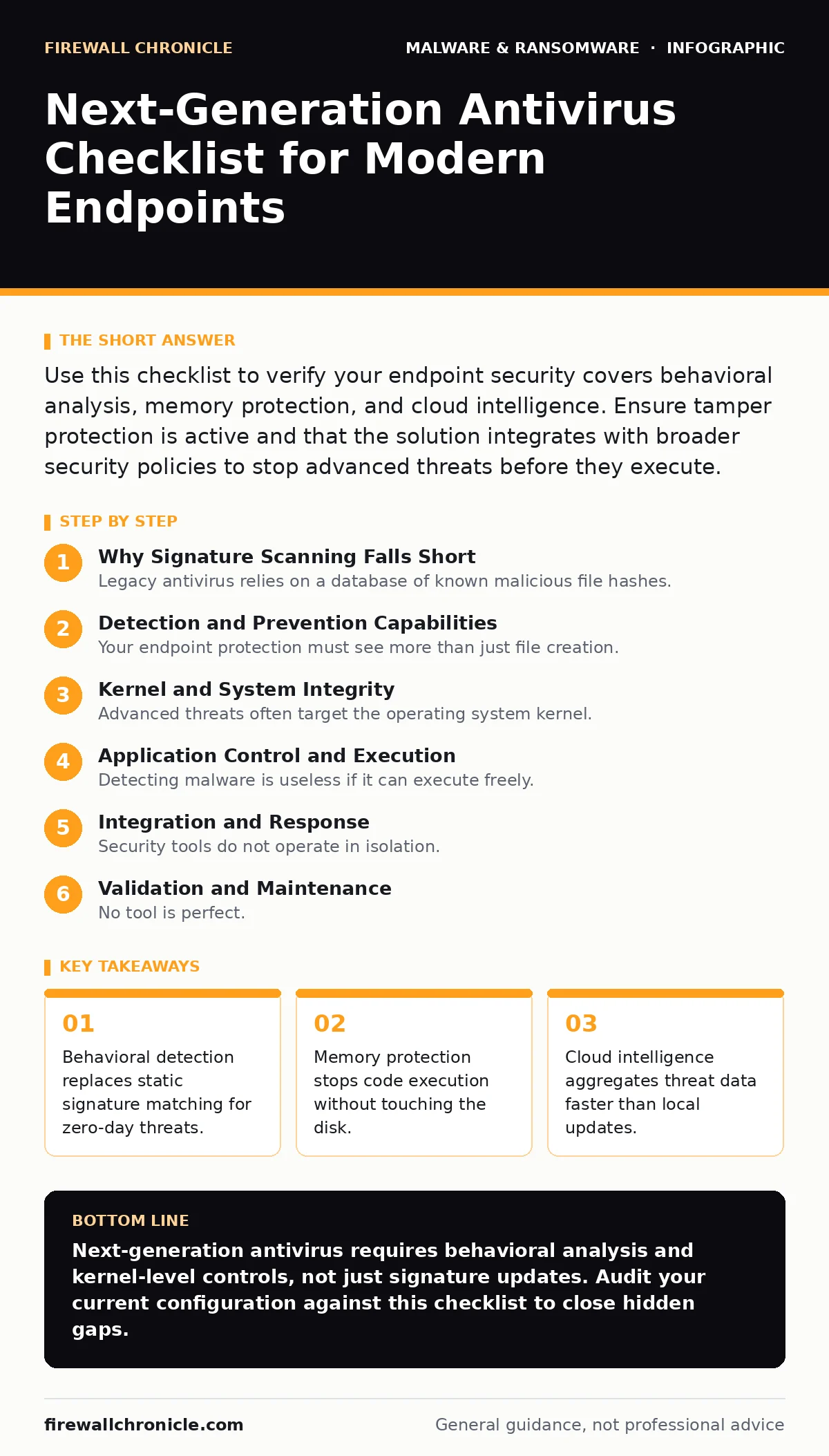
Use this checklist to verify your endpoint security covers behavioral analysis, memory protection, and cloud intelligence. Ensure tamper protection is active and that the solution integrates with broader security policies to stop advanced threats before they execute.
Why Signature Scanning Falls Short
Legacy antivirus relies on a database of known malicious file hashes. This approach fails when attackers modify code slightly or deliver payloads that never touch the hard drive. You need a system that understands intent rather than just identity.
Next-generation antivirus focuses on behavior. It watches how processes interact with the system. If a script tries to inject code into a browser, the system flags the action regardless of the script’s name. This shift protects you against polymorphic malware that changes its appearance to evade detection.
Imagine a threat that lives entirely in RAM. It performs its tasks and vanishes when the power cuts. Traditional scanners see nothing because there is no file to scan. Behavioral engines catch the anomaly in system calls.
Detection and Prevention Capabilities
Your endpoint protection must see more than just file creation. It needs to monitor execution paths and data flows. Check for these specific mechanisms in your security stack.
- Machine learning-based behavioral analysis: Identifies suspicious patterns without relying on known signatures.
- Memory code injection detection: Stops attackers from writing executable code into running processes.
- Script obfuscation detection: Recognizes techniques used to hide malicious logic in PowerShell or Python.
- Cloud-based threat intelligence: Aggregates global threat data to identify new threats faster than local updates.
- Sandbox detonation: Executes suspicious files in an isolated environment to observe their true behavior.
Machine learning models reduce false positives over time. They learn what normal activity looks like on your specific systems. This allows the software to alert only on deviations that matter.
Kernel and System Integrity
Advanced threats often target the operating system kernel. If an attacker controls the kernel, they can hide from any user-level security tool. You must ensure your protection operates at the lowest possible level.
This section relates to threats like rootkits and bootkits, which hide deep within the system. Standard tools cannot see them because the operating system reports false information. Your antivirus must verify kernel integrity.
- Kernel-level protection: Operates within the OS core to stop low-level manipulation.
- Tamper protection: Prevents unauthorized changes to security settings or the antivirus agent itself.
- Driver signature enforcement: Ensures only trusted code can load into the kernel.
- Secure boot verification: Confirms the bootloader and OS have not been modified.
Tamper protection is not just a feature; it is a requirement. Without it, malware can disable your defenses before they trigger. The protection must be resilient enough to prevent even administrative overrides without proper authentication.
See our guide on tamper protection for details on configuring these settings correctly.
Application Control and Execution
Detecting malware is useless if it can execute freely. You need controls that restrict what software can run and how it interacts with other applications. This limits the damage even if a detection fails.
- Application allowlisting: Only permits execution of approved software binaries.
- Software restriction policies integration: Works with existing OS policies to block untrusted scripts.
- Macro execution control: Blocks Office macros that attempt to download or execute external code.
- DLL injection prevention: Stops malicious libraries from loading into legitimate processes.
Allowlisting is the most effective control for execution. It assumes everything is guilty until proven innocent. This reverses the traditional security model.
Read about software restriction policies to understand how these controls complement modern antivirus solutions.
Integration and Response
Security tools do not operate in isolation. Your antivirus must share data with other systems and allow for automated response. Manual investigation is too slow for modern attacks.
- SIEM integration: Sends detailed logs to your security information and event management system.
- Automated containment: Isolates infected endpoints from the network without human intervention.
- Endpoint visibility dashboard: Provides a unified view of all protected devices.
- Forensic data collection: Captures necessary context for post-incident analysis.
Automated containment reduces the window of exposure. When a threat is detected, the system cuts off network access immediately. This prevents lateral movement to other systems.
See also: Tamper Protection for Small Business: Stop Malware from Disabling Defenses · Software Restriction Policies: Answers to Your Technical Questions
Validation and Maintenance
No tool is perfect. You must regularly test your defenses to ensure they work as intended. Relying on default settings is a common mistake that leads to gaps.
- Scheduled threat simulation: Tests detection capabilities with controlled, safe attacks.
- Update frequency verification: Ensures definition and engine updates are applied promptly.
- False positive reporting workflow: Provides an easy way to flag and correct incorrect alerts.
- Performance impact monitoring: Tracks CPU and memory usage to ensure stability.
Threat simulation proves your investment works. It reveals blind spots before real attackers find them. Schedule these tests quarterly to maintain confidence in your posture.
For related context, review our analysis of Microsoft Defender Antivirus capabilities and how it compares to third-party solutions.
Final Configuration Review
Before deploying, review your configuration against industry best practices. A well-configured tool is better than a poorly configured premium product.
- Exclusion list audit: Regularly reviews and removes unnecessary file or folder exclusions.
- Network sensor deployment: Ensures traffic inspection complements endpoint detection.
- User notification settings: Configures alerts to inform users without causing fatigue.
- Log retention policy: Ensures sufficient history is kept for compliance and analysis.
Exclusion lists are a common source of compromise. Attackers often target folders excluded from scanning. Keep this list minimal and review it frequently.
See our guide on attack surface reduction rules to further harden your endpoints against common exploitation techniques.
Key takeaways
- Behavioral detection replaces static signature matching for zero-day threats.
- Memory protection stops code execution without touching the disk.
- Cloud intelligence aggregates threat data faster than local updates.
Next-generation antivirus requires behavioral analysis and kernel-level controls, not just signature updates. Audit your current configuration against this checklist to close hidden gaps.
Frequently asked questions
How does next-gen antivirus differ from traditional antivirus?
Traditional tools use static signatures of known threats, while next-gen solutions use behavioral analysis and machine learning to detect unknown and fileless attacks based on how they act.
Can next-gen antivirus stop ransomware?
It can detect and block many ransomware behaviors, but no single tool guarantees complete prevention. You must combine it with backups and application control for effective defense.
Do I still need a firewall with next-gen antivirus?
Yes, antivirus protects the endpoint, while a firewall controls network traffic. They address different layers of the attack surface and should work together.
How often should I update my antivirus definitions?
Updates should be automatic and frequent. Cloud-based solutions check for new threats in real-time, ensuring you have the latest protections without manual intervention.
How this guide was produced: written by the Firewall Chronicle editorial team with AI assistance, checked against the public references listed below, and reviewed when the facts change. See our editorial policy or report an error.