Prevent Security Misconfigurations: A Structured Prevention Checklist
Default software settings prioritize ease of use over security, leaving hidden endpoints and verbose error messages exposed to attackers who scan for these common oversights.
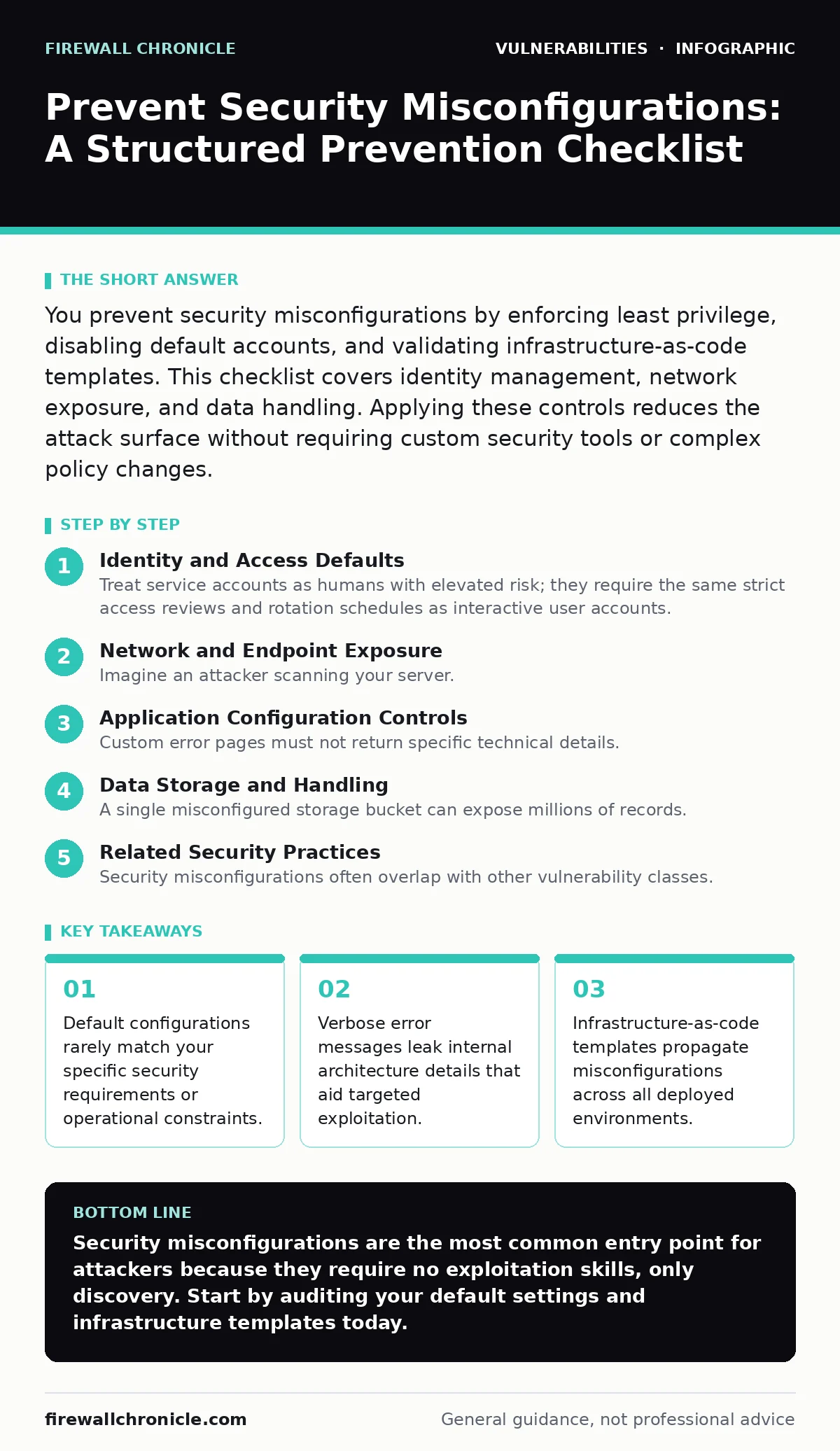
You prevent security misconfigurations by enforcing least privilege, disabling default accounts, and validating infrastructure-as-code templates. This checklist covers identity management, network exposure, and data handling. Applying these controls reduces the attack surface without requiring custom security tools or complex policy changes.
Identity and Access Defaults
- Remove all default administrative accounts: Default credentials are the first thing automated scanners check, allowing immediate unauthorized access.
- Enforce multi-factor authentication for all privileged roles: Passwords alone fail against credential stuffing and phishing, while MFA adds a necessary verification layer.
- Disable unused user accounts immediately: Dormant accounts accumulate permissions over time, creating backdoors for attackers who compromise a single legacy identity.
- Review service account permissions quarterly: Service accounts often retain excessive privileges after initial deployment, granting attackers broad system access if compromised.
Network and Endpoint Exposure
- Close all unnecessary ports and protocols: Every open port is a potential entry point; closing unused services reduces the attack surface significantly.
- Disable directory listing on web servers: Directory listing reveals file structures and sensitive documents, giving attackers a map of your application logic.
- Remove default web pages and banners: Default banners disclose software versions, allowing attackers to search for known vulnerabilities specific to that release.
- Implement strict input validation on all endpoints: Unvalidated inputs enable injection attacks; validating data at the edge prevents malicious payloads from reaching your logic.
Imagine an attacker scanning your server. They see a default banner for an outdated framework. They immediately download the exploit database for that version. You have handed them the keys without them trying.
Application Configuration Controls
- Configure custom error pages: Generic stack traces reveal internal paths, database schemas, and code libraries, aiding in further exploitation attempts.
- Disable server-side includes unless required: Server-side includes allow code execution if an attacker controls the included file, leading to remote code execution.
- Validate Content-Type headers strictly: Incorrect header handling can trigger parsing errors or bypass security filters, exposing the application to injection flaws.
- Ensure session timeouts are enforced: Idle sessions remain active indefinitely by default, allowing session hijacking if an attacker gains access to the session token.
Data Storage and Handling
- Encrypt data at rest and in transit: Unencrypted data is readable by anyone with physical access to the storage or network traffic, violating privacy and compliance standards.
- Disable auto-backup of sensitive files: Auto-backups often reside in unprotected directories, exposing credentials and private keys to anyone with read access.
- Remove hardcoded secrets from configuration files: Hardcoded secrets in source code are visible to anyone with repository access, leading to immediate credential theft.
- Validate file upload extensions and types: Allowing any file type enables attackers to upload executable scripts or malicious binaries that run on your server.
Infrastructure Automation Safety
- Scan infrastructure-as-code templates before deployment: Misconfigurations in templates replicate across every instance, creating widespread vulnerabilities that are hard to track.
- Use parameterized queries for database access: Direct string concatenation in queries allows SQL injection; parameterization separates code from data, preventing execution.
- Restrict access to configuration management tools: Configuration tools control the entire environment; unauthorized access allows attackers to modify security policies at scale.
- Audit cloud storage bucket permissions: Publicly accessible storage buckets expose sensitive data to the internet, often due to overly permissive default policies.
Related Security Practices
Security misconfigurations often overlap with other vulnerability classes. You should integrate this checklist with your existing threat modeling processes. Threat modeling helps you identify where your configuration assumptions might fail under attack. For instance, if you rely on network isolation, your threat model must account for scenarios where that isolation is breached.
Misconfigurations can also facilitate specific attack vectors. XML external entity (XXE) attacks often succeed because parsers are configured to process external entities. Disabling this feature in your parser configuration prevents the attack entirely. Similarly, vulnerabilities in VPN gateways and application delivery controllers frequently stem from misconfigured routing or access rules. Regular audits of these components are necessary.
You might consider fuzz testing to uncover configuration edge cases. Fuzz testing sends malformed data to your application, revealing how it handles unexpected inputs. This can expose misconfigurations that static checks miss. Understanding the CVSS score of potential vulnerabilities helps you prioritize which misconfigurations to fix first. Higher scores indicate greater potential impact.
Cross-site scripting (XSS) and cross-site request forgery (CSRF) are often exacerbated by misconfigured content security policies. Ensuring these headers are set correctly prevents many client-side attacks. Finally, be aware of DLL hijacking risks. Misconfigured search paths for dynamic link libraries allow attackers to inject malicious code. Verifying your library paths is a critical configuration step.
Key takeaways
- Default configurations rarely match your specific security requirements or operational constraints.
- Verbose error messages leak internal architecture details that aid targeted exploitation.
- Infrastructure-as-code templates propagate misconfigurations across all deployed environments.
Security misconfigurations are the most common entry point for attackers because they require no exploitation skills, only discovery. Start by auditing your default settings and infrastructure templates today.
Frequently asked questions
How do I know if my configuration is secure?
Compare your settings against established security benchmarks and perform regular automated scans to detect deviations from those standards.
Can misconfigurations cause data breaches?
Yes, misconfigurations often expose sensitive data directly to the internet or grant unauthorized access to internal systems, leading to data loss.
Should I disable features I do not use?
Disabling unused features reduces the attack surface by removing potential entry points that attackers could exploit through misconfiguration.
How often should I review configurations?
Review configurations after every major update and perform comprehensive audits at least twice a year to catch drift and new risks.
How this guide was produced: written by the Firewall Chronicle editorial team with AI assistance, checked against the public references listed below, and reviewed when the facts change. See our editorial policy or report an error.