Dependency Updates: 6 Misconceptions That Leave Code Exposed
Updating libraries rarely fixes security flaws; it often introduces new surface area and breaks existing logic if you do not verify the change.
Teams treat dependency updates as automatic fixes. This view ignores version pinning failures, transient dependency risks, and the fact that new code often contains more bugs than the old. You must verify changes, lock versions, and test behavior, not just trust the update mechanism.
Misreading: Updates Automatically Fix Security Flaws
Updating a library is not a security operation. It is a code change. When you bump a version number, you accept new code into your runtime environment. That code may fix a known vulnerability, but it may also introduce new logic errors, memory leaks, or insecure defaults. The assumption that newer means safer ignores the software development lifecycle. Developers in upstream projects often prioritize feature delivery over security audits. A patch might close one door while leaving another window open. You must review the changelog for security notes, not just version increments.
Correct reading: Treat every update as a potential source of new vulnerabilities. Verify that the update addresses a specific threat model. Run static analysis and dynamic tests against the new version before deployment. Do not assume the upstream maintainer has performed the same rigor you apply to your own code.
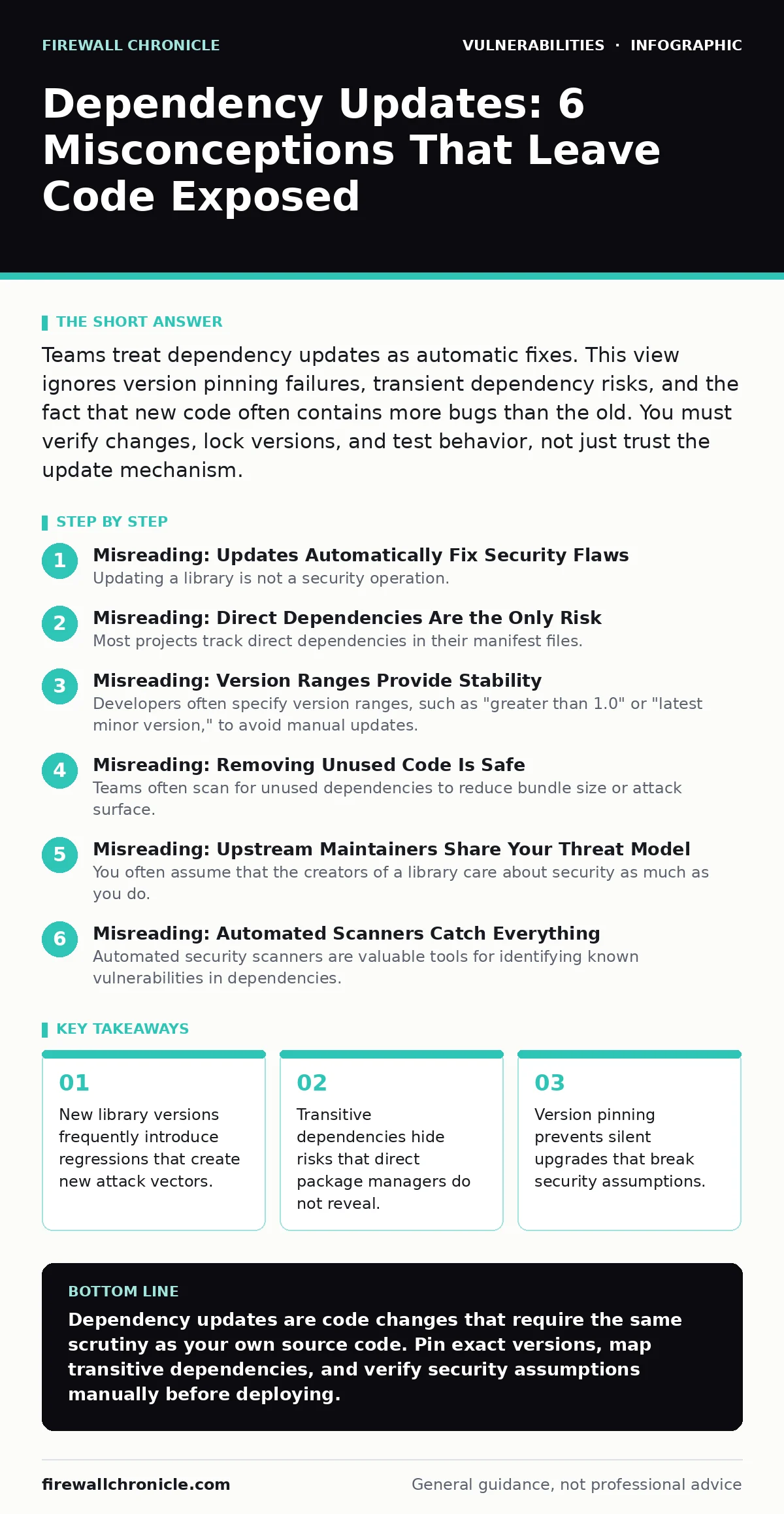
Misreading: Direct Dependencies Are the Only Risk
Most projects track direct dependencies in their manifest files. These are the libraries you explicitly import. However, each direct dependency imports its own set of libraries, known as transitive or indirect dependencies. These nested dependencies form a deep tree. A vulnerability in a leaf node, three levels deep, can compromise your application just as effectively as a flaw in a direct import. Package managers often hide these layers. You might think your code is clean because your direct imports are secure. The hidden tree contains the real risk.
Correct reading: Map your entire dependency tree, including transitive dependencies. Use tools that visualize the full graph. When a vulnerability is disclosed in a transitive package, you must identify which direct dependency pulls it in. You may need to upgrade the parent package or add an explicit override to force a secure version of the child package. Understanding this depth is vital for accurate risk assessment.
Misreading: Version Ranges Provide Stability
Developers often specify version ranges, such as "greater than 1.0" or "latest minor version," to avoid manual updates. This convenience creates unpredictability. When a new minor version is released, your build system may pull it in automatically. If that version contains a breaking change or a new vulnerability, your application breaks or becomes insecure without your explicit consent. This silent drift makes it difficult to reproduce issues or audit the exact code running in production. You lose control over the specific binary executing in your environment.
Correct reading: Pin exact versions in your production manifests. Use lock files to freeze the entire dependency tree to specific hashes or version numbers. Treat lock files as source code. When you decide to update, do it intentionally. Review the changes, test the integration, and then commit the new lock file. This practice ensures that every change is deliberate and auditable, preventing surprise failures or security regressions.
Misreading: Removing Unused Code Is Safe
Teams often scan for unused dependencies to reduce bundle size or attack surface. They remove libraries that their code no longer imports directly. This approach misses the transitive dependency problem. A library you removed might still be required by another active dependency. If you force-remove it, the build may fail, or worse, the remaining dependency may fall back to a different, potentially insecure, version. Alternatively, you might remove a library that is only used by a legacy code path that rarely executes. If that path executes during an attack, the missing library causes a runtime error that could be exploitable.
Correct reading: Analyze usage in the context of the full dependency graph, not just direct imports. Identify which transitive dependencies rely on the library you intend to remove. Verify that no other active component requires it. If you remove a library, rebuild and run comprehensive integration tests. Ensure that no fallback mechanisms have activated that introduce weaker security controls or different behavior.
Misreading: Upstream Maintainers Share Your Threat Model
You often assume that the creators of a library care about security as much as you do. Many open-source projects are maintained by volunteers with limited resources. Their primary goal is functionality and compatibility. Security may be a secondary concern. They might introduce features that simplify development but weaken security, such as disabling strict mode or allowing unsafe deserialization. They might not patch vulnerabilities quickly if they do not understand the impact. Relying on their judgment exposes you to risks they have not identified or prioritized.
Correct reading: Maintain your own threat model for each dependency. Evaluate whether the library’s defaults align with your security requirements. Configure the library explicitly to enforce your security policies, overriding any insecure defaults. Monitor the project’s activity and security response history. If a maintainer is unresponsive to security reports, consider finding an alternative library or forking the project to apply your own patches.
Misreading: Automated Scanners Catch Everything
Automated security scanners are valuable tools for identifying known vulnerabilities in dependencies. They compare your dependency versions against databases of known flaws. However, they cannot detect logic errors, misuse of APIs, or vulnerabilities that arise from the interaction between libraries. A scanner might report that all dependencies are free of known CVEs. This does not mean your application is secure. You might be using a secure library in an insecure way, or two secure libraries might interact in a way that creates a race condition vulnerability.
Correct reading: Use automated scanners as one layer of defense, not the sole authority. Combine them with code reviews, fuzz testing, and penetration testing. Look for how dependencies interact, not just their individual status. Verify that your usage patterns follow the library’s intended security guidelines. Manual review catches the contextual risks that automated tools miss.
Key takeaways
- New library versions frequently introduce regressions that create new attack vectors.
- Transitive dependencies hide risks that direct package managers do not reveal.
- Version pinning prevents silent upgrades that break security assumptions.
Dependency updates are code changes that require the same scrutiny as your own source code. Pin exact versions, map transitive dependencies, and verify security assumptions manually before deploying.
Frequently asked questions
How do I handle a critical vulnerability in a transitive dependency?
Identify the direct dependency that pulls it in. Upgrade that direct dependency to a version that uses a secure transitive version. If none exists, add an explicit override in your manifest to force the secure version.
Should I disable automatic updates in my CI/CD pipeline?
Yes. Automatic updates in production pipelines introduce unverified code. Use automated scans to alert you to available updates, but require manual approval and testing before merging the new version into your main branch.
What is the risk of using the "latest" tag?
The "latest" tag points to the most recent release, which may be unstable or contain new vulnerabilities. It makes builds non-reproducible. You cannot guarantee that the same code runs on your machine as in production.
How often should I review my dependencies?
Review dependencies whenever a new version of a critical library is released or when a vulnerability is disclosed. Schedule regular audits, such as quarterly, to check for accumulated technical debt or new security advisories.
How this guide was produced: written by the Firewall Chronicle editorial team with AI assistance, checked against the public references listed below, and reviewed when the facts change. See our editorial policy or report an error.