Stop MFA Fatigue Attacks: The Developer Prevention Checklist
MFA fatigue exploits human psychology by bombarding users with approval requests until they accidentally click yes, bypassing even the strongest cryptographic tokens.
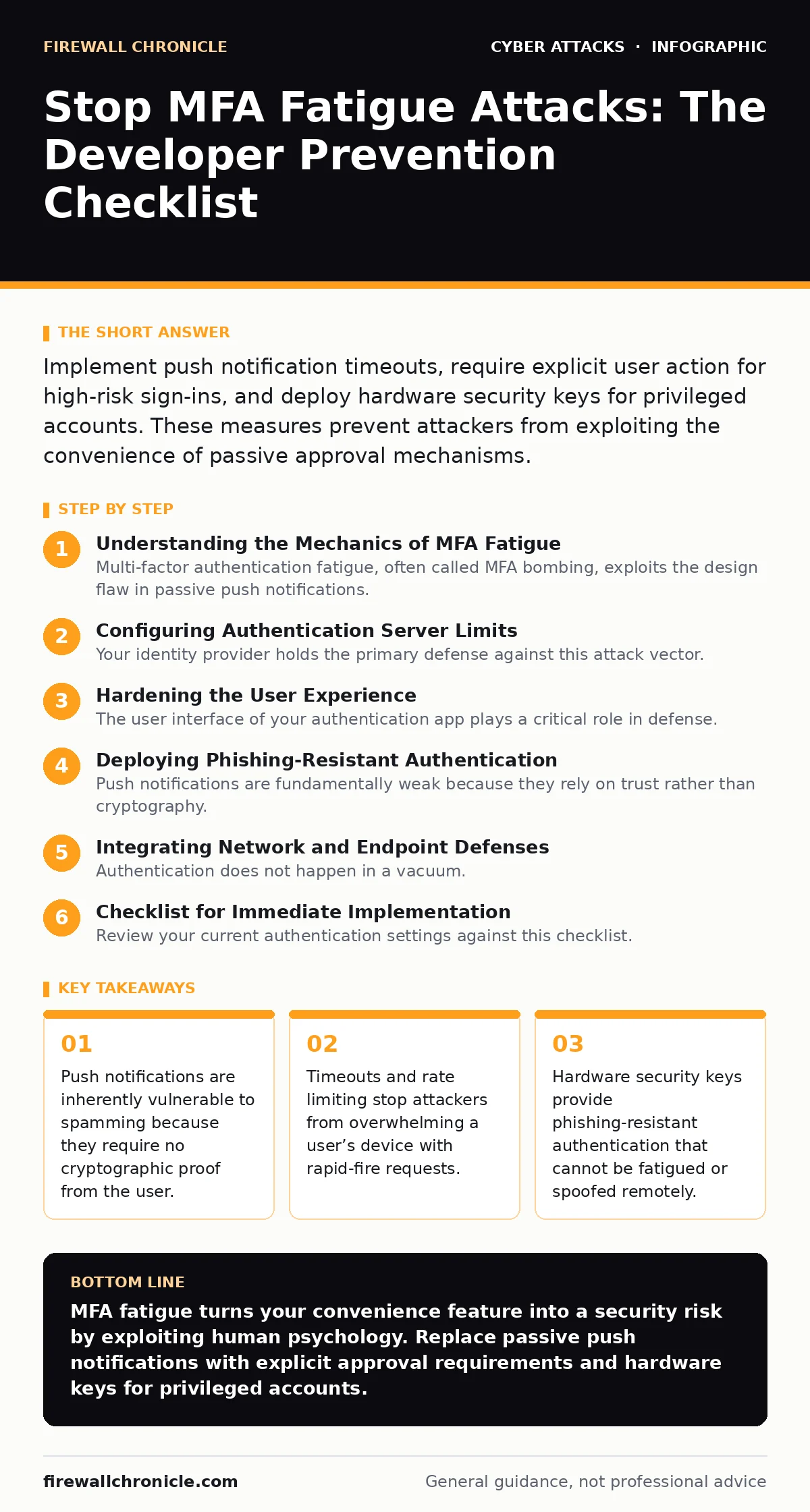
Implement push notification timeouts, require explicit user action for high-risk sign-ins, and deploy hardware security keys for privileged accounts. These measures prevent attackers from exploiting the convenience of passive approval mechanisms.
Understanding the Mechanics of MFA Fatigue
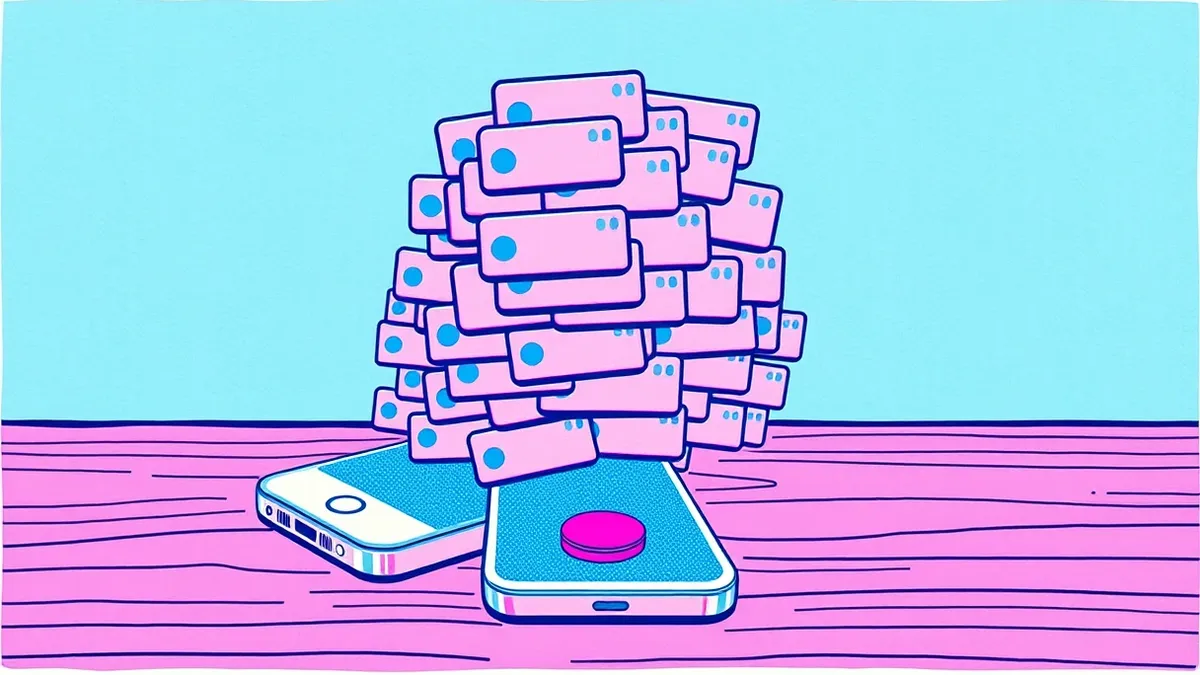
Multi-factor authentication fatigue, often called MFA bombing, exploits the design flaw in passive push notifications. Attackers do not need to guess your password or steal your token seed. They only need to trigger a login attempt. Once triggered, the authentication server sends a push request to your mobile device. The attacker then repeats this process hundreds of times.
The goal is psychological exhaustion. You are sleeping, driving, or working. The constant buzzing becomes annoying. Eventually, you tap "Approve" just to make the noise stop. That single tap grants the attacker access. This bypasses the cryptographic strength of the second factor entirely. It turns your convenience feature into a security liability.
Configuring Authentication Server Limits
Your identity provider holds the primary defense against this attack vector. Default settings often allow unlimited login attempts to prevent legitimate users from being locked out. You must change these defaults. Implement rate limiting on authentication requests per user account. If an account receives more than 3 failed or pending requests in a minute, block further attempts temporarily.
Set a strict timeout for pending push notifications. If a user does not respond within 30 seconds, the request should expire and require a new trigger. This prevents requests from lingering in the queue for hours. Combine this with account lockout policies after repeated failures. These settings reduce the window of opportunity for an attacker to exploit your attention span.
Hardening the User Experience
The user interface of your authentication app plays a critical role in defense. Passive approvals, where the app automatically signs you in if your device is unlocked, are dangerous. Require explicit user interaction for every authentication request. The user must press a physical button or type a code. This adds friction, but it prevents accidental approvals during a bombing attack.
Display contextual information in the push notification. Show the IP address, the geographic location, and the device type of the login attempt. If you see a login from a country you have never visited, you will deny it immediately. This shifts the burden from memory to verification. It forces the user to evaluate the risk before acting.
Deploying Phishing-Resistant Authentication
Push notifications are fundamentally weak because they rely on trust rather than cryptography. For high-privilege accounts, such as administrators or developers with repository access, replace push notifications with hardware security keys. These keys use the FIDO2 standard. They require physical presence to sign the cryptographic challenge.
An attacker cannot fatigue a hardware key. They cannot spam a USB port or a NFC reader remotely. The key must be physically present. This eliminates the attack surface entirely for those accounts. While this introduces operational overhead, the security gain is significant. It protects the most valuable assets in your infrastructure.
Integrating Network and Endpoint Defenses
Authentication does not happen in a vacuum. If an attacker has already compromised your network, they can trigger internal authentication requests. This makes external rate limiting less effective. Implement network segmentation to limit lateral movement. Restrict which subnets can initiate authentication requests to your identity provider.
Use web filtering to block access to known malicious domains that might host credential harvesting pages. While this does not stop the fatigue attack itself, it reduces the likelihood of the attacker obtaining the initial username. Combine this with endpoint detection solutions that monitor for unusual application behavior. If a script is automating login attempts, your endpoint agent should detect the pattern.
Checklist for Immediate Implementation
Review your current authentication settings against this checklist. Each item addresses a specific failure point in the MFA fatigue attack chain. Implement these changes in phases, starting with high-risk accounts.
Identity Provider Configuration
- Enable rate limiting on login requests: Prevents attackers from spamming the authentication queue.
- Set push notification timeouts to 30 seconds: Reduces the window for accidental approval during distraction.
- Disable auto-approve for trusted devices: Ensures every login requires conscious user consent.
- Implement account lockout after 5 failed attempts: Stops brute-force triggers that initiate fatigue attacks.
User-Facing Controls
- Require explicit approval action on mobile app: Prevents background processes from approving silently.
- Display IP and location in push notifications: Allows users to verify the legitimacy of the request.
- Educate users on the "approve to stop" tactic: Helps users recognize the psychological manipulation behind the noise.
High-Privilege Account Protection
- Enforce hardware security keys for admins: Eliminates the fatigue vector for critical accounts.
- Disable SMS-based MFA for all users: Prevents SIM swapping and SMS bombing attacks.
- Monitor logs for geographic anomalies: Detects attacks from unfamiliar locations early.
Key takeaways
- Push notifications are inherently vulnerable to spamming because they require no cryptographic proof from the user.
- Timeouts and rate limiting stop attackers from overwhelming a user’s device with rapid-fire requests.
- Hardware security keys provide phishing-resistant authentication that cannot be fatigued or spoofed remotely.
MFA fatigue turns your convenience feature into a security risk by exploiting human psychology. Replace passive push notifications with explicit approval requirements and hardware keys for privileged accounts.
Frequently asked questions
Can I stop MFA fatigue with just a strong password?
No, MFA fatigue bypasses passwords entirely. The attacker already has or does not need the password. They exploit the second factor's delivery mechanism.
Are all push notifications vulnerable to fatigue attacks?
Most are, if they allow passive approval or lack rate limiting. Apps that require biometric verification or explicit button presses are more resistant.
How do I detect an ongoing MFA fatigue attack?
Look for a high volume of authentication requests from a single source in a short time. Your identity provider logs will show this pattern clearly.
Is phishing simulation effective against MFA fatigue?
Phishing simulations help users avoid credential theft, which is the first step. They do not protect against the fatigue attack itself once the username is known.
How this guide was produced: written by the Firewall Chronicle editorial team with AI assistance, checked against the public references listed below, and reviewed when the facts change. See our editorial policy or report an error.