Spear Phishing Warning Signs: Spotting the Hidden Threats
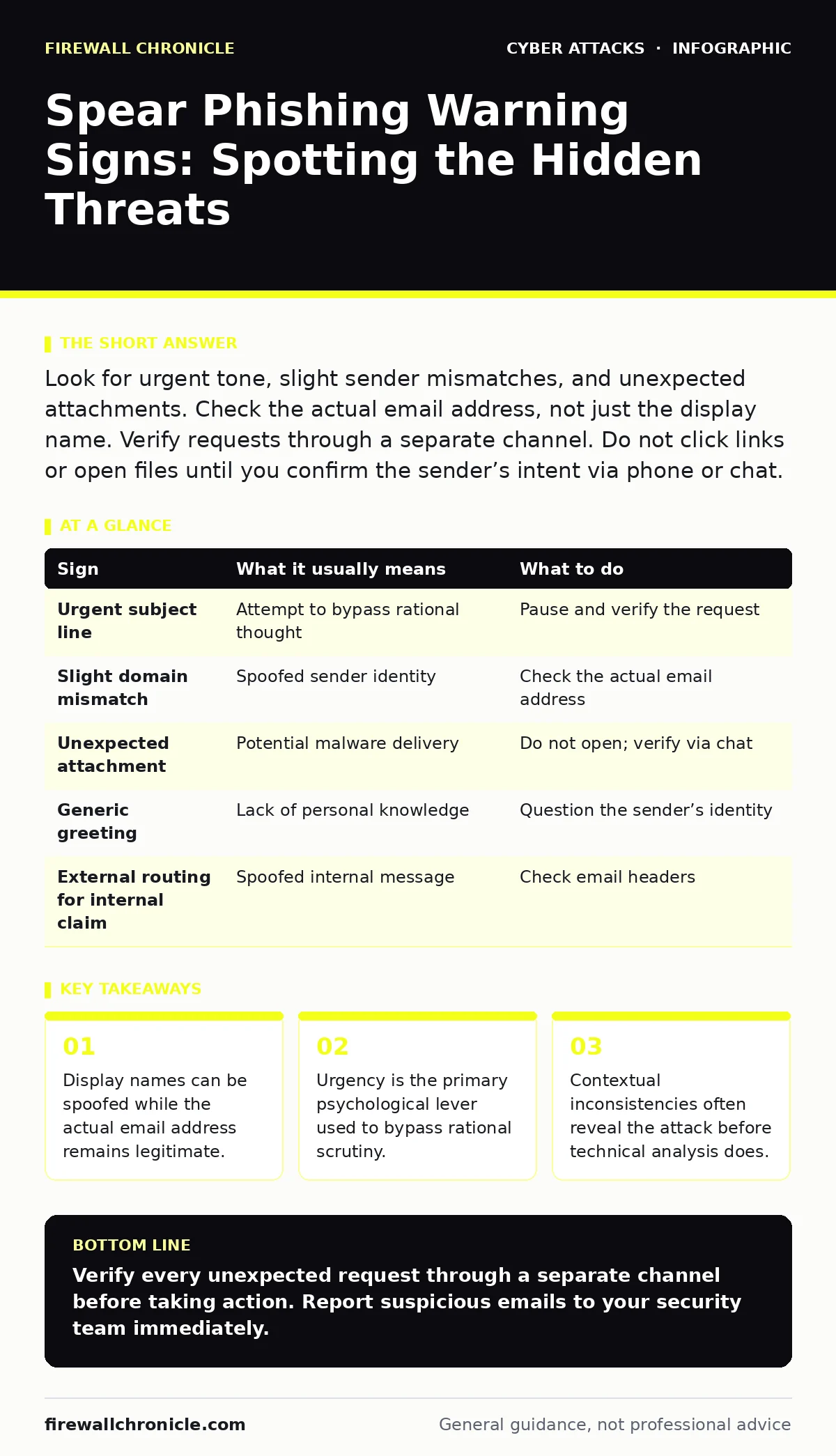
Spear phishing attacks bypass standard filters by exploiting your specific role and relationships, making context analysis more effective than header inspection.
Look for urgent tone, slight sender mismatches, and unexpected attachments. Check the actual email address, not just the display name. Verify requests through a separate channel. Do not click links or open files until you confirm the sender’s intent via phone or chat.
The Initial Visual Cues
The first signs of a spear phishing attempt often appear in the email header and subject line. Attackers craft these elements to trigger immediate action. The subject line usually contains urgent language. It may reference a deadline, a legal issue, or a security alert. This pressure forces you to act without thinking. You notice the tone before you notice the content. The message feels demanding rather than informative.
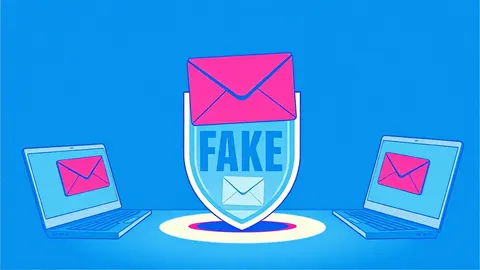
The sender’s display name often matches a trusted colleague or executive. This creates a false sense of security. Your brain associates the name with safety. You skip the verification step because the name looks correct. This is the first trap. The name is just a label. It does not prove identity. You must look past the label to the actual address.
The Subtle Technical Indicators
Technical signs are easy to miss if you only glance at the email. The actual email address may differ slightly from the expected one. Look for extra characters, swapped letters, or different domains. The domain might look similar but not identical. This technique is called typosquatting. It relies on your inability to spot small differences quickly.
Check the reply-to address. It may differ from the sender’s address. This allows the attacker to receive your response while hiding their true identity. The email headers contain routing information. They show the path the message took. If the message claims to come from inside your organization but routes externally, it is suspicious. This requires checking the Message Header Authentication.
The Contextual Inconsistencies
Contextual errors reveal the attacker’s lack of real knowledge. The email may reference projects you are not involved in. It might use incorrect terminology for your team. These details seem minor but are significant. A real colleague would know your current workload. They would not ask for something that contradicts known facts.
The timing of the request may be unusual. It might arrive outside of normal business hours. It could coincide with a busy period when you are distracted. Attackers choose these moments to reduce your attention. They rely on your cognitive load. When you are stressed, you are less likely to verify details. This is a calculated risk by the attacker.
| Sign | What it usually means | What to do |
|---|---|---|
| Urgent subject line | Attempt to bypass rational thought | Pause and verify the request |
| Slight domain mismatch | Spoofed sender identity | Check the actual email address |
| Unexpected attachment | Potential malware delivery | Do not open; verify via chat |
| Generic greeting | Lack of personal knowledge | Question the sender’s identity |
| External routing for internal claim | Spoofed internal message | Check email headers |
The Psychological Manipulation
Spear phishing exploits social dynamics. The attacker positions themselves as an authority figure. They may claim to be from IT, finance, or legal. This hierarchy discourages you from questioning the request. You feel obligated to comply. The message may threaten consequences for non-compliance. This fear overrides your caution.
The attacker may use your own data against you. They might reference a recent meeting or a shared document. This proves they have done research. It makes the attack more credible. You assume the person knows what they are talking about. This is a hidden cost of public information. Your digital footprint aids the attacker.
The Action Plan for Verification
When you see a suspicious sign, stop immediately. Do not reply to the email. Do not click any links. Do not open any attachments. These actions can trigger malware or confirm your email is active. Use a separate communication channel to verify the request. Call the person directly. Use a known phone number, not one from the email.
If you cannot reach the person, check with their assistant or manager. Ask for clarification on the request. A legitimate sender will understand your caution. They will not pressure you further. If the request is urgent, it can wait for verification. This step breaks the attacker’s momentum. It prevents the attack from succeeding.
The Role of Defense Mechanisms
Technical defenses help but are not enough. Multi-factor authentication protects your accounts. It prevents unauthorized access even if you share credentials. However, it does not stop you from sending data. You must combine technical controls with human vigilance. Regular training helps you recognize patterns. Phishing simulations can improve your detection skills.
Email authentication protocols like DMARC help verify sender identity. They prevent domain spoofing. They do not stop all attacks. Attackers can register new domains. They can use compromised accounts. You must remain skeptical. Trust but verify is the correct approach. This mindset protects you from sophisticated attacks.
The Long-Term Behavior Change
Spear phishing is a continuous threat. Attackers adapt their tactics. They learn from their failures. They refine their messages. You must also adapt. Regularly review your security habits. Update your contact information. Ensure your colleagues know how to reach you. This reduces the attacker’s ability to isolate you.
Share suspicious emails with your security team. This helps them update filters. It provides data on new tactics. Your input improves the collective defense. Do not feel ashamed for noticing a sign. Reporting is a positive action. It strengthens the overall security posture. Consistency is key. Make verification a habit.
Key takeaways
- Display names can be spoofed while the actual email address remains legitimate.
- Urgency is the primary psychological lever used to bypass rational scrutiny.
- Contextual inconsistencies often reveal the attack before technical analysis does.
Verify every unexpected request through a separate channel before taking action. Report suspicious emails to your security team immediately.
Frequently asked questions
Can I trust an email from a known contact?
Not always. Accounts can be compromised. Always verify the request if it seems unusual or urgent.
What if I already clicked a link?
Disconnect from the network immediately. Change your passwords. Report the incident to your security team.
How do I check email headers?
Use your email client’s view source option. Look for the authentication results and routing path.
Is DMARC enough to stop spear phishing?
No. DMARC prevents domain spoofing. It does not stop attacks from compromised accounts or new domains.
How this guide was produced: written by the Firewall Chronicle editorial team with AI assistance, checked against the public references listed below, and reviewed when the facts change. See our editorial policy or report an error.