Kubernetes Network Policies: How to Stop Unwanted Pod Traffic
Default Kubernetes clusters allow unrestricted lateral movement between pods, leaving your entire internal network exposed to compromise unless you explicitly define isolation rules.
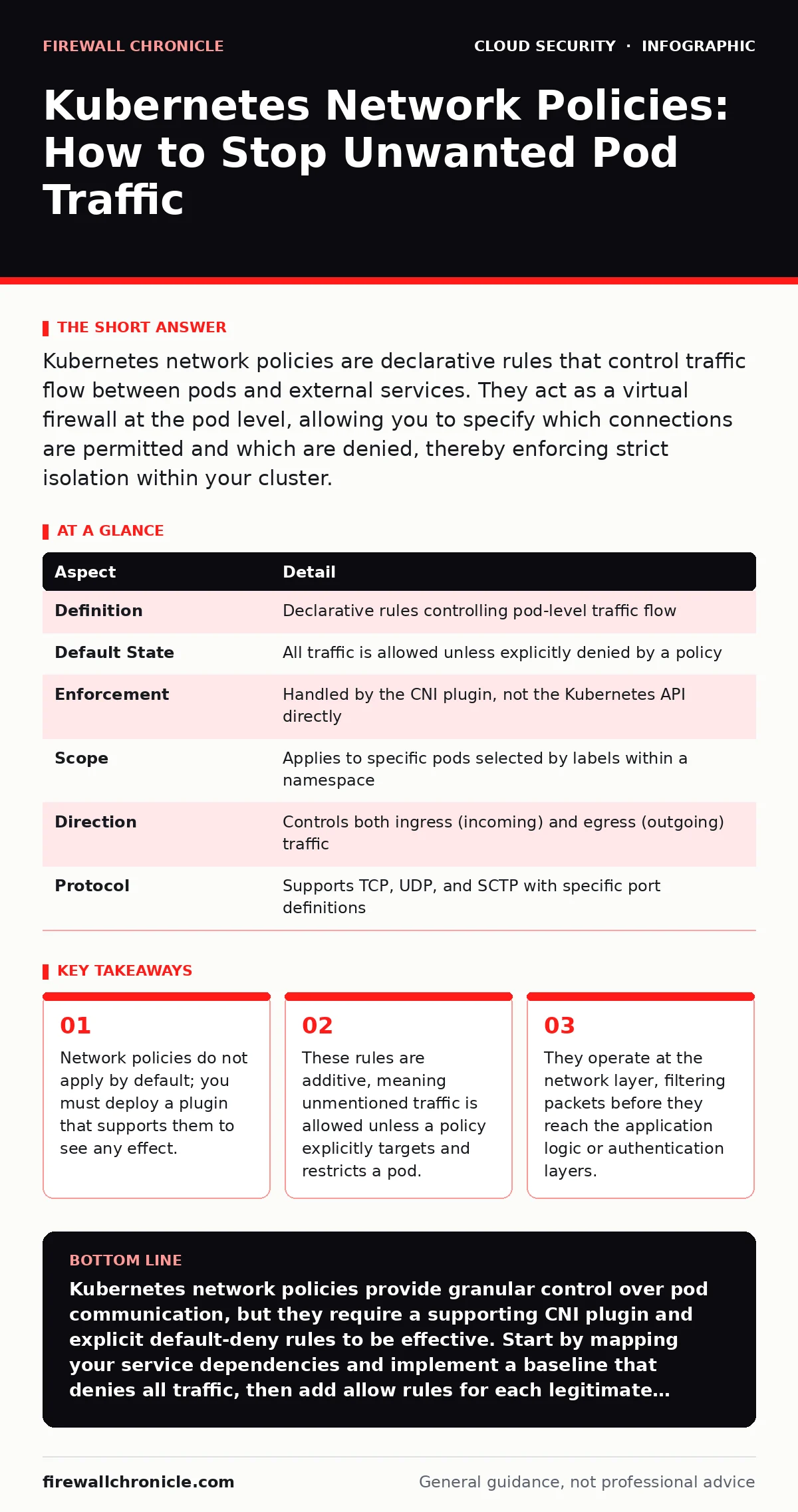
Kubernetes network policies are declarative rules that control traffic flow between pods and external services. They act as a virtual firewall at the pod level, allowing you to specify which connections are permitted and which are denied, thereby enforcing strict isolation within your cluster.
The Default Open Door
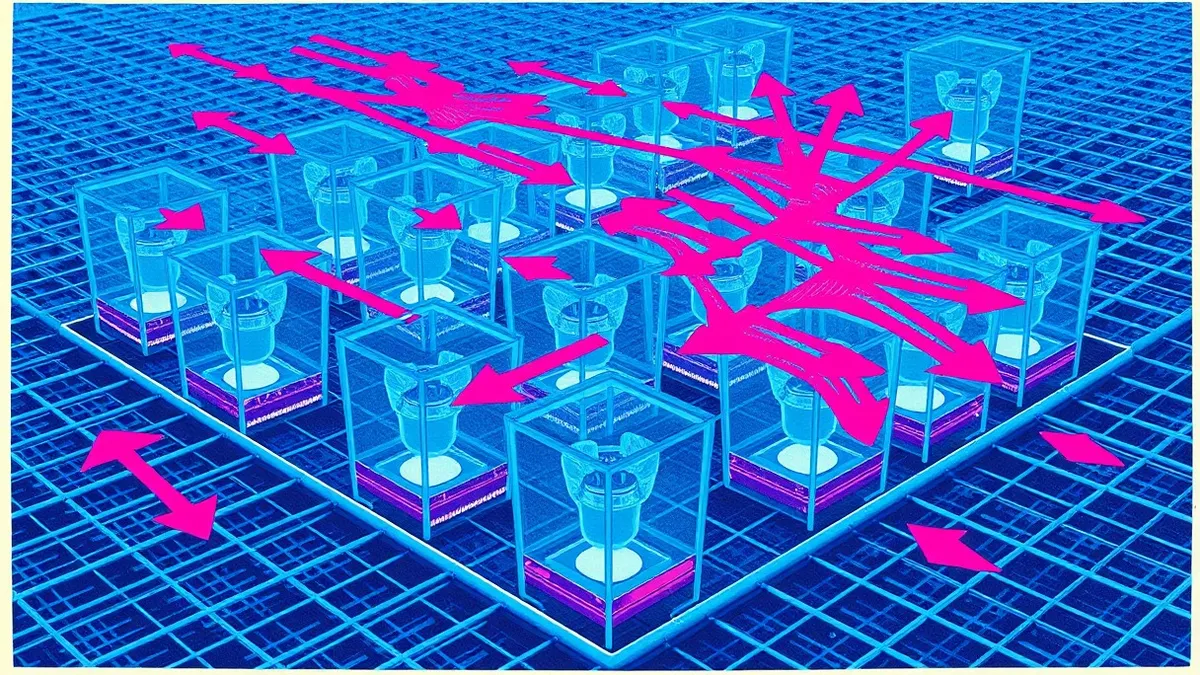
Imagine a large office building where every door is unlocked and every wall is transparent. Anyone can walk into any room, inspect any document, and talk to any employee. This is the default state of a Kubernetes cluster. Without specific configuration, every pod can communicate with every other pod, and every pod can reach external networks. This design prioritizes ease of development over security. It assumes that if a component needs to talk to another, it should be able to do so without friction.
This assumption creates a significant risk. If an attacker compromises one low-privileged pod, they can move laterally to more sensitive components. They can scan for open ports, exfiltrate data, or disrupt services. Network policies exist to close those open doors. They allow you to define exactly which pods can talk to each other and on which ports. This turns the cluster from an open floor plan into a series of secured rooms with controlled access.
What Network Policies Actually Do
A Kubernetes network policy is a set of rules that defines how a pod is allowed to communicate with other network entities. These entities include other pods, services, and external IP blocks. The policy acts as a filter, inspecting traffic and either allowing or dropping packets based on your criteria. Unlike traditional firewalls that often sit at the edge of a network, these policies are enforced at the pod interface. This provides granular control that aligns with the microservices architecture.
The primary purpose is segmentation. By limiting communication paths, you reduce the blast radius of a security incident. If a web frontend pod is compromised, a network policy can prevent it from reaching the database pod. This contains the threat to the frontend layer. It also helps enforce the principle of least privilege at the network level. Services only get the network access they strictly need to function.
The CNI Plugin Dependency
There is a critical caveat that often trips up administrators. The Kubernetes API server stores network policy objects, but it does not enforce them. The enforcement happens at the node level, handled by the Container Network Interface (CNI) plugin. If your cluster uses a CNI plugin that does not support network policies, your rules are stored but ignored. Traffic flows freely regardless of your configuration.
You must verify that your chosen CNI supports network policy implementation. Common options include Calico, Cilium, and Weave Net. Each implements the standards differently, which can affect performance and feature sets. For example, some plugins support advanced fields like CIDR blocks for ingress sources, while others may have limitations. Understanding this dependency is vital for ensuring your security posture matches your intent.
| Aspect | Detail |
|---|---|
| Definition | Declarative rules controlling pod-level traffic flow |
| Default State | All traffic is allowed unless explicitly denied by a policy |
| Enforcement | Handled by the CNI plugin, not the Kubernetes API directly |
| Scope | Applies to specific pods selected by labels within a namespace |
| Direction | Controls both ingress (incoming) and egress (outgoing) traffic |
| Protocol | Supports TCP, UDP, and SCTP with specific port definitions |
Anatomy of a Policy Object
A network policy object consists of three main parts: pod selection, policy types, and rules. The pod selection uses label selectors to identify which pods the policy applies to. This is where you define the subject of the rule. The policy types declare whether the policy applies to ingress, egress, or both. If a type is not listed, that direction of traffic is not affected by this specific policy.
The rules section contains the actual permissions. An ingress rule specifies who can send traffic to the selected pods. It can restrict sources by pod labels, namespace labels, or IP blocks. An egress rule specifies where the selected pods can send traffic. It can restrict destinations by similar criteria. You can combine multiple rules, and traffic is allowed if it matches any one of them. This additive nature means you must be precise. A missing rule does not mean "deny"; it means "not restricted by this policy."
Common Misconceptions and Pitfalls
Many users assume that applying a network policy automatically denies all other traffic. This is incorrect. Kubernetes network policies are additive. If you apply a policy that allows traffic from source A, traffic from source B is still allowed unless you have another policy that explicitly denies it or you have a default-deny policy in place. Without a default-deny policy, the baseline remains "allow all."
Another common error is confusing network policies with application-level security. A network policy can stop a packet from reaching a pod, but it cannot inspect the content of the packet. It cannot prevent SQL injection or authentication bypass. It only controls connectivity. You must still secure the application itself. Network policies are a layer in a defense-in-depth strategy, not a silver bullet.
People also often forget that egress traffic is not restricted by default. Even if you lock down ingress tightly, your pods may still be able to send data to external IP addresses. This can facilitate data exfiltration or command-and-control communication. You must explicitly define egress policies to control outbound traffic. This is particularly important for preventing cloud cryptojacking, where compromised pods might reach out to malicious mining pools.
See also: Web Filtering Checklist: Configure Categories, Logs, and Exceptions
Integration with Broader Security
Network policies fit into a larger security framework. They work alongside Kubernetes RBAC to provide both identity-based and network-based access control. RBAC controls who can make changes to the cluster API, while network policies control how the workloads themselves communicate. They are complementary, not redundant. You need both to secure a production environment.
They also relate to cloud network segmentation. In a multi-cloud or hybrid setup, network policies handle internal cluster traffic, while cloud provider security groups or firewalls handle traffic entering and leaving the cluster. Understanding the boundary between these controls prevents gaps. For instance, a security group might allow traffic into the node, but a network policy determines if that traffic reaches the pod. This layered approach reduces the attack surface significantly.
When planning cloud migration security, consider network policies early. Defining these rules during the design phase is easier than retrofitting them into a running system. It also aligns with secure access service edge (SASE) principles by enforcing zero-trust network access at the workload level. Each component must authenticate and authorize its connections, even internally.
Building a Default-Deny Baseline
The most effective way to use network policies is to start with a default-deny stance. This involves creating a policy that selects all pods in a namespace and denies all ingress and egress traffic. Once this baseline is in place, you add specific allow rules for each service. This forces you to map out the communication paths explicitly. It reveals hidden dependencies and unnecessary connections.
This process requires careful planning. You must identify every legitimate connection between services. Missing a dependency will break functionality, so testing is critical. Use tools that visualize traffic flows to validate your policies before applying them in production. This methodical approach ensures that your cluster operates on a need-to-know basis. It significantly reduces the risk of lateral movement and data leakage.
By treating network policies as a fundamental part of your infrastructure, you transform the cluster from a permissive environment into a controlled one. This shift requires effort, but the security benefits are substantial. It aligns your network architecture with modern security best practices and reduces the complexity of incident response.
Key takeaways
- Network policies do not apply by default; you must deploy a plugin that supports them to see any effect.
- These rules are additive, meaning unmentioned traffic is allowed unless a policy explicitly targets and restricts a pod.
- They operate at the network layer, filtering packets before they reach the application logic or authentication layers.
Kubernetes network policies provide granular control over pod communication, but they require a supporting CNI plugin and explicit default-deny rules to be effective. Start by mapping your service dependencies and implement a baseline that denies all traffic, then add allow rules for each legitimate connection.
Frequently asked questions
Do network policies protect against external attacks?
Network policies primarily control internal cluster traffic. They can restrict external ingress to specific pods, but they do not replace perimeter firewalls or web application firewalls that handle external threats and protocol inspection.
Can I use network policies to block traffic by IP address?
Yes, most CNI plugins support IP block selectors. You can allow or deny traffic from specific CIDR ranges, which is useful for controlling access from external services or specific cloud provider subnets.
How do network policies interact with Kubernetes Services?
Services are abstractions that route traffic to pods. Network policies apply to the pods themselves. If a pod is denied ingress traffic by a policy, traffic routed to it via a Service will also be dropped, regardless of the Service configuration.
Is it possible to audit network policy violations?
Kubernetes does not natively log denied packets. However, many CNI plugins provide logging capabilities or integrate with external monitoring tools. You can enable logging in your CNI configuration to track blocked traffic and troubleshoot policy issues.
How this guide was produced: written by the Firewall Chronicle editorial team with AI assistance, checked against the public references listed below, and reviewed when the facts change. See our editorial policy or report an error.