Ransomware vs Malware: How to Choose the Right Defense Strategy
Treating all threats as malware misses the specific data encryption mechanisms of ransomware, leaving your backups vulnerable to targeted deletion.
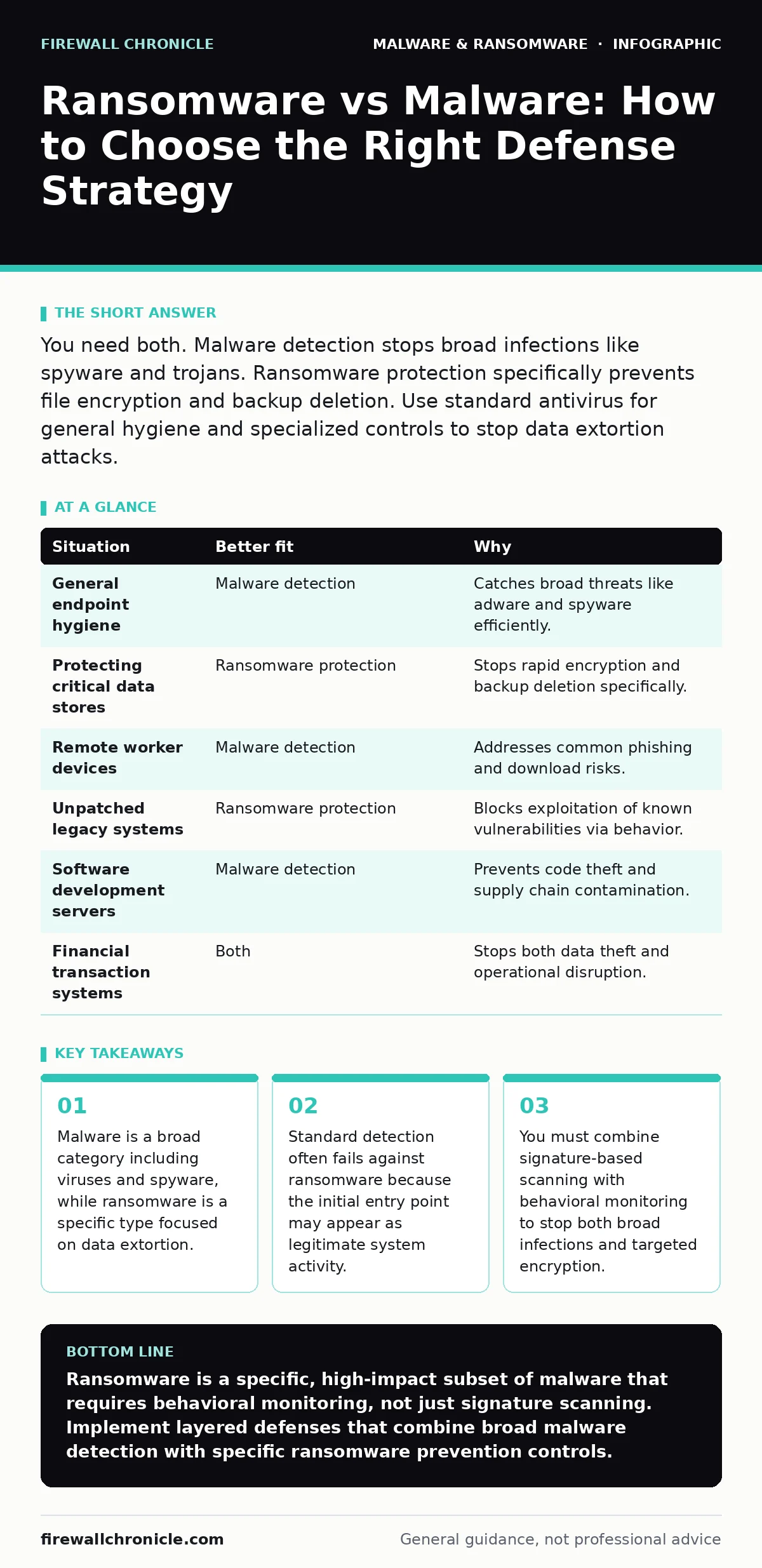
You need both. Malware detection stops broad infections like spyware and trojans. Ransomware protection specifically prevents file encryption and backup deletion. Use standard antivirus for general hygiene and specialized controls to stop data extortion attacks.
Defining the Threat Scope
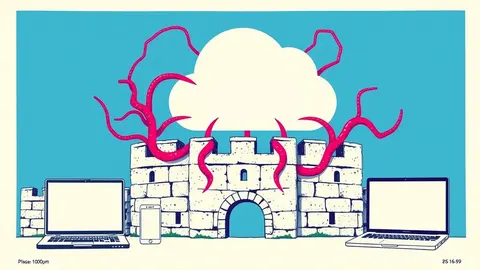
Malware is any software designed to disrupt, damage, or gain unauthorized access to a computer system. This umbrella term includes viruses, worms, trojans, and spyware. Each variant has a different goal, from stealing credentials to creating botnets. Ransomware is a specific subset of malware that encrypts your files or locks your system until you pay a fee. Understanding this distinction changes how you architect your defense.
If you only look for malware, you might miss the unique behavior of ransomware. Ransomware often uses legitimate system tools to encrypt files. This technique makes it look like normal administrative work. Standard defenses might allow this activity because the tool itself is trusted.
The Entry Point Question
Ask yourself how the threat enters your environment. Most malware relies on user error, such as clicking a malicious link or opening a bad attachment. These entry points are broad and frequent. Ransomware, however, often uses more sophisticated initial access vectors. It might exploit an unpatched vulnerability in a remote service. It might abuse a compromised credential to move laterally.
Imagine a scenario where an attacker uses a stolen password to access your network. Standard antivirus might not flag this login. The attacker then installs a remote access tool abuse module to maintain presence. This is malware behavior, but it sets the stage for ransomware. If your defense only scans for known bad files, you miss the credential theft entirely.
The Behavioral Signature Question
Consider what the threat does after it arrives. General malware often tries to hide. It might use rootkits to mask its presence from the operating system. It might install browser hijackers to redirect traffic for profit. These actions are stealthy and slow. Ransomware is aggressive and fast. It needs to encrypt as much data as possible before you notice.
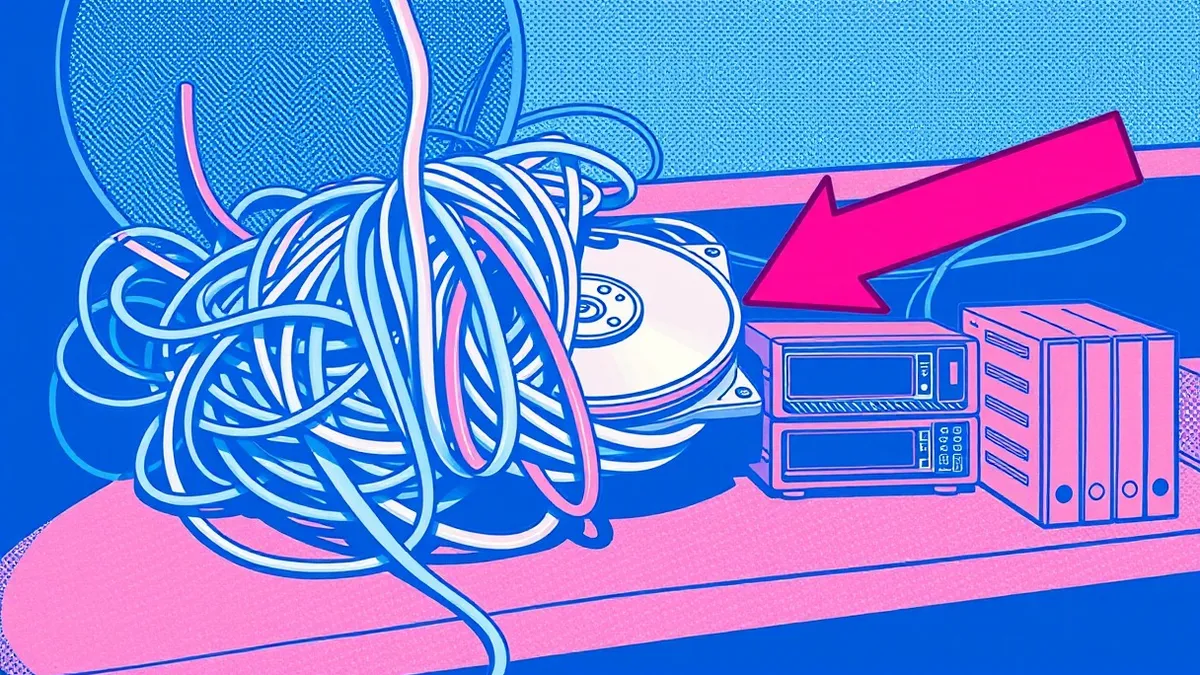
This speed creates a specific behavioral signature. Ransomware generates a high volume of file write operations in a short time. It often targets specific file extensions like documents and databases. It may also try to delete your backups. Standard malware detection looks for known bad code. Ransomware protection looks for this rapid, destructive behavior.
The Detection Mechanism Question
Determine what your tools actually check for. Traditional antivirus relies on signatures. A signature is a unique string of code identified in a known bad file. This method works well for widespread malware variants. It fails against new or customized ransomware. The attacker can change the code slightly to avoid the signature.
Behavioral monitoring watches what processes do, not what they are. If a script starts encrypting files rapidly, behavioral monitoring can block it. This approach catches ransomware even if the code is new. However, it can generate false positives. A legitimate backup job might look like encryption. You need to tune these rules carefully.
Situation-Based Defense Selection
Not every situation requires the same level of scrutiny. You must match the defense to the risk. Below is a table showing which approach fits specific scenarios.
| Situation | Better fit | Why |
|---|---|---|
| General endpoint hygiene | Malware detection | Catches broad threats like adware and spyware efficiently. |
| Protecting critical data stores | Ransomware protection | Stops rapid encryption and backup deletion specifically. |
| Remote worker devices | Malware detection | Addresses common phishing and download risks. |
| Unpatched legacy systems | Ransomware protection | Blocks exploitation of known vulnerabilities via behavior. |
| Software development servers | Malware detection | Prevents code theft and supply chain contamination. |
| Financial transaction systems | Both | Stops both data theft and operational disruption. |
See also: Next-Generation Antivirus Checklist for Modern Endpoints · Tamper Protection for Small Business: Stop Malware from Disabling Defenses
Combining Both Defenses
You should not choose one over the other. The most effective security posture uses both. Start with broad malware detection to handle the volume of common threats. This reduces the noise and keeps your systems clean. Then, layer on ransomware-specific protections for your most critical assets.
Enable tamper protection on your security tools. This prevents attackers from disabling your defenses. Use software restriction policies to limit which programs can run. This stops unauthorized scripts from executing. Monitor for unusual file access patterns. If a process tries to read every file on a drive, block it.
Suppose an attacker bypasses your perimeter. They install a keylogger, which is malware. Your standard detection catches this. Now suppose they use a zero-day exploit to install ransomware. Your behavioral monitoring catches the encryption attempt. Both tools are necessary to stop the full attack chain.
The Hidden Cost of Simplicity
Many organizations assume one tool is enough. This assumption is dangerous. Ransomware is evolving to look like legitimate system maintenance. It uses built-in tools to encrypt files. Standard malware scanners often ignore these tools. You must configure your system to monitor these tools.
This configuration requires effort. You must define what normal behavior looks like. You must update these definitions as your business changes. If you skip this step, you leave a gap. The gap allows ransomware to operate undetected until it is too late.
Key takeaways
- Malware is a broad category including viruses and spyware, while ransomware is a specific type focused on data extortion.
- Standard detection often fails against ransomware because the initial entry point may appear as legitimate system activity.
- You must combine signature-based scanning with behavioral monitoring to stop both broad infections and targeted encryption.
Ransomware is a specific, high-impact subset of malware that requires behavioral monitoring, not just signature scanning. Implement layered defenses that combine broad malware detection with specific ransomware prevention controls.
Frequently asked questions
Is ransomware considered a type of malware?
Yes, ransomware is a specific category of malware designed to extort money by encrypting data or blocking system access.
Can standard antivirus stop ransomware?
Standard antivirus can stop known ransomware variants using signatures, but it often fails against new or behavior-based ransomware attacks.
How does ransomware differ from other malware?
Ransomware specifically encrypts files or locks systems for extortion, whereas other malware may steal data, spy on users, or create botnets.
Do I need separate tools for ransomware protection?
Not necessarily separate tools, but you need specific configurations like behavioral monitoring and backup protection that standard antivirus often lacks.
How this guide was produced: written by the Firewall Chronicle editorial team with AI assistance, checked against the public references listed below, and reviewed when the facts change. See our editorial policy or report an error.