Tamper Protection for Small Business: Stop Malware from Disabling Defenses
Attackers target security tools first, so tamper protection locks down your defenses before malware can uninstall them or stop logging activity.
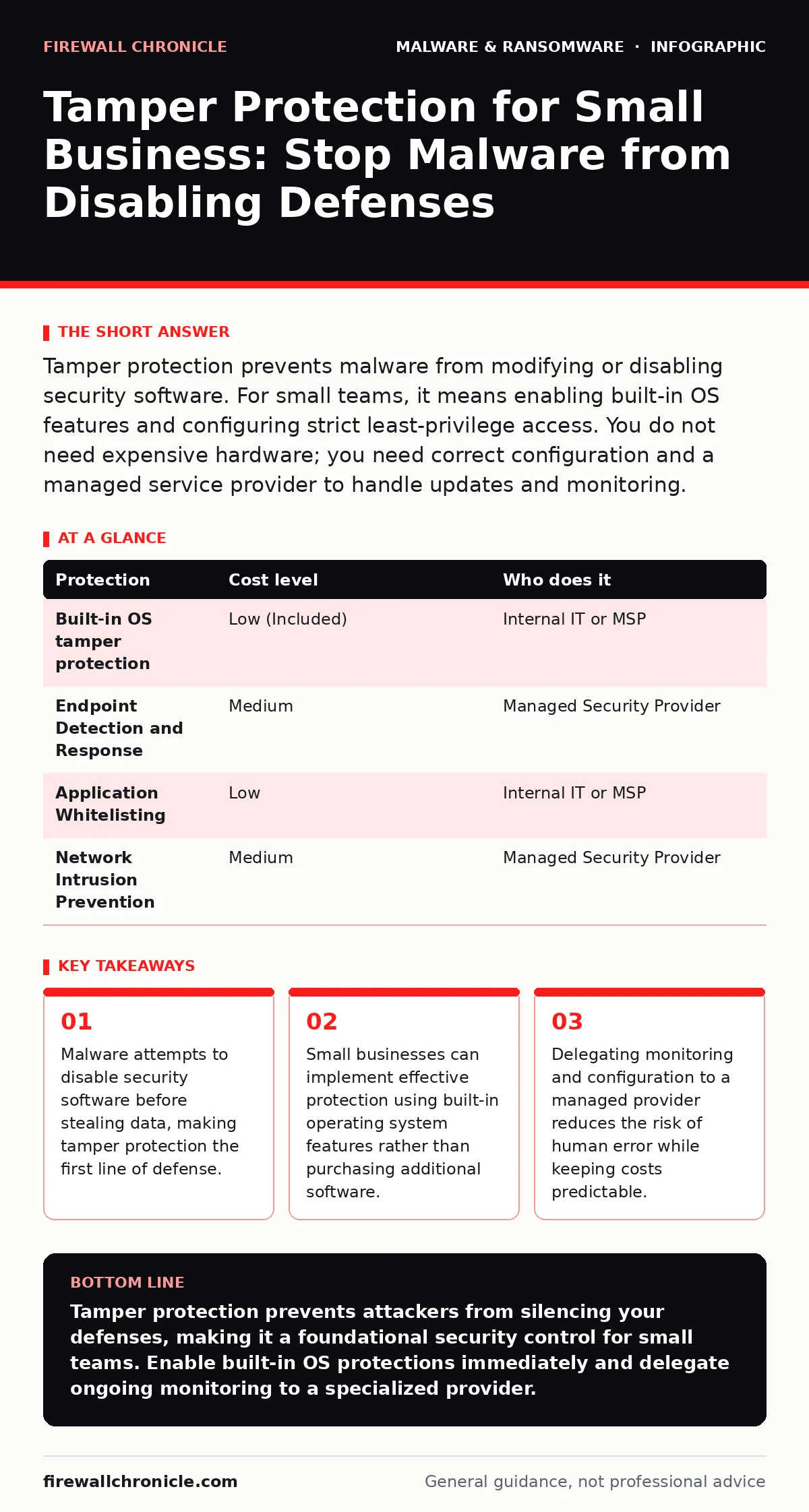
Tamper protection prevents malware from modifying or disabling security software. For small teams, it means enabling built-in OS features and configuring strict least-privilege access. You do not need expensive hardware; you need correct configuration and a managed service provider to handle updates and monitoring.
The First Target Is Your Defender
Attackers know that security tools are the primary obstacle to their success. They do not usually start by stealing data or encrypting drives. They start by silencing the alarms. This is why tamper protection exists. It is a mechanism that prevents unauthorized changes to security configurations and binaries.
If an attacker can modify your security settings, they can blind your systems. They can disable logging, which hides their movement. They can uninstall agents, which stops real-time detection. Tamper protection ensures that only authorized administrators with specific credentials can change these settings. It adds a layer of authentication and integrity checking to the security software itself.
Why Small Teams Face Unique Risks
Small organizations often lack dedicated security operations centers. You likely have one person handling IT, HR, and finance. This creates a single point of failure. If that person is unavailable or compromised, your entire security posture can collapse.
Large enterprises have redundancy. They have separate teams for security, operations, and administration. Small teams do not. This means that human error is a significant risk. An IT administrator might accidentally disable a firewall rule to fix a connectivity issue. Without tamper protection, that mistake leaves the network exposed. With it, the system blocks the change and alerts the administrator.
You also face targeted attacks based on your industry, not just your size. Attackers scan for easy targets. A small business with weak defenses is an easy entry point. Once inside, they can move laterally to partner networks or larger clients. Your security is not just about protecting your own data. It is about protecting your reputation and your customers' trust.
Affordable Implementation Strategies
You do not need to purchase expensive, specialized software to implement tamper protection. Modern operating systems include this feature by default. For example, Windows Defender Antivirus includes tamper protection that prevents unauthorized changes to its core components. macOS has similar protections via System Integrity Protection.
The cost is not in the software. It is in the configuration. You must ensure that these features are enabled and enforced. This requires a policy-driven approach. You must define who can make changes and how. This often involves using group policy or mobile device management tools.
| Protection | Cost level | Who does it |
|---|---|---|
| Built-in OS tamper protection | Low (Included) | Internal IT or MSP |
| Endpoint Detection and Response | Medium | Managed Security Provider |
| Application Whitelisting | Low | Internal IT or MSP |
| Network Intrusion Prevention | Medium | Managed Security Provider |
Implementing application whitelisting is another affordable strategy. This technique allows only approved applications to run. If malware tries to execute, it fails because it is not on the list. This is a form of tamper protection because it prevents unauthorized code from modifying the system.
What to Delegate to Providers
While you can configure basic settings, ongoing management is difficult for small teams. You should delegate monitoring and response to a managed service provider. They have the tools and expertise to detect anomalies that you might miss.
Do not delegate the definition of your security policies. You must decide what is acceptable risk. The provider executes the policy. They also handle updates and patch management. This ensures that your systems are always protected against known vulnerabilities.
Consider delegating remote access tool abuse monitoring. Attackers often use legitimate remote access tools to move around your network. A provider can detect unusual remote access patterns and alert you. This is difficult to do in-house without dedicated staff.
Also delegate the analysis of spyware incidents. Spyware often hides deep within the system. It may not trigger traditional antivirus alerts. A provider with advanced detection capabilities can identify these threats and remove them. This saves you time and reduces the risk of data loss.
The Hidden Cost of Complexity
Tamper protection adds a layer of complexity to your IT environment. This is a trade-off. You gain security, but you lose some flexibility. For example, if a legitimate application needs to modify a system file, tamper protection may block it.
This is called a false positive. It requires manual intervention. You must investigate the block, verify that the application is legitimate, and then allow the change. This process takes time. If you do not have a clear process for handling these exceptions, your productivity will suffer.
You must balance security with usability. If tamper protection is too strict, users will try to bypass it. This creates new risks. They might disable it on their own devices or use unauthorized tools. You must communicate the importance of tamper protection to your staff. They need to understand why certain actions are blocked.
See also: Next-Generation Antivirus Checklist for Modern Endpoints · Software Restriction Policies: Answers to Your Technical Questions
Integrating with Broader Defense
Tamper protection is not a standalone solution. It works best when integrated with other security measures. For example, software restriction policies can complement tamper protection by limiting where applications can run from. This reduces the attack surface.
You should also consider attack surface reduction rules. These rules limit the behavior of certain applications. For example, you can prevent Word from creating executable content. This stops malware from spreading through document macros. Combined with tamper protection, this creates a layered defense.
Be aware of rootkits and bootkits. These are sophisticated malware types that hide deep in the system. They may bypass standard tamper protection. You need additional tools to detect them. Kernel-level integrity monitoring can help. This checks the core of the operating system for changes.
Questions for Your IT Provider
When selecting a provider, ask specific questions about their tamper protection capabilities. Do not accept vague answers. You need to know how they protect your security tools.
- How do you ensure that security agents cannot be disabled by malware or users?
- What is your process for handling false positives caused by tamper protection?
- Do you monitor for kernel-level changes that might indicate a rootkit?
- How do you keep tamper protection configurations updated as new threats emerge?
Key takeaways
- Malware attempts to disable security software before stealing data, making tamper protection the first line of defense.
- Small businesses can implement effective protection using built-in operating system features rather than purchasing additional software.
- Delegating monitoring and configuration to a managed provider reduces the risk of human error while keeping costs predictable.
Tamper protection prevents attackers from silencing your defenses, making it a foundational security control for small teams. Enable built-in OS protections immediately and delegate ongoing monitoring to a specialized provider.
Frequently asked questions
Does tamper protection stop all malware?
No, it only prevents malware from modifying or disabling security software. It does not block the initial infection or stop malware that does not try to alter security settings. You still need endpoint detection and user training.
Can tamper protection be bypassed by users?
Local administrators can usually bypass tamper protection if they have the correct credentials. This is why you must enforce least privilege. Standard users should not have administrative rights. This prevents both accidental and malicious changes.
How does this differ from standard antivirus?
Standard antivirus detects and removes known malware signatures. Tamper protection is a mechanism within the antivirus or OS that prevents the antivirus itself from being changed. It protects the protector. One finds the threat; the other ensures the finder stays active.
What if a legitimate program triggers tamper protection?
This is a false positive. You must investigate the block. Verify the program's legitimacy. If it is safe, you can create an exception. Always verify the source of the software before allowing it to bypass protection. Never disable protection globally to fix a single issue.
How this guide was produced: written by the Firewall Chronicle editorial team with AI assistance, checked against the public references listed below, and reviewed when the facts change. See our editorial policy or report an error.