What Is DLL Hijacking: How Attackers Trick Your Code
DLL hijacking exploits the predictable order in which Windows searches for libraries, allowing malicious code to run before legitimate components load.
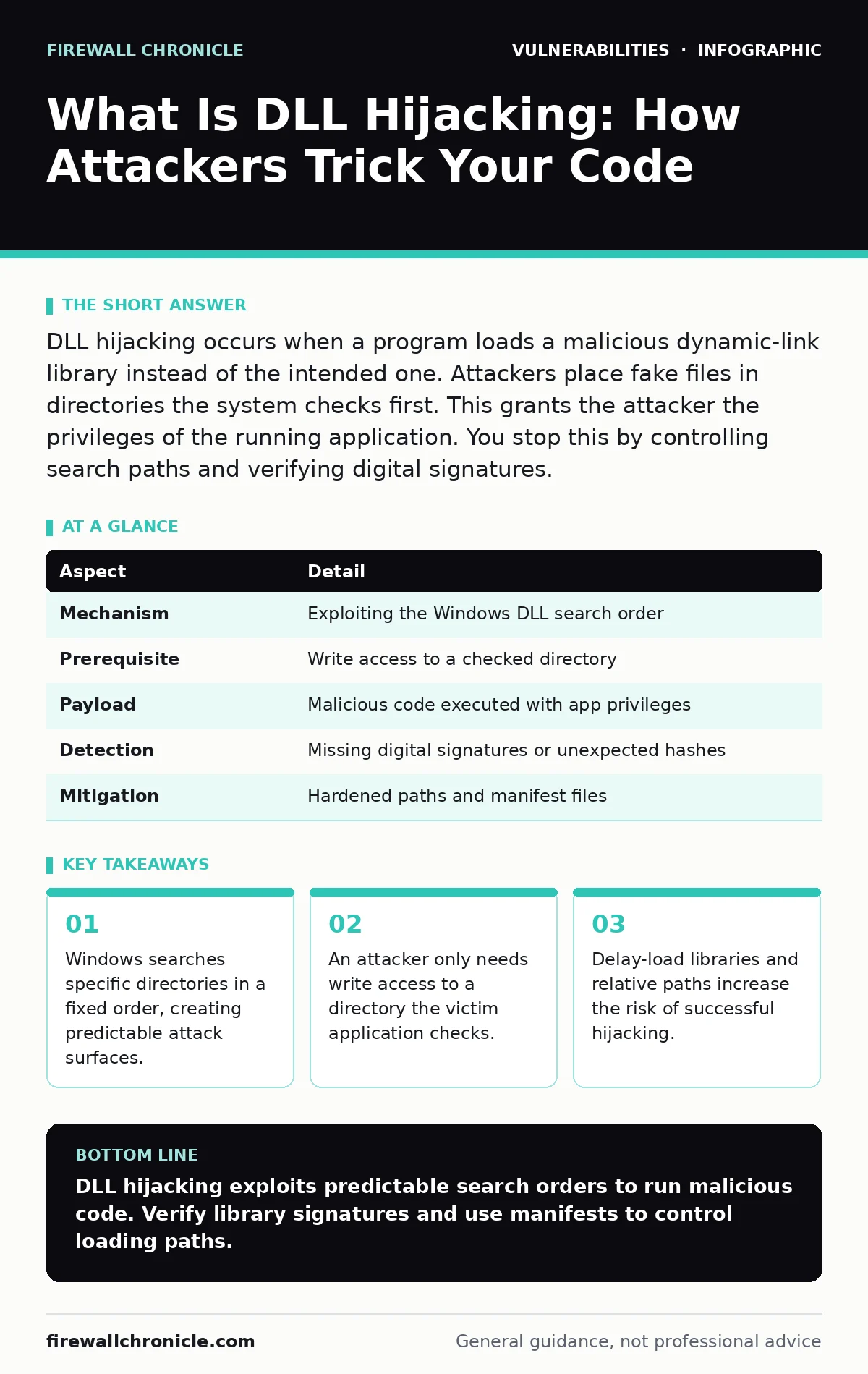
DLL hijacking occurs when a program loads a malicious dynamic-link library instead of the intended one. Attackers place fake files in directories the system checks first. This grants the attacker the privileges of the running application. You stop this by controlling search paths and verifying digital signatures.
The Library Analogy
Imagine you are building a house and need a specific type of hammer. You ask your assistant to fetch it from the tool shed. The assistant checks the workbench first, then the shed, then the garage. If someone places a broken hammer on the workbench, the assistant picks it up without checking the shed. You never know the hammer is defective until you swing it. DLL hijacking works exactly like this broken tool. The operating system follows a strict search order. An attacker places a malicious file in a directory the system checks early. The application loads the fake file instead of the real one.
What Is DLL Hijacking
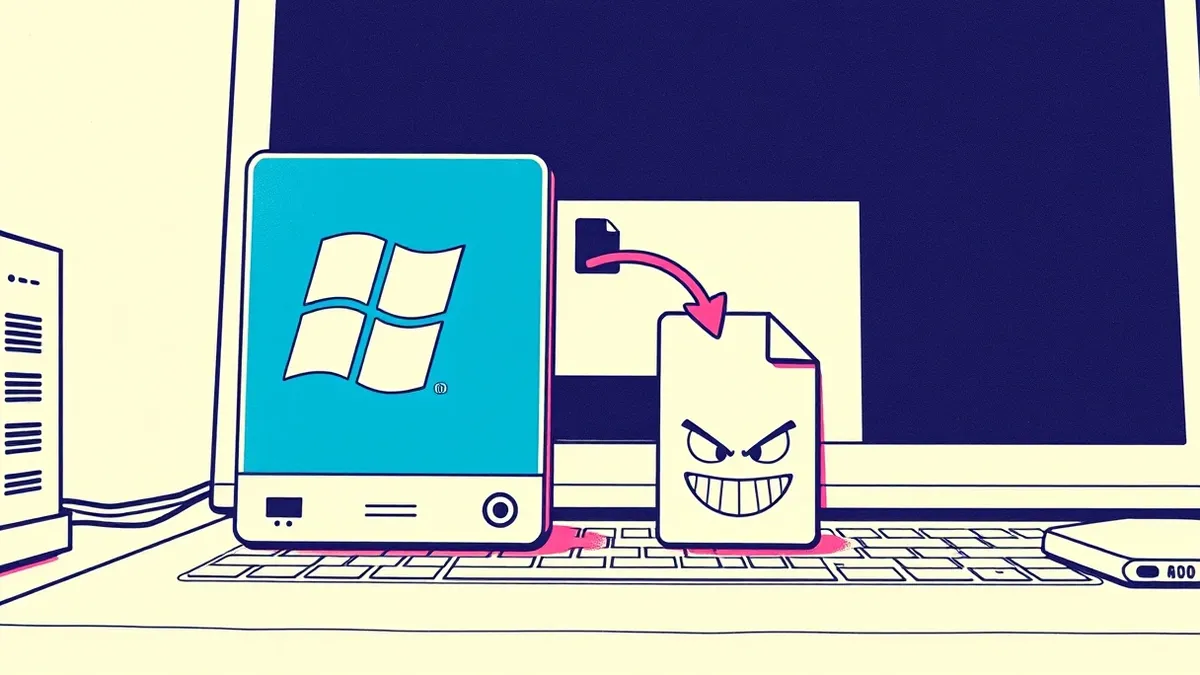
DLL hijacking is a technique where an attacker substitutes a legitimate dynamic-link library with a malicious one. A dynamic-link library, or DLL, is a file containing code and data that multiple programs can use simultaneously. Windows applications rely on these libraries for common functions. When an application starts, it requests specific DLLs. The operating system searches for these files in a predefined sequence. If the attacker places a file with the same name in a higher-priority directory, the system loads the malicious version. The application continues running, believing it loaded the correct component.
| Aspect | Detail |
|---|---|
| Mechanism | Exploiting the Windows DLL search order |
| Prerequisite | Write access to a checked directory |
| Payload | Malicious code executed with app privileges |
| Detection | Missing digital signatures or unexpected hashes |
| Mitigation | Hardened paths and manifest files |
How The Search Order Works
Windows does not look for libraries randomly. It follows a strict hierarchy. First, it checks the directory containing the executable. Next, it looks in the system directory. Then it checks the Windows directory. After that, it searches the current working directory. Finally, it checks directories listed in the PATH environment variable. Attackers target the directories that appear earlier in this list. If an application uses a relative path, the current working directory becomes the first place the system looks. This makes relative paths particularly dangerous. The attacker only needs to drop the malicious file where the application will look first.
Who Gets Affected
Any software that relies on external libraries is vulnerable. This includes web browsers, office suites, and custom enterprise applications. The risk increases when software is installed in directories with loose permissions. If a user can write to the folder where the application lives, they can place a malicious DLL there. This affects both standard users and administrators.
Administrators might run tools that load libraries from shared network drives. If an attacker compromises the network share, they can intercept the library load. The impact depends on the privileges of the running application. A hijacked browser runs with user privileges. A hijacked system service runs with system privileges.
What People Usually Get Wrong
Many developers believe that using absolute paths prevents hijacking. This is incorrect. If the absolute path points to a directory with weak permissions, the attack still succeeds. Another common mistake is assuming that only old software is vulnerable. Modern applications often use third-party components that rely on older loading mechanisms. Developers also ignore the current working directory. If a command-line tool changes its working directory, it alters the search path. This creates a window for hijacking even if the initial path was safe. Understanding the full context of execution is necessary for true protection.
How To Stop It
You can mitigate DLL hijacking by controlling where applications look for libraries. Use application manifests to specify the exact location of required DLLs. This tells Windows to look only in the specified path. Another method is to use delay-load imports. This technique loads libraries at runtime rather than at startup, allowing for verification checks. You can also restrict directory permissions. Ensure that only trusted users can write to directories containing executables. Regularly audit your software dependencies. Check for digital signatures on all loaded libraries. Unsigned libraries should be treated as untrusted. These measures reduce the attack surface significantly.
The Hidden Cost of Convenience
Developers often choose relative paths for ease of deployment. This convenience introduces a hidden security cost. Relative paths make the application dependent on the current working directory. This directory can be manipulated by the user or another process. The attacker does not need to modify the application code. They only need to influence where the application runs. This is a subtle failure mode. It is not a bug in the code logic. It is a flaw in the execution environment. Recognizing this distinction helps you prioritize fixes. Fixing the path resolution is often easier than rewriting the loading logic.
Related Vulnerabilities
Understanding DLL hijacking helps you see patterns in other attacks. Similar to race condition vulnerabilities, this exploit relies on timing and state. The attacker must place the file before the application loads it. This is also related to security misconfigurations. Weak directory permissions are a misconfiguration that enables the attack. Just as browser updates fix known flaws in rendering engines, updating your loading practices fixes flaws in dependency management. Penetration testing often reveals these issues by simulating the file placement. You should treat dependency loading with the same rigor as you treat network inputs.
Key takeaways
- Windows searches specific directories in a fixed order, creating predictable attack surfaces.
- An attacker only needs write access to a directory the victim application checks.
- Delay-load libraries and relative paths increase the risk of successful hijacking.
- Digital signatures provide a reliable way to verify library authenticity before loading.
DLL hijacking exploits predictable search orders to run malicious code. Verify library signatures and use manifests to control loading paths.
Frequently asked questions
Does DLL hijacking require admin rights?
No, it only requires write access to a directory the application searches. Standard users can often trigger it if they have write access to the application folder.
Can antivirus stop DLL hijacking?
Antivirus may detect known malicious DLLs, but it often misses custom or unsigned malicious libraries. Behavioral analysis is more effective.
Is this only a Windows problem?
The concept of library loading applies to other systems, but the specific term and search order mechanism are unique to Windows.
How do I check if my app is vulnerable?
Use dependency analysis tools to map all loaded libraries. Check for relative paths and unsigned components.
How this guide was produced: written by the Firewall Chronicle editorial team with AI assistance, checked against the public references listed below, and reviewed when the facts change. See our editorial policy or report an error.