Zero Trust Network Access for Small Teams: Low Cost Implementation
Zero trust architecture reduces the attack surface by treating every connection as untrusted, allowing small teams to secure cloud workloads without expensive perimeter hardware.
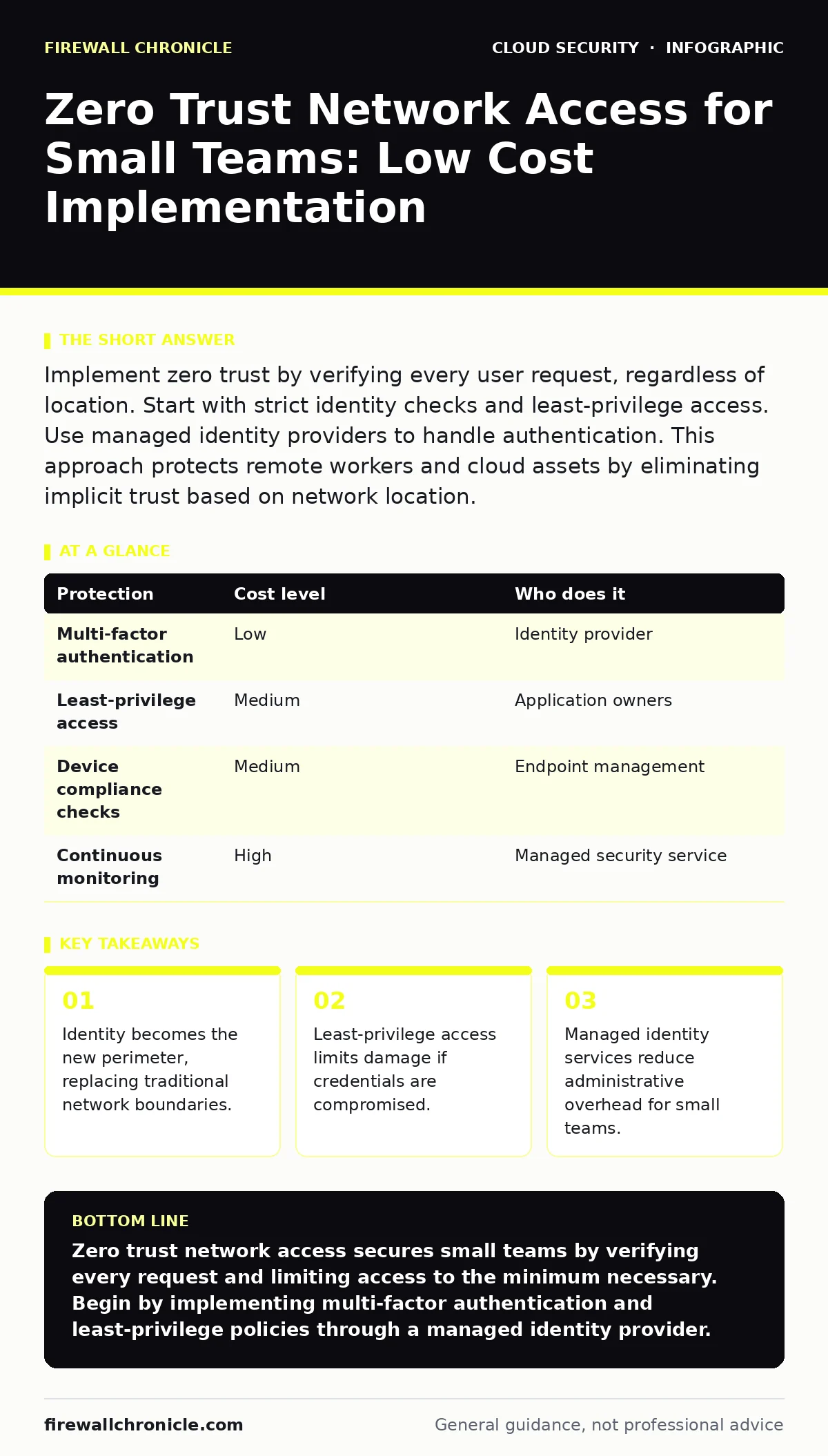
Implement zero trust by verifying every user request, regardless of location. Start with strict identity checks and least-privilege access. Use managed identity providers to handle authentication. This approach protects remote workers and cloud assets by eliminating implicit trust based on network location.
Why Zero Trust Matters at Small Scale
Zero trust network access (ZTNA) shifts security from the network edge to the identity layer. Traditional security relies on a perimeter firewall to keep attackers out. Once inside, users often have broad access to internal resources. This model fails when employees work from coffee shops or home networks. ZTNA assumes no user or device is trustworthy by default. Every request must be authenticated and authorized before access is granted.
Small teams benefit from this model because they rarely have dedicated security operations centers. A single compromised account can expose entire databases in a flat network. ZTNA contains breaches by isolating access to specific applications. This containment reduces the blast radius of a credential leak. You do not need a large team to manage complex firewall rules. You need precise control over who accesses what.
The Cost of Implicit Trust
Implicit trust assumes that if a user is on the corporate Wi-Fi, they are safe. This assumption creates hidden risks. Employees who leave the company may retain access if their accounts are not revoked immediately. Third-party vendors often receive broad network access to perform maintenance. If a vendor’s system is compromised, attackers can move laterally to your systems.
ZTNA eliminates this lateral movement. Access is granted on a per-request basis. If a user needs to access a database, they receive a token for that specific session. They cannot pivot to other systems even if their device is infected with malware. This approach aligns with the principles of cloud security groups, which define ingress and egress rules for individual resources rather than broad subnets.
Affordable Implementation Strategies
You do not need enterprise-grade hardware to implement ZTNA. Start with identity and access management (IAM) solutions. These platforms handle authentication and authorization. Look for providers that support multi-factor authentication (MFA) and conditional access policies. MFA requires users to provide two forms of verification, such as a password and a code from a mobile app. This adds a layer of security that password theft alone cannot bypass.
Conditional access policies allow you to define rules based on context. You can require MFA only when users log in from new devices or unusual locations. This balances security with usability. Small teams can use these policies to enforce strict controls without frustrating users during routine tasks. Implementing these controls reduces the need for expensive virtual private networks (VPNs). VPNs often create bottlenecks and obscure visibility into user activity.
| Protection | Cost level | Who does it |
|---|---|---|
| Multi-factor authentication | Low | Identity provider |
| Least-privilege access | Medium | Application owners |
| Device compliance checks | Medium | Endpoint management |
| Continuous monitoring | High | Managed security service |
What to Delegate to Providers
Small teams lack the bandwidth to manage complex security configurations manually. Delegate identity management to a reputable identity provider. These services handle user provisioning, de-provisioning, and password resets. They also provide logs that help you audit access patterns. Do not try to build custom authentication systems. Custom code often contains vulnerabilities that are difficult to patch.
Delegate endpoint security to managed service providers. These providers monitor devices for malware and configuration errors. They ensure that only compliant devices can connect to your resources. This aligns with the concept of immutable infrastructure, where servers are replaced rather than patched, reducing the risk of configuration drift. By outsourcing these tasks, you focus on your core business while maintaining a strong security posture.
Questions to Ask Your IT Provider
Before hiring an IT provider or security consultant, ask specific questions to evaluate their capabilities. Ensure they understand zero trust principles and can implement them effectively.
- How do you enforce least-privilege access across all cloud services?
- What mechanisms do you use to monitor for anomalous behavior in real time?
- How do you handle incident response if a credential is compromised?
- Can you demonstrate how you prevent lateral movement between network segments?
- What is your process for regularly reviewing and revoking unnecessary access rights?
See also: Multi Cloud Security Challenges: How to Stop Config Drift · Cloud Security Groups Checklist for Tight Network Control
Integrating with Cloud Security
ZTNA works best when integrated with your cloud environment. Use cloud-native security tools to protect workloads running in public clouds. These tools provide visibility into resource usage and configuration. They help you identify misconfigurations that could expose data. Combine these tools with ZTNA to ensure that only authorized users can interact with cloud resources.
Avoid relying solely on network-level controls. Configuration drift occurs when systems deviate from their secure baseline over time. Regular audits help you detect and correct these deviations. Ensure that your security groups and access control lists are reviewed periodically. This practice prevents orphaned resources from becoming entry points for attackers.
Common Pitfalls to Avoid
Implementing ZTNA is not a one-time project. It requires ongoing maintenance and adjustment. A common mistake is granting excessive permissions to reduce friction. This undermines the core principle of least privilege. Another pitfall is ignoring device health. Allowing compromised devices to access sensitive data creates unnecessary risk.
Ensure that your policies are documented and communicated clearly to users. Ambiguity leads to workarounds that bypass security controls. Train employees on the importance of these measures. Explain how ZTNA protects them as much as it protects the company. This transparency fosters a culture of security awareness.
Moving Beyond Basic Security
As your organization grows, your security needs will evolve. Consider adopting Kubernetes RBAC if you use container orchestration. This ensures that only authorized users and services can interact with your containers. Combine this with Kubernetes security basics to harden your cluster environment.
Monitor for signs of cloud ransomware activity. ZTNA reduces the risk of initial compromise, but it does not eliminate the threat entirely. Regular backups and incident response plans remain necessary. By integrating ZTNA with broader cloud migration security strategies, you create a resilient architecture that adapts to new threats.
Key takeaways
- Identity becomes the new perimeter, replacing traditional network boundaries.
- Least-privilege access limits damage if credentials are compromised.
- Managed identity services reduce administrative overhead for small teams.
Zero trust network access secures small teams by verifying every request and limiting access to the minimum necessary. Begin by implementing multi-factor authentication and least-privilege policies through a managed identity provider.
Frequently asked questions
Does zero trust require replacing all existing hardware?
No, zero trust is primarily a software and policy-based approach. You can implement it using existing infrastructure by adding identity verification and access controls.
How does zero trust handle legacy applications?
Legacy applications may not support modern authentication protocols. You can use reverse proxies or API gateways to enforce zero trust controls without modifying the application code.
Is zero trust suitable for remote workers?
Yes, zero trust is designed for distributed workforces. It secures access regardless of the user’s physical location or network connection.
What is the biggest challenge in implementing zero trust?
The biggest challenge is cultural change. Users and administrators must adapt to stricter access controls and continuous verification processes.
How this guide was produced: written by the Firewall Chronicle editorial team with AI assistance, checked against the public references listed below, and reviewed when the facts change. See our editorial policy or report an error.