Detecting Spyware: Log Signals and System Blind Spots
Identify hidden surveillance by mapping specific telemetry anomalies to underlying mechanisms, revealing evidence that standard antivirus solutions routinely miss.
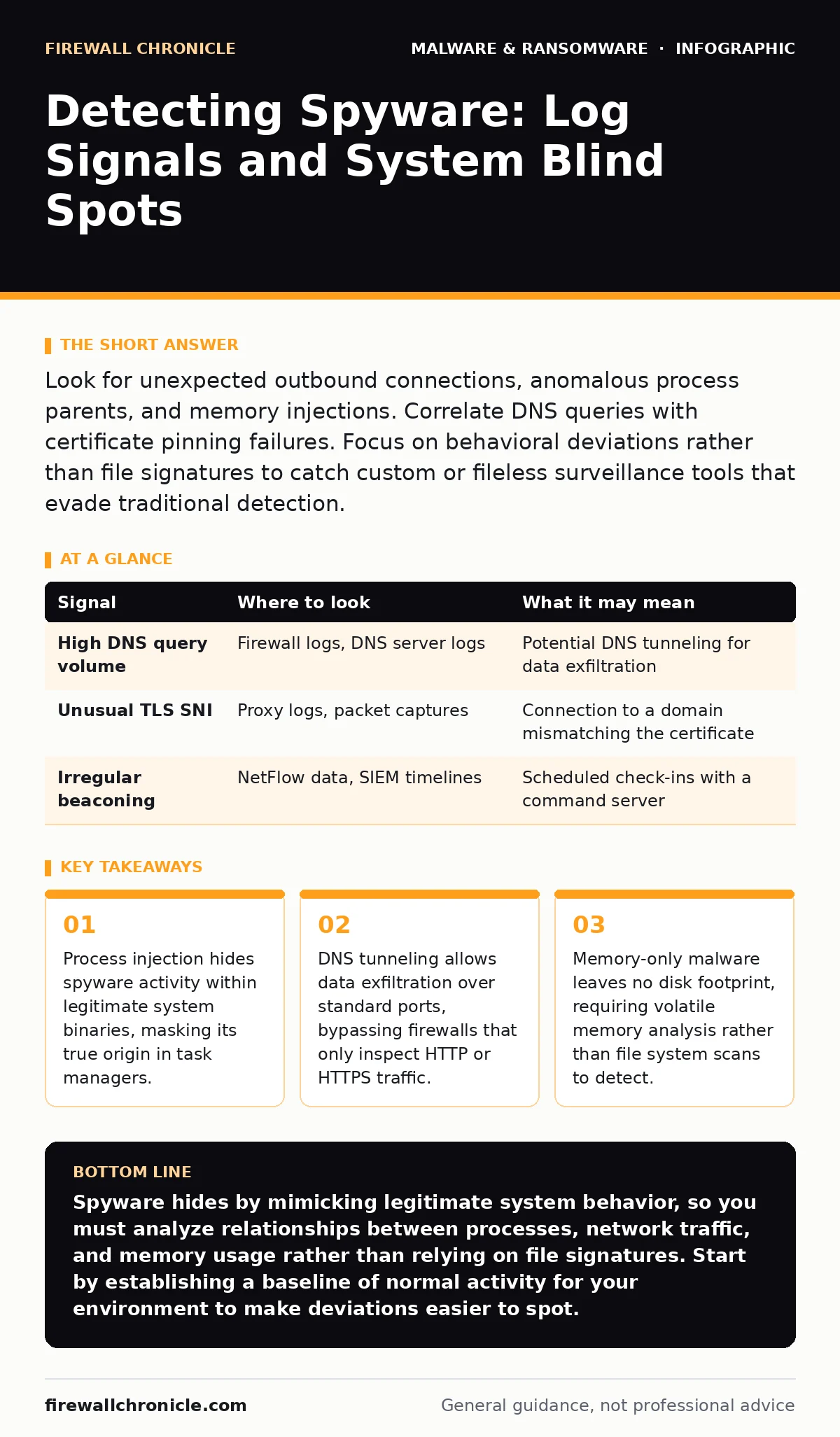
Look for unexpected outbound connections, anomalous process parents, and memory injections. Correlate DNS queries with certificate pinning failures. Focus on behavioral deviations rather than file signatures to catch custom or fileless surveillance tools that evade traditional detection.
Network Traffic Anomalies
Spyware relies on constant communication with command-and-control infrastructure. Standard firewall rules often permit outbound traffic on common ports, allowing surveillance data to leave the network unnoticed. You must inspect the payload, not just the destination. Look for unusual packet sizes or irregular timing patterns. These behaviors suggest data exfiltration rather than standard web browsing.
Encrypted traffic hides content from deep packet inspection tools. However, metadata remains visible. Monitor for long-lived TCP connections to unfamiliar IP addresses. A single connection staying open for hours without significant data transfer may indicate a keep-alive mechanism used by remote access tools. This differs from typical web sessions, which close after a request completes.
| Signal | Where to look | What it may mean |
|---|---|---|
| High DNS query volume | Firewall logs, DNS server logs | Potential DNS tunneling for data exfiltration |
| Unusual TLS SNI | Proxy logs, packet captures | Connection to a domain mismatching the certificate |
| Irregular beaconing | NetFlow data, SIEM timelines | Scheduled check-ins with a command server |
Process and Parent Chain Inspection
Operating systems maintain a parent-child relationship between processes. Legitimate applications usually spawn expected child processes. Spyware often breaks this chain to hide its presence. It may inject code into a trusted process like a system service or browser engine. This technique, known as process injection, makes the malicious code appear as part of the legitimate application.
Check the command line arguments of running processes. Spyware often uses obfuscated strings or excessively long arguments to store configuration data. Look for processes running from temporary directories or unusual paths. A system service executing from a user profile folder is a strong indicator of compromise. Verify the digital signature of executable files. Unsigned binaries running with elevated privileges warrant immediate investigation.
File System and Registry Artifacts
Some spyware variants persist by modifying system startup sequences. They add entries to registry keys that control automatic execution. These keys trigger the malware every time the system boots. You must compare current registry states against a known good baseline. Deviations in these specific keys often reveal persistence mechanisms.
Fileless malware avoids writing executables to disk. It operates entirely in memory, loading scripts via legitimate interpreters. This leaves no file artifacts for antivirus scanners to find. However, these scripts often require configuration files. Look for newly created text files or JSON documents in application data folders. These files may contain encoded commands or encryption keys used by the surveillance tool.
Memory Space Analysis
Traditional security tools focus on what is written to the hard drive. They often ignore what resides in RAM. Spyware that operates without disk persistence is invisible to file-based scanners. You need to analyze the memory space of active processes. Look for injected code segments that do not belong to the loaded modules.
Heap spraying is a technique where an attacker fills memory with malicious payloads. This increases the chance that a vulnerability will execute the attacker's code. Detecting this requires inspecting memory structures for unusual patterns. Look for large blocks of executable memory that lack corresponding file backing. These segments often contain the actual surveillance logic, hidden from disk-based forensic tools.
User Behavior and Input Events
Spyware captures keystrokes, screenshots, and microphone input. This activity generates specific system events. Monitor for unexpected calls to input handling APIs. Legitimate applications rarely request continuous access to global keyboard hooks. A background service registering for all keystrokes is a clear sign of keylogging.
Screen capture tools compress images before sending them. This compression creates CPU spikes. Correlate high CPU usage with network activity. If a system is idle but shows periodic CPU and network bursts, it may be capturing and uploading screenshots. Look for access to camera or microphone devices by non-media applications. A web browser accessing the microphone without a user-initiated video call is suspicious.
See also: Next-Generation Antivirus Checklist for Modern Endpoints · Tamper Protection for Small Business: Stop Malware from Disabling Defenses
Common Blind Spots in Detection
Many security teams focus on known malware signatures. This approach fails against custom-built spyware. These tools are written for a single target and do not exist in public databases. You must rely on behavioral analysis rather than pattern matching. Look for what the software does, not what it is called.
Another blind spot is legitimate software abuse. Attackers often use standard administrative tools for surveillance. These tools are trusted by the system and rarely trigger alerts. This technique, known as living off the land, uses built-in features for malicious purposes. You must monitor the usage of these tools. A command-line utility running at unusual hours or from unexpected locations indicates compromise.
Tooling for Effective Detection
You need tools that provide visibility into network, process, and memory layers. Endpoint detection and response platforms offer centralized logging. They correlate events across multiple systems to identify complex attacks. Configure these tools to alert on specific behaviors, such as process injection or unusual network connections.
Memory forensics tools allow you to dump and analyze RAM. They reveal hidden processes and injected code. Combine these with network traffic analyzers to map the communication paths of suspicious processes. Use open-source frameworks to automate the collection of telemetry data. This ensures you have the evidence needed to confirm an infection before it spreads.
Key takeaways
- Process injection hides spyware activity within legitimate system binaries, masking its true origin in task managers.
- DNS tunneling allows data exfiltration over standard ports, bypassing firewalls that only inspect HTTP or HTTPS traffic.
- Memory-only malware leaves no disk footprint, requiring volatile memory analysis rather than file system scans to detect.
Spyware hides by mimicking legitimate system behavior, so you must analyze relationships between processes, network traffic, and memory usage rather than relying on file signatures. Start by establishing a baseline of normal activity for your environment to make deviations easier to spot.
Frequently asked questions
Can antivirus software detect fileless spyware?
Traditional antivirus relies on file signatures and often misses fileless malware. You need behavioral monitoring and memory analysis to detect these threats effectively.
How do I distinguish between legitimate remote support and spyware?
Legitimate remote support tools are usually installed with user consent and have known digital signatures. Spyware often runs hidden processes, injects code into other apps, and communicates with unknown servers.
What is the best way to monitor for keyloggers?
Monitor for applications that register global keyboard hooks or access input APIs without user interaction. Combine this with process tree analysis to identify the parent application initiating the access.
Does disabling macros prevent spyware infection?
Disabling macros prevents execution of malicious scripts embedded in documents. However, spyware can also arrive via drive-by downloads or exploit kits, so macros are only one layer of defense.
How this guide was produced: written by the Firewall Chronicle editorial team with AI assistance, checked against the public references listed below, and reviewed when the facts change. See our editorial policy or report an error.