How Bootkits Hijack Your Computer Before It Starts
A bootkit infects the startup sequence, allowing it to hide from operating system security tools that run later in the process.
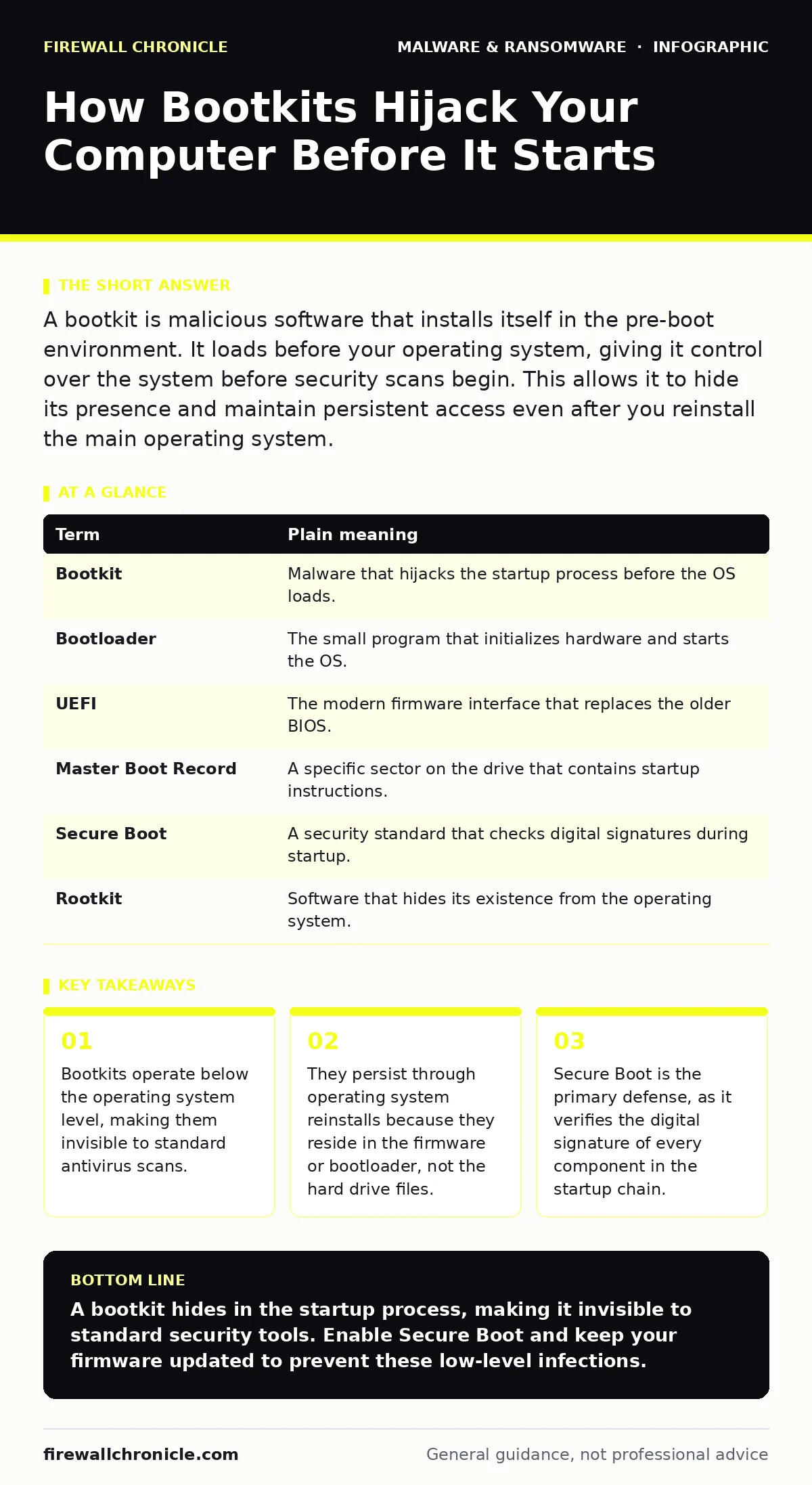
A bootkit is malicious software that installs itself in the pre-boot environment. It loads before your operating system, giving it control over the system before security scans begin. This allows it to hide its presence and maintain persistent access even after you reinstall the main operating system.
The House Key Analogy
Imagine your computer is a house. Most malware is like a burglar who breaks in through an open window. You can spot them, lock the windows, and install an alarm to catch them next time. A bootkit is different. It is like someone who copies the master key to the front door and hides it under the mat.
When you leave the house, you lock the door. When you return, you use the key to enter. The burglar never needs to break in because they already have the key. They can wait until you are inside, then replace your locks with their own copies. You never know they are there because the door opens normally.
What Is a Bootkit?
A bootkit is a type of malware that targets the initial startup process of a computer. When you press the power button, the computer runs a small program called the bootloader before loading Windows, macOS, or Linux. The bootloader tells the hardware how to start the main operating system.
If an attacker infects this bootloader, they gain control before the operating system even exists. This is the critical advantage of a bootkit. Standard security software lives inside the operating system. If the operating system is compromised at the source, the security software may report that everything is clean, even though the system is fully controlled by the attacker.
The Hidden Cost of Persistence
The most dangerous feature of a bootkit is persistence. If you find malware on your computer, you might reformat the hard drive and reinstall the operating system. This wipes out viruses, worms, and most spyware. It does not wipe out a bootkit.
Because the bootkit lives in the UEFI firmware or the Master Boot Record, it survives the reformat. The moment the new operating system tries to start, the bootkit loads first. It can then reinstall its payload or hide from the new security tools. This creates a false sense of security. You believe the system is clean because you rebuilt it, but the foundation is still compromised.
| Term | Plain meaning |
|---|---|
| Bootkit | Malware that hijacks the startup process before the OS loads. |
| Bootloader | The small program that initializes hardware and starts the OS. |
| UEFI | The modern firmware interface that replaces the older BIOS. |
| Master Boot Record | A specific sector on the drive that contains startup instructions. |
| Secure Boot | A security standard that checks digital signatures during startup. |
| Rootkit | Software that hides its existence from the operating system. |
Why Standard Scans Fail
You might wonder why your antivirus did not catch this. Next-generation antivirus solutions are excellent at detecting known patterns of behavior within the operating system. However, they operate in user space or kernel space. A bootkit operates in firmware space.
It is like trying to find a counterfeiter by inspecting the money in your wallet. If the counterfeiter controls the mint, inspecting the wallet is useless. The bootkit can modify the data that the antivirus reads. It can tell the scanner, "This file is safe," and the scanner will believe it because the bootkit controls the truth at that level. This is why rootkits and bootkits are often grouped together; they both rely on hiding their presence from the system they infect.
The Role of Secure Boot
The only reliable defense against bootkits is Secure Boot. This is a security standard developed by the PC industry. When Secure Boot is enabled, the computer checks the digital signature of every piece of software in the startup chain. If a file does not have a valid signature from a trusted authority, the computer refuses to start.
This prevents an unsigned bootkit from loading. If an attacker tries to install a malicious bootloader, the system halts before it can run. This is why tamper protection features in modern operating systems are so effective. They prevent changes to critical system files, but Secure Boot prevents changes to the startup files. Both are necessary for a layered defense.
Simple Safety Habits
You cannot always control what happens to your computer when it is unattended. However, you can reduce the risk of a bootkit infection. Bootkits rarely install themselves. They usually require physical access or a sophisticated remote exploit.
- Protect physical access. Never leave your computer unlocked in public spaces. A bootkit often requires someone to plug in a malicious USB drive or modify the hardware. If no one can touch your device, they cannot install the master key.
- Update firmware regularly. Manufacturers release updates for UEFI firmware to patch vulnerabilities. These updates close the doors that attackers use to install bootkits. Check for these updates just as you check for operating system updates.
- Use full disk encryption. If your drive is encrypted, a bootkit cannot easily read or modify your data even if it controls the startup. This limits the damage. An attacker might control the startup, but they cannot steal your files without the decryption key.
Beyond the Boot Process
Bootkits are rare compared to other threats. Most users face risks like cryptojacking, which uses your resources to mine currency, or remote access tool abuse, where attackers gain entry through weak credentials. These threats operate within the operating system and are easier to detect.
However, the principles of defense are the same. Reduce your attack surface by limiting access. Use attack surface reduction rules to block common exploitation techniques. Understand that security is a chain. The boot process is the weakest link if ignored. By securing the startup, you ensure that the rest of your security stack has a reliable foundation to work from.
Key takeaways
- Bootkits operate below the operating system level, making them invisible to standard antivirus scans.
- They persist through operating system reinstalls because they reside in the firmware or bootloader, not the hard drive files.
- Secure Boot is the primary defense, as it verifies the digital signature of every component in the startup chain.
A bootkit hides in the startup process, making it invisible to standard security tools. Enable Secure Boot and keep your firmware updated to prevent these low-level infections.
Frequently asked questions
Can a bootkit survive a factory reset?
Yes, if the bootkit is stored in the UEFI firmware or the Master Boot Record, a factory reset of the operating system will not remove it.
How do I know if I have a bootkit?
It is difficult to detect with standard tools. Signs include the operating system failing to start, unexpected changes to boot settings, or the system behaving strangely before the login screen.
Is Secure Boot enough protection?
Secure Boot prevents unsigned code from loading, which stops most bootkits. However, if an attacker compromises a trusted signature, they could bypass it. It is a strong defense but not absolute.
Do Mac computers have bootkits?
Macs use similar firmware security. While the architecture is different, the risk exists. Apple’s Secure Boot mechanism provides similar protection against unauthorized startup code.
How this guide was produced: written by the Firewall Chronicle editorial team with AI assistance, checked against the public references listed below, and reviewed when the facts change. See our editorial policy or report an error.