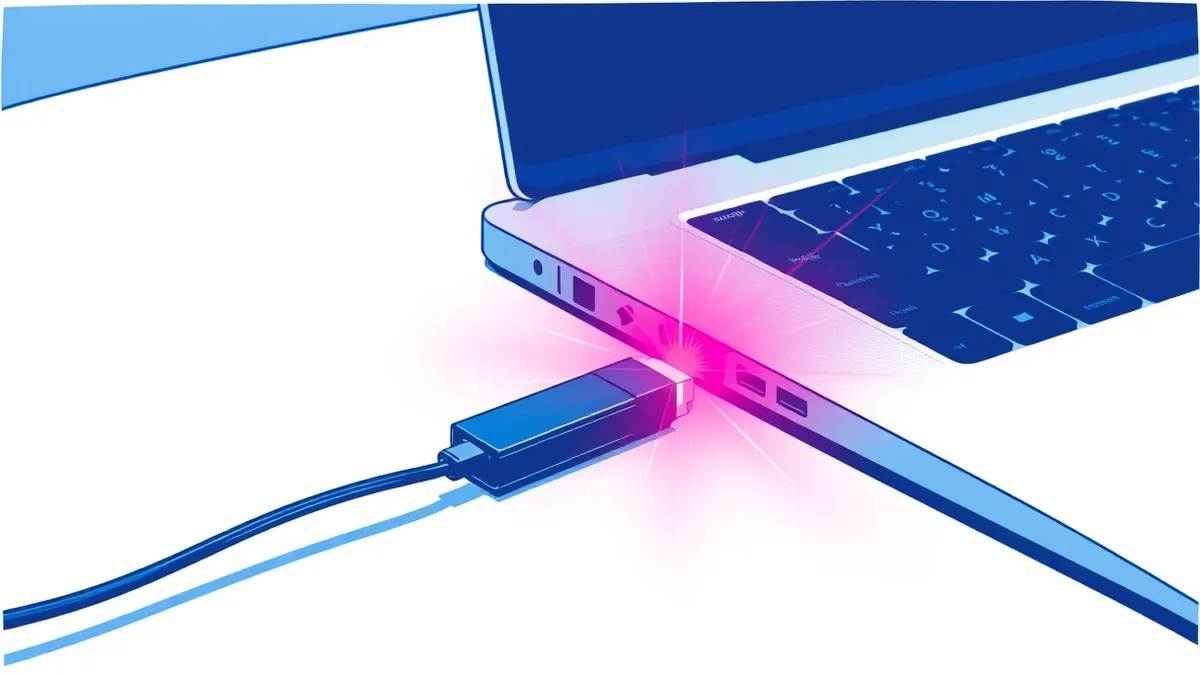
USB Device Control: Definition, Purpose, and Implementation Limits
USB device control stops data exfiltration at the physical layer, but it cannot prevent attacks that arrive over the network or through compromised internal systems.
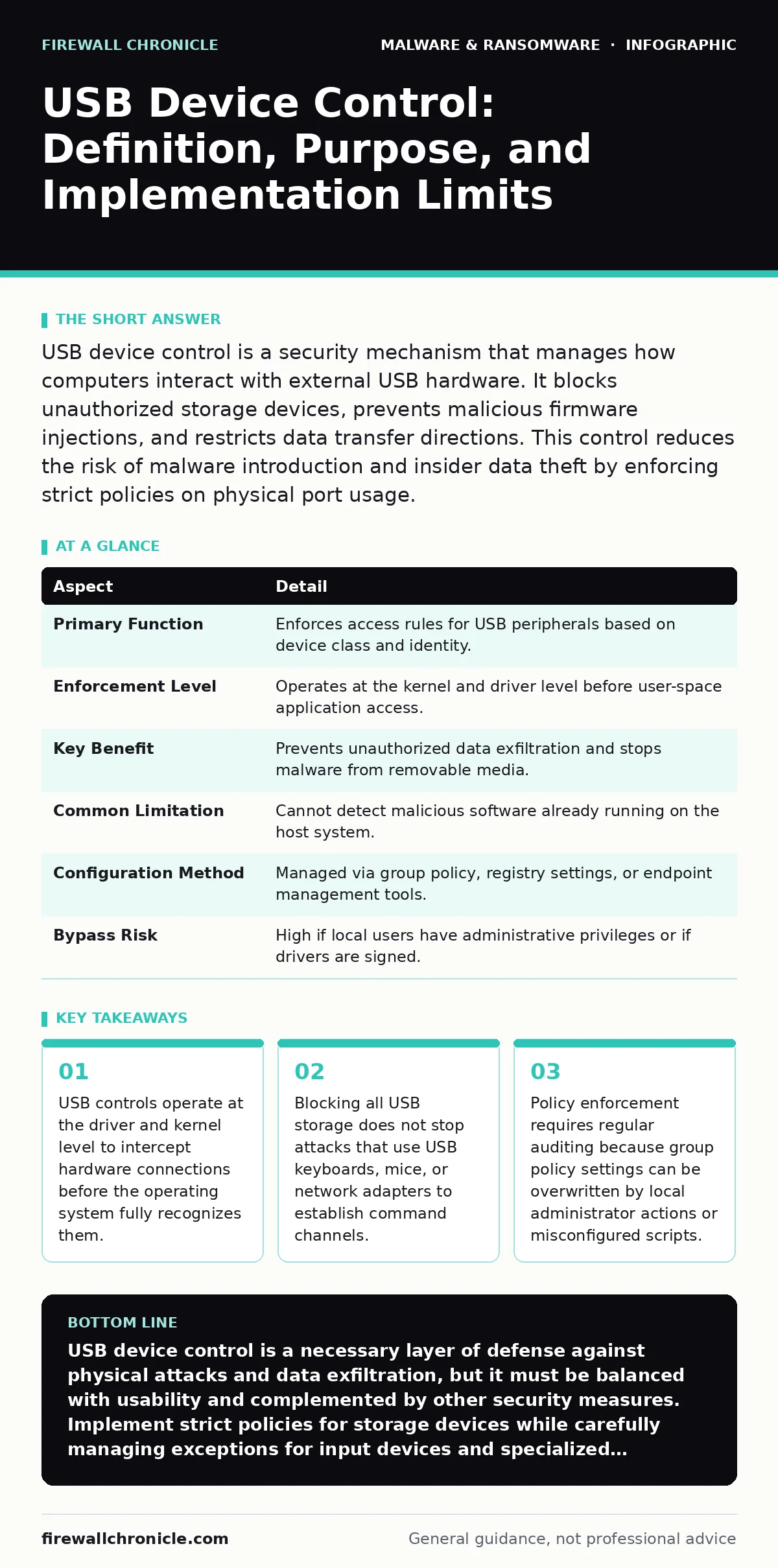
USB device control is a security mechanism that manages how computers interact with external USB hardware. It blocks unauthorized storage devices, prevents malicious firmware injections, and restricts data transfer directions. This control reduces the risk of malware introduction and insider data theft by enforcing strict policies on physical port usage.
What USB Device Control Actually Does
USB device control defines the rules for how a computer accepts input from Universal Serial Bus hardware. It acts as a gatekeeper between the physical port and the operating system kernel. When you plug in a device, the control mechanism checks the device class, vendor ID, and product ID against an allowed list. If the device matches a blocked category, the system ignores it or prevents driver installation. This process happens before most user-space applications can interact with the hardware. The goal is to reduce the attack surface presented by removable media.
| Aspect | Detail |
|---|---|
| Primary Function | Enforces access rules for USB peripherals based on device class and identity. |
| Enforcement Level | Operates at the kernel and driver level before user-space application access. |
| Key Benefit | Prevents unauthorized data exfiltration and stops malware from removable media. |
| Common Limitation | Cannot detect malicious software already running on the host system. |
| Configuration Method | Managed via group policy, registry settings, or endpoint management tools. |
| Bypass Risk | High if local users have administrative privileges or if drivers are signed. |
The Physical Attack Surface Problem
Computers are designed to be convenient, which means they trust hardware that plugs into them. This trust creates a significant vulnerability. An attacker does not need to send an email or hack your network if they can physically touch a machine. A malicious USB drive can act as a keyboard, typing commands into open terminals. It can also store malware that executes automatically when the device is mounted. USB device control solves this by treating physical access as untrusted input. It assumes that any unplanned hardware connection is potentially hostile.
The problem extends beyond simple file theft. Modern USB devices are complex computers with their own processors and firmware. A compromised mouse or charger can intercept keystrokes or inject data packets. Without control, the operating system loads drivers for these devices, giving them deep system access. Controlling these connections ensures that only known, approved hardware can interact with the system. This limits the ability of an attacker to use physical proximity as an entry point.
Core Components of Control Mechanisms
Effective USB control relies on three distinct layers of restriction. First, class-based filtering blocks entire categories of devices. For example, you can disable all mass storage devices while allowing keyboards and mice. This prevents data copying but leaves communication channels open. Second, identity-based filtering uses the vendor and product IDs to allow or block specific models. This is more precise but requires maintaining an accurate inventory of approved hardware. Third, driver-level blocking prevents the installation of unsigned or unknown drivers. This stops sophisticated devices from loading malicious code into the kernel.
These components work together to create a defense in depth. Class filtering provides a broad shield, while identity filtering adds precision. Driver blocking adds a final layer of security against firmware-based attacks. However, each layer adds complexity. Misconfiguring class filters can break legitimate workflows, such as using a specialized industrial scanner. Identity filters require constant updates as new hardware is introduced. Driver blocking can cause compatibility issues with older but still necessary peripherals. Balancing security with usability is the central challenge of implementation.
Integration with Other Defense Layers
USB device control is not a standalone solution. It fits into a broader security architecture that includes endpoint protection and network monitoring. For instance, next-generation antivirus can scan files copied from USB drives, but it cannot stop the device from connecting in the first place. USB control handles the connection, while antivirus handles the content. Similarly, software restriction policies can prevent the execution of files from removable drives, adding a second barrier after the device is mounted. These policies ensure that even if a device is allowed, its content cannot run without explicit permission.
Imagine a scenario where an attacker inserts a USB drive containing a rootkit. The rootkit attempts to hide its presence by modifying system files. If USB device control blocks the drive, the rootkit never loads. If the drive is allowed, tamper protection might detect the unauthorized changes to system files. These layers complement each other. USB control reduces the volume of threats entering the system. Endpoint protection catches what gets through. Network monitoring detects the behavior of any malware that successfully establishes a foothold. Relying on only one layer leaves gaps that attackers can exploit.
Common Misconceptions About USB Security
Many organizations believe that blocking USB storage is sufficient. This is a dangerous oversimplification. Attackers frequently use USB devices that do not appear as storage drives. A USB network adapter can create a direct connection to the internet, bypassing network security controls. A USB keyboard can emulate human typing to execute commands. These devices are often allowed by default because they are considered input devices, not storage. Blocking them breaks user workflows, so many administrators leave them open. This creates a blind spot in the security posture.
Another common mistake is assuming that USB control protects against all physical attacks. It does not stop someone from stealing the computer itself. It does not prevent spyware installed from a previously trusted device. It also does not protect against attacks that use the USB port for power only, such as juice jacking, where malware is injected through the charging circuit.
Understanding these limitations is critical. USB control is a specific tool for a specific problem. It manages data and code transfer via USB, not physical theft or power-based attacks. Organizations must tailor their policies to address the actual risks they face, rather than applying blanket blocks that create false confidence.
Implementation Challenges and Trade-offs
Implementing strict USB controls introduces friction for users. Developers often need to move code between machines. Engineers may require specialized testing equipment. Blocking all USB devices halts these workflows. The trade-off is between security and productivity. A policy that is too strict leads to shadow IT, where users find ways to bypass controls, such as using Bluetooth or cloud storage. These alternatives are often less secure than USB because they lack the same level of visibility and control. The goal is to find a balance that allows necessary work while blocking risky behavior.
Auditing is another challenge. Policies can drift over time. Administrators may disable controls temporarily to fix a issue and forget to re-enable them. Regular audits ensure that policies remain effective. Tools that log USB connection attempts provide visibility into what is being blocked. This data helps refine policies, allowing legitimate devices while catching new threats. Without auditing, you cannot know if your controls are working or if they are being circumvented. The effort required to maintain these controls is significant, but the cost of a breach is higher.
The Hidden Cost of Over-Blocking
Over-blocking USB devices creates a hidden cost in the form of increased support tickets and reduced productivity. When users cannot use their preferred peripherals, they seek workarounds. They may use personal smartphones to transfer files, which introduces mobile security risks. They may copy data to cloud storage, which bypasses data loss prevention controls. These workarounds are often invisible to security teams. The organization believes it is secure because USB controls are active, but data is leaving through other channels.
This phenomenon is known as policy fatigue. Users become frustrated with restrictions and stop following other security guidelines. They may disable other protections or ignore warnings. The security team loses trust with the user base. Building a culture of security requires understanding the impact of controls on daily work. USB device control should be part of a broader strategy that includes user education and alternative secure workflows. Providing secure methods for data transfer, such as encrypted cloud storage, reduces the incentive to bypass USB controls.
Key takeaways
- USB controls operate at the driver and kernel level to intercept hardware connections before the operating system fully recognizes them.
- Blocking all USB storage does not stop attacks that use USB keyboards, mice, or network adapters to establish command channels.
- Policy enforcement requires regular auditing because group policy settings can be overwritten by local administrator actions or misconfigured scripts.
USB device control is a necessary layer of defense against physical attacks and data exfiltration, but it must be balanced with usability and complemented by other security measures. Implement strict policies for storage devices while carefully managing exceptions for input devices and specialized hardware.
Frequently asked questions
Does USB device control stop ransomware?
USB device control can prevent ransomware from being introduced via removable drives, but it does not stop ransomware that arrives through email or network vulnerabilities. It is one layer of defense, not a complete solution.
Can users bypass USB device control?
Users with administrative privileges can often bypass USB controls by changing registry settings or disabling policies. Standard users may use alternative methods like Bluetooth or cloud storage to transfer data, which are not controlled by USB policies.
How do I allow a specific USB device?
You can allow a specific USB device by adding its vendor ID and product ID to the whitelist in your group policy or endpoint management tool. This allows that specific model while keeping other devices blocked.
What is the difference between USB control and endpoint protection?
USB control manages the connection and recognition of hardware devices. Endpoint protection scans files and processes for malicious behavior. USB control stops the device from connecting, while endpoint protection stops the malware from running.
How this guide was produced: written by the Firewall Chronicle editorial team with AI assistance, checked against the public references listed below, and reviewed when the facts change. See our editorial policy or report an error.