IoT Device Patching: Why Updates Fail and How to Fix Them
Most IoT firmware updates fail because the device lacks the storage space to hold both the old and new versions simultaneously during the swap.
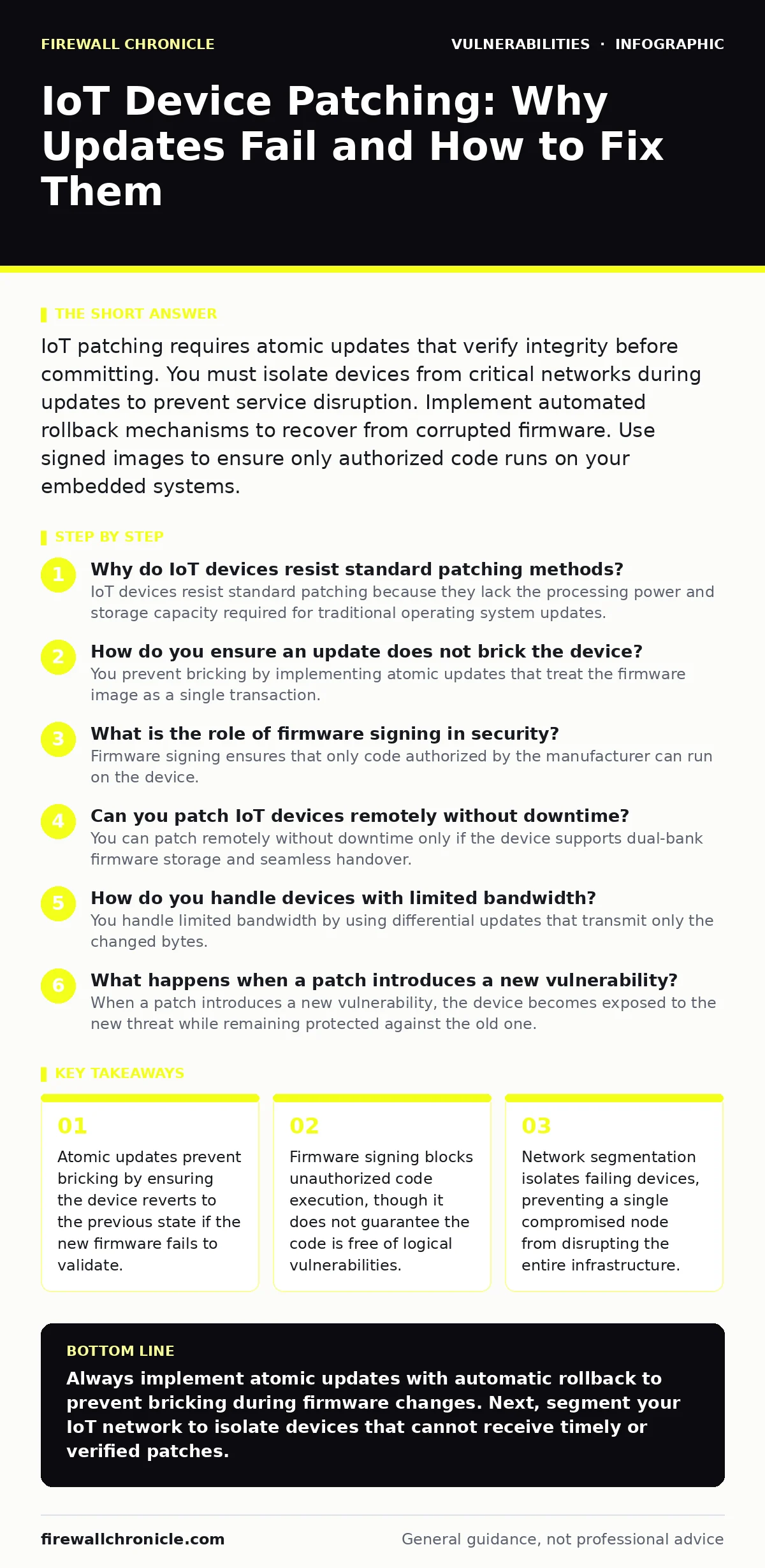
IoT patching requires atomic updates that verify integrity before committing. You must isolate devices from critical networks during updates to prevent service disruption. Implement automated rollback mechanisms to recover from corrupted firmware. Use signed images to ensure only authorized code runs on your embedded systems.
Why do IoT devices resist standard patching methods?
IoT devices resist standard patching because they lack the processing power and storage capacity required for traditional operating system updates. Embedded systems often share storage between the application logic and the bootloader. When an update arrives, the device must write new data to flash memory while maintaining operation. This constraint forces engineers to use split partitions or atomic update strategies. Standard patching tools assume ample disk space and CPU cycles, which most sensors and controllers do not possess. The physical limitation of flash memory wear also complicates frequent writes.
How do you ensure an update does not brick the device?
You prevent bricking by implementing atomic updates that treat the firmware image as a single transaction. The system writes the new firmware to a secondary partition while keeping the primary partition active. Once the write completes, the bootloader verifies the digital signature of the new image. If the signature matches, the bootloader switches the active partition to the new firmware on the next reboot. If the signature fails or the boot process hangs, the bootloader automatically reverts to the known-good partition. This mechanism ensures the device always has a recoverable state.
What is the role of firmware signing in security?
Firmware signing ensures that only code authorized by the manufacturer can run on the device. The manufacturer signs the firmware image with a private key before distribution. The device holds the corresponding public key in secure hardware. During the update process, the device verifies the signature against the public key. This process prevents attackers from injecting malicious code or installing unofficial modifications. It does not verify that the code is free of bugs, only that it originated from the trusted source. Without signing, any user with network access could replace the firmware with a backdoored version.
Can you patch IoT devices remotely without downtime?
You can patch remotely without downtime only if the device supports dual-bank firmware storage and seamless handover. The update process downloads the new image to the inactive bank while the active bank continues running services. Once the download and verification complete, the device triggers a reboot. The bootloader then starts the new image from the inactive bank. If the application layer supports stateless operation, users experience no interruption. For stateful applications, the reboot causes a brief service outage. You must plan for this downtime in critical infrastructure.
How do you handle devices with limited bandwidth?
You handle limited bandwidth by using differential updates that transmit only the changed bytes. Instead of sending the entire firmware image, the update server calculates the difference between the current version and the new version. The client device applies this delta to its existing firmware to reconstruct the new image. It requires the device to retain the previous firmware version in memory or storage. If the previous version is missing, the device must download the full image, negating the bandwidth savings.
What happens when a patch introduces a new vulnerability?
When a patch introduces a new vulnerability, the device becomes exposed to the new threat while remaining protected against the old one. This scenario highlights the trade-off between fixing known issues and introducing unknown risks. Automated testing cannot catch every logical flaw. You must monitor device behavior after patching for anomalies. If a vulnerability is discovered post-deployment, you must issue a rapid rollback or emergency patch. The speed of response depends on your ability to detect the issue and distribute the fix.
| Update Strategy | Storage Requirement | Downtime | Rollback Capability |
|---|---|---|---|
| Single Partition | Low | High | None |
| Dual Partition | Medium | Low | Automatic |
| A/B Slot | High | Minimal | Automatic |
| Differential | Low | Medium | Manual |
How do you verify patch integrity in transit?
You verify patch integrity in transit by using encrypted channels and hash verification. The update server sends the firmware image over a TLS connection to prevent man-in-the-middle attacks. The device calculates the cryptographic hash of the received data and compares it to the hash provided by the server. If the hashes match, the data has not been altered. If they differ, the device discards the update and requests a retry. This two-step verification ensures both confidentiality and integrity. It protects against network interception and corruption.
Why do some devices fail to receive updates automatically?
Some devices fail to receive updates automatically because they lack persistent connectivity or wake-on-LAN support. Battery-powered sensors often enter deep sleep mode to conserve energy. They only wake up to transmit sensor data. If the update window does not align with the wake cycle, the device misses the patch. You must configure the device to check for updates during its active transmission window. This synchronization requires careful planning of the device's duty cycle. Missing updates leaves these devices vulnerable for extended periods.
How do you manage patches for legacy IoT devices?
You manage patches for legacy devices by isolating them from critical networks and using out-of-band security patches where possible. Legacy devices often lack the hardware capability for modern encryption or secure boot. They cannot receive standard firmware updates. You must place these devices on a separate VLAN with strict access controls. This segmentation limits the blast radius of a compromise. You should also monitor traffic from these devices for anomalies. If a device behaves unexpectedly, you isolate it immediately.
What is the impact of supply chain attacks on patching?
Supply chain attacks compromise the patching process by injecting malicious code before it reaches the device. If the manufacturer's build environment is compromised, the signed firmware may contain backdoors. The device verifies the signature successfully because the attacker used the manufacturer's private key. This scenario renders signature verification useless for detecting logic flaws. You must assume that even signed updates can be malicious. Implementing runtime application self-protection can help detect unexpected behavior after the patch is applied.
Key takeaways
- Atomic updates prevent bricking by ensuring the device reverts to the previous state if the new firmware fails to validate.
- Firmware signing blocks unauthorized code execution, though it does not guarantee the code is free of logical vulnerabilities.
- Network segmentation isolates failing devices, preventing a single compromised node from disrupting the entire infrastructure.
Always implement atomic updates with automatic rollback to prevent bricking during firmware changes. Next, segment your IoT network to isolate devices that cannot receive timely or verified patches.
Frequently asked questions
How often should I patch IoT devices?
Patch immediately when critical security vulnerabilities are disclosed. For non-critical updates, follow a regular schedule that aligns with your device's maintenance window and connectivity patterns.
Can I use over-the-air updates for industrial IoT?
Yes, but you must validate the update in a staging environment first. Industrial devices often control physical processes, so a failed update can cause safety hazards. Use out-of-band security patches for critical infrastructure to minimize risk.
What is the difference between firmware and software updates?
Firmware updates modify the low-level code that controls hardware functions. Software updates modify the application layer running on top of the firmware. Firmware updates are riskier because they can render the hardware unusable if they fail.
How do I know if my device supports secure boot?
Check the manufacturer's documentation for secure boot capabilities. If the device verifies the bootloader and kernel signatures before execution, it supports secure boot. This feature is common in modern devices but rare in older models.
How this guide was produced: written by the Firewall Chronicle editorial team with AI assistance, checked against the public references listed below, and reviewed when the facts change. See our editorial policy or report an error.